Creating KiCad Parts From A PDF Automagically


For anyone out there who has ever struggled finding a part for Eagle or KiCad, there are some who would say you’re doing it wrong. You’re supposed to make your own parts if you can’t find them in the libraries you already have. This is really the only way; PCB design tools are tools, and so the story goes you’ll never be a master unless you can make your own parts.

That said, making schematic parts and footprints is a pain, and if there’s a tool to automate the process, we’d be happy to use it. That’s exactly what uConfig does. It automatically extracts pinout information from a PDF datasheet and turns it into a schematic symbol.

via Creating KiCad Parts From A PDF Automagically — Hackaday

Quote

Kipp Bradford on the Importance of Boring Projects, Medical Tech, and Sci Fi Novels

If someone suggests you spend time working on boring projects, would you take that advice? In this case, I think Kipp Bradford is spot on. We sat down together at the Hackaday Superconference last fall and talked about medical device engineering, the infrastructure in your home, applying Sci-Fi to engineering, and yes, we spoke about…

via Kipp Bradford on the Importance of Boring Projects, Medical Tech, and Sci Fi Novels — Hackaday

Quote

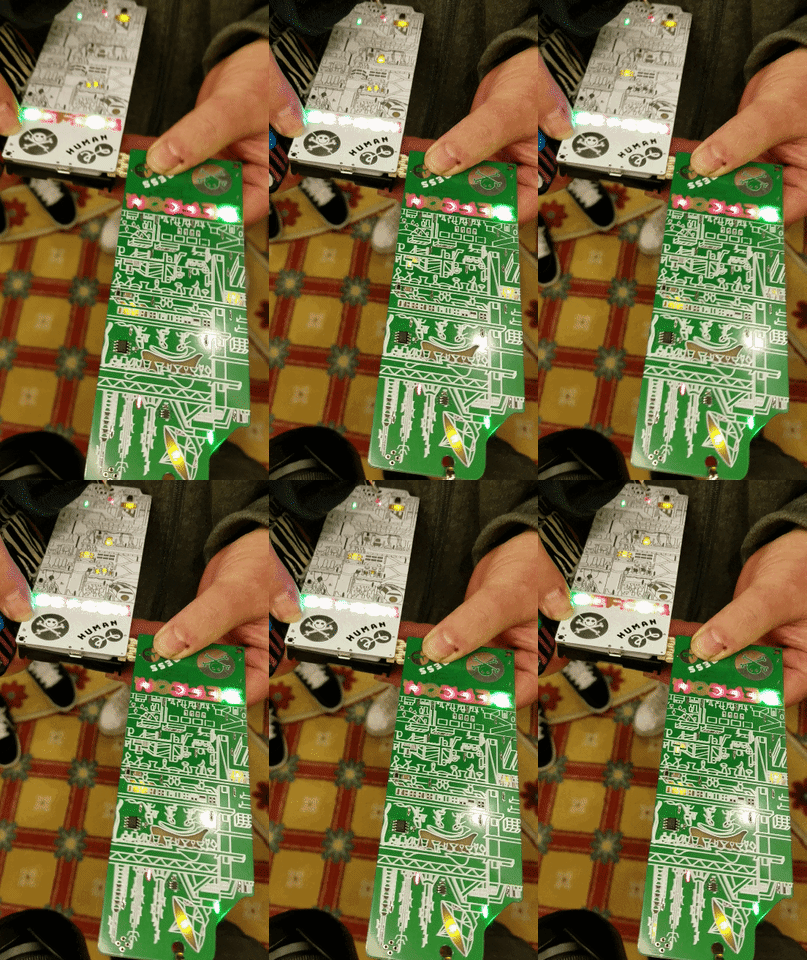
A History of Badgelife, Def Con’s Unlikely Obsession with Artistic Circuit Boards

Daniel Oberhaus writes on Motherboard about #badgelife:
Screenshot from 2018-09-20 09-43-30.png
I hadn’t been at Def Con for more than five minutes before I was mobbed by hackers asking to see my conference badge. I had just left the press registration room at one of the world’s largest hacking conferences, but the attendees lurking outside the door weren’t concerned about my journalistic cred. Instead, they were all trying to solve an elaborate puzzle that implicated every attendee—and as I soon found out, I was one of the few people who could help them solve it.
giphy

Over the course of a weekend in Las Vegas at this year’s Def Con I spoke with dozens of people making and collecting hardware badges in an attempt to understand what compels attendees to drain their bank accounts on circuit boards and race through the labyrinthian halls of Caesar’s Palace in a mad scavenger hunt for rare badges. To an outsider, these hackers seem to have succumbed to madness, but now I know better. This is no badge sickness—it’s badge life.

A History of Badgelife, Def Con’s Unlikely Obsession with Artistic Circuit Boards

Git for Open Hardware Projects

From Steven Abadie:

Git for Open Hardware Projects

Git has become the predominant version control software in Free and Open Source Software projects and communities. Git is excellent for tracking and managing changes to computer files and is especially powerful in managing source code. Although not as common, Git is also a worthy tool for managing the source of your hardware projects. It provides a clear time line of changes, log of contributors, and a system of synchronous development.

1280px-Git-logo.svg

An additional advantage of using Git for Open Hardware are the available hosting options. All basic Git hosting services and software will provide a remote centralized git repository for your team or collaborators to sync to. Other common features you will find are issue tracking, project documentation, and team permission management. The three most common Git hosting services are GithubGitLab, and Bitbucket. If you prefer a self-hosted FOSS Git host, Gitea and Phabricator are great options.

Git for Open Hardware Projects

Visual Schematic Diffs in KiCAD Help Find Changes

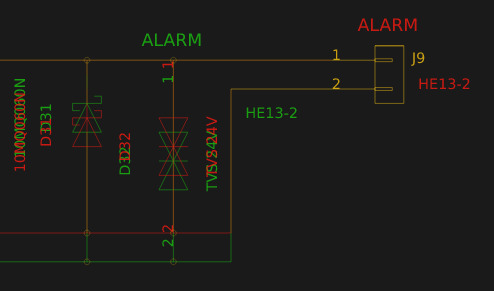
When writing software a key part of the development workflow is looking at changes between files. With version control systems this process can get pretty advanced, letting you see changes between arbitrary files and slices in time. Tooling exists to do this visually in the world of EDA tools but it hasn’t really trickled all the way down to the free hobbyist level yet. But thanks to open and well understood file formats [jean-noël] has written plotgitsch to do it for KiCAD.

via Visual Schematic Diffs in KiCAD Help Find Changes — Hackaday

Quote