
Drag-n-Drop FPGA Loading with Pico Dirty Blaster

Greg Steiert created an USB Blaster alternative which makes it possible to drag-n-drop an image onto an Altera FPGA:
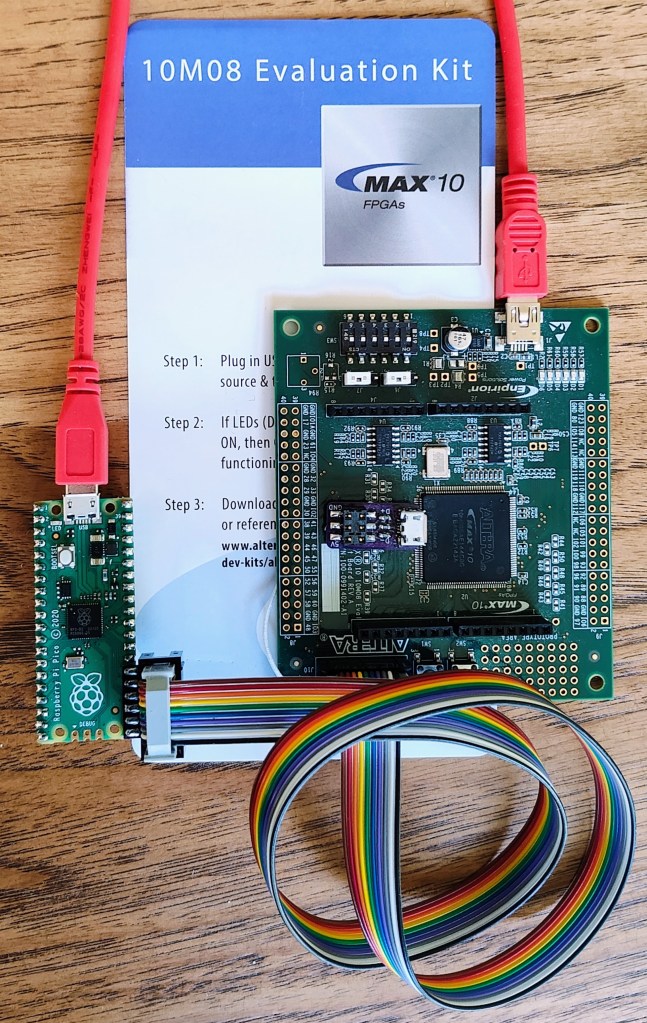
Drag-n-Drop FPGA Loading

This project has taken many detours, often due to a lack of time for software development (or my preference for circuit-board design).  In any case the latest detour came when I learned about the PICO-DIRTYJTAG project by Patrick Dussud.  This project enables the $4 Raspberry Pi RP2040 Pico board to work with openFPGALoader to program a wide variety of FPGAs.  This would save me quite a bit of time with software development, or so I thought.
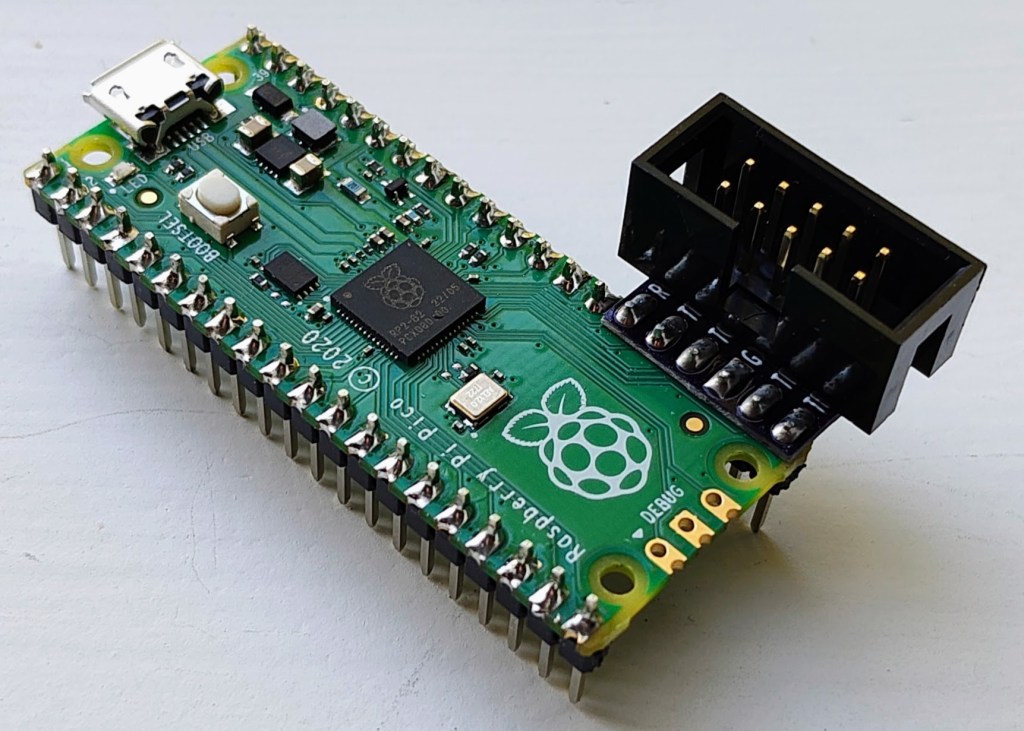
Getting PICO-DIRTYJTAG working with openFPGALoader was a breeze.  My first test was to load an image into the MAX10 10M08 Evaluation Kit that does not include an integrated loader.  openFPGALoader “supports” MAX10 through SVF files, which technically works, but is painfully slow.  So slow that I decided to find a better software solution.  I had stalled on my previous efforts to implement an SVF interpreter and decided to look for some other options.  Altera also provides STAPL JAM and JBC files for programming, and these are a little more embedded friendly.  JBC files convert JAM files to byte code and are more space efficient, so I opted to implement a JBC loader.
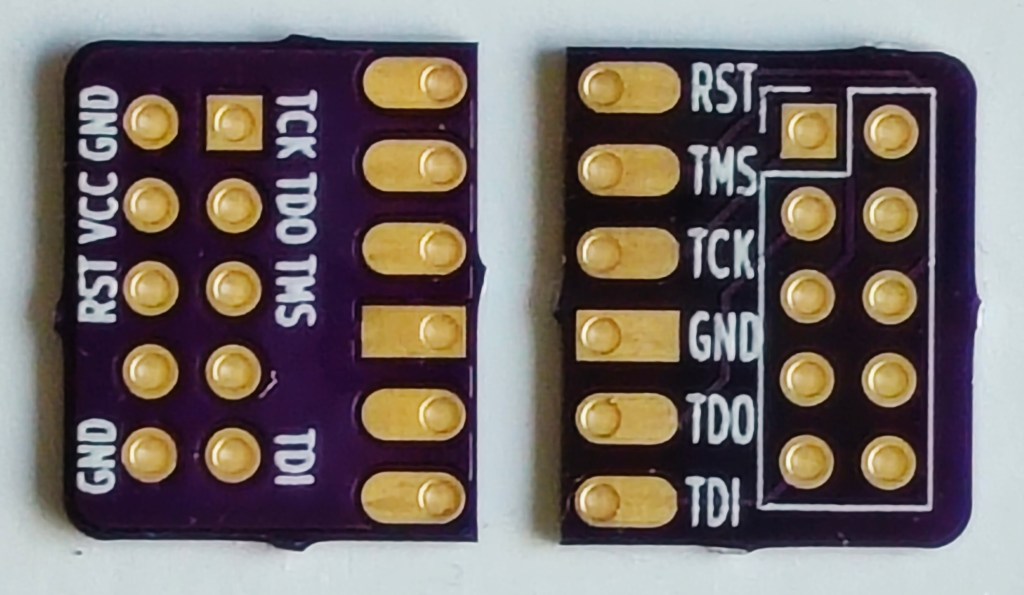
This new combined UF2 file can be drag-n-dropped onto the Pico board and will immediately program the FPGA through the pico-dirty-blaster adapter. The pico-jbi.uf2 JBC player firmware and the uf2jbc.py generator script are available at the pico-dirty-blaster github repo.

Drag-n-Drop FPGA Loading with Pico Dirty Blaster

ThunderScope live on Crowd Supply

We’ve been excitedly following Aleksa Bjelogrlic’s open source hardware high-performance oscilloscope project and are very happy to see it has already shot way past its funding goal on Crowd Supply:

ThunderScope

A new type of oscilloscope that’s fast, flexible, and completely open

ThunderScope packs the power of expensive, bulky high-end oscilloscopes into a portable and affordable package. While traditional scopes are limited by their built-in processing capabilities and cramped user interfaces, ThunderScope is designed to stream the complete 1 GS/s of sample data in real time to your computer for processing and analysis. ThunderScope’s fast connections (via Thunderbolt, USB 4, and PCI Express) and unique software-defined architecture allows it to be used for everything from simple measurements to complex protocol analysis.

ThunderScope is a re-imagining of how test equipment is designed and used. The hardware focuses on the most important aspect of an oscilloscope – the analog frontend. Traditional scopes have to split their budget between the analog frontend and support components such as a small screen, underpowered microprocessor, and large chassis. ThunderScope takes a different approach: A no-compromises analog frontend that connects to your computer over the fastest available interfaces. Unlike any other scope that handles processing on device, this change in approach allows ThunderScope to use your computer to its fullest potential. This makes ThunderScope the only scope that will get better every time you upgrade your computer.

In this episode of the Teardown Sessions, Crowd Supply’s Helen Leigh celebrates the launch of the Thunderscope oscilloscope with Aleksa Bjelogrlic:

ThunderScope live on Crowd Supply