Fairy Dust mini PCB pin for RC3

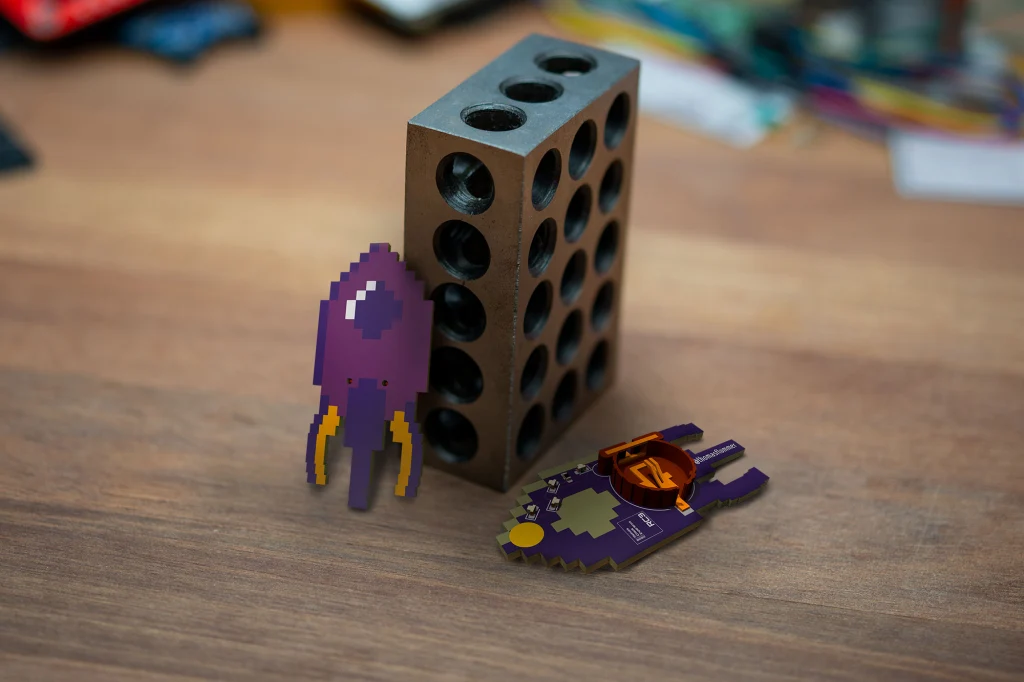
We are excited to see the wonderful Thomas Flummer in Copenhagen has designed a neat PCB pin for the virtual Chaos Communication Congress next month:
Fairy Dust mini PCB pin for RC3

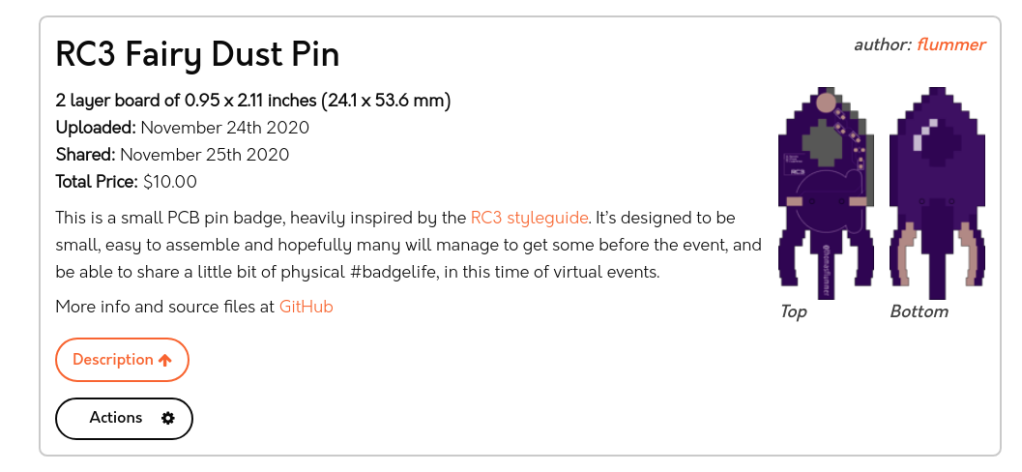
This is a small PCB pin badge, heavily inspired by the RC3 styleguide. It’s designed to be small, easy to assemble and hopefully many will manage to get some before the event, and be able to share a little bit of physical #badgelife, in this time of virtual events.

Making your own

If you want to make your own, I have included the gerbers, in case you don’t want to install the nightly version of KiCad.

There is also a shared projects at OSHPark, and this is designed for the standard purple PCBs. It’s designed to be exactly 2 square inches, so for USD 10 you get 3 pcs. shipped anywhere, though the standard shipping might take a bit to arrive.

The parts needed for this pin is simply 4 white 0603 LEDs, a series resistor, also 0603, to limit the current a bit (I’ll try with a 1K to begin with), a CR1220 coin cell holder (I’m planning on using a Q&J CR1220-2 from LCSC) and then a little round brooch clasp/tie tack pin (I got some on ebay, but a DIY/craft supply store might also have them).

Please share

If you decide to make this badge or a variant of it, please share images so we can all see it and get inspired. If sharing on social media, please use the #badgelife tag and please let me know, I would love to see what you have made!

Here is the shared project:
Fairy Dust mini PCB pin for RC3

Remoticon: KiCad to Blender for PCB renders

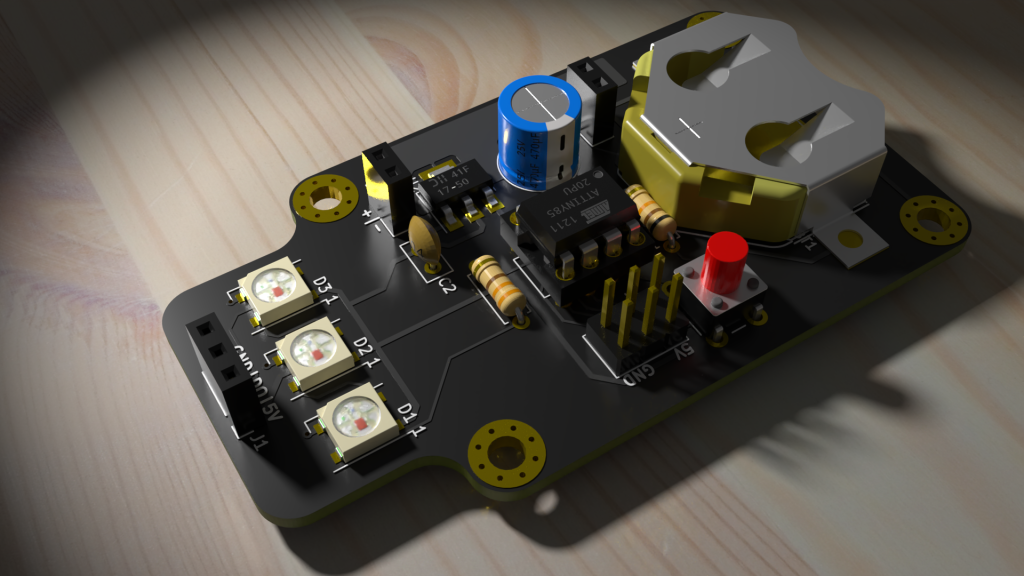
Learn how to go from KiCad 3D exports to photorealistic renders in Blender in the Hackaday Remoticon workshop by Anool:

Remoticon: KiCad to Blender > PCB renders

Those of us using KiCad for circuit board design know how useful the built-in 3D viewer and associated (rudimentary) renderer is. KiCad renderer is getting better, but if you want to get there fast, and want to create some amazing photorealistic renders of your PCB, then Blender’s the way to go. Blender can be intimidating to start with, so we’ll walk through a couple of simple steps to go from KiCad VRML export to photorealistic Blender renders.

Remoticon: KiCad to Blender for PCB renders

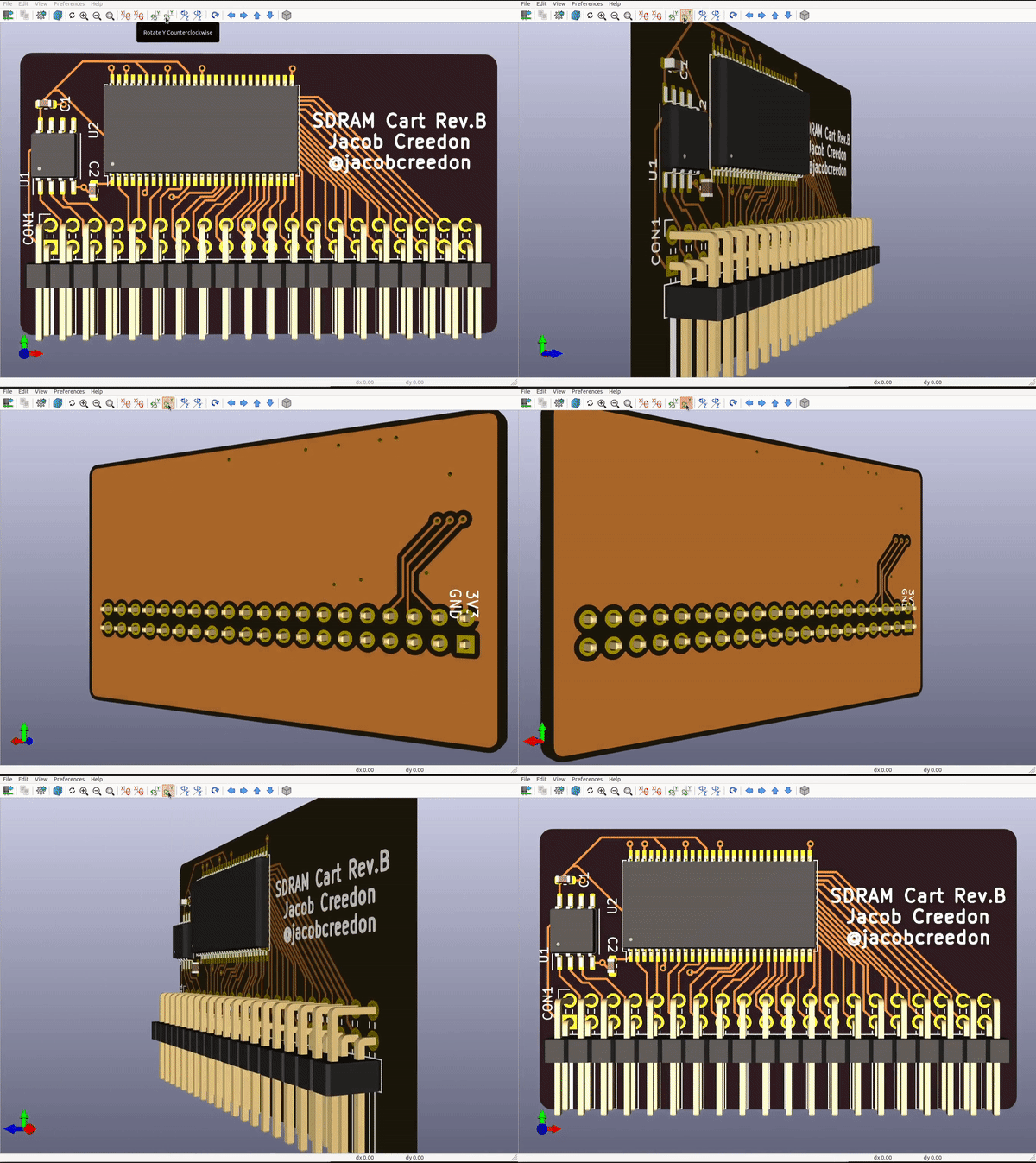
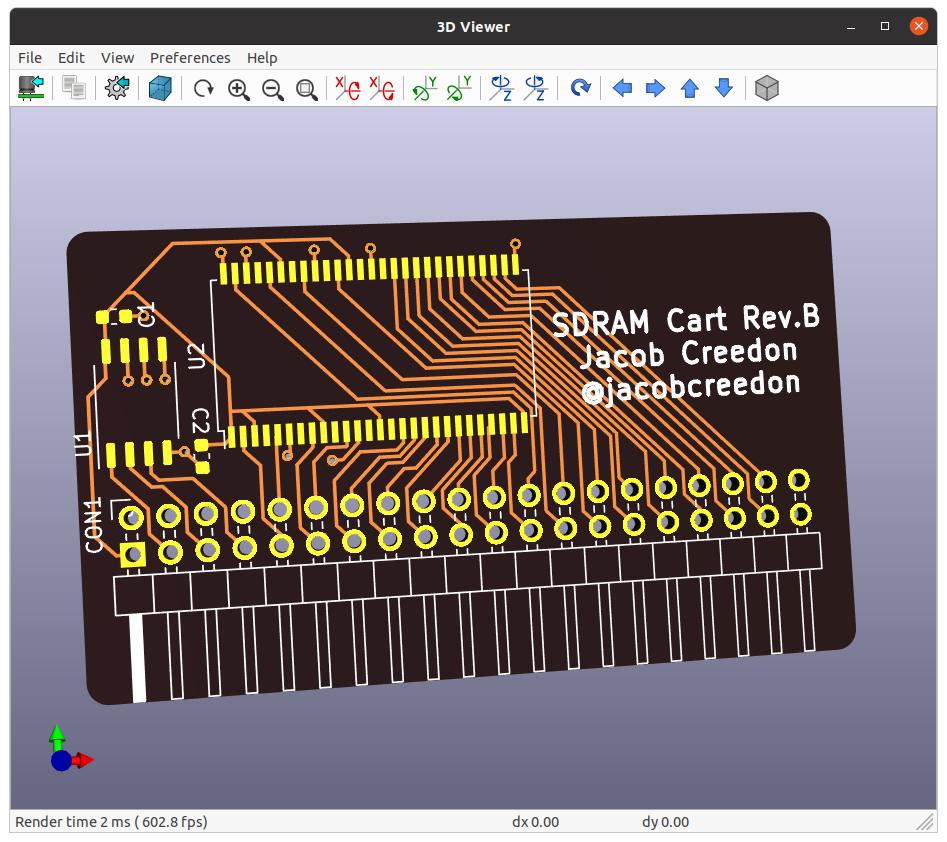
KiCad 3D Viewer can now render “After Dark”

Thanks to KiCad developer Mario Luzeiro for enabling our “After Dark” service to be rendered, which features clear solder mask on black fiberglass:

Development Highlight: 3D Viewer Improvements

The KiCad 3D Viewer has seen a few incremental improvements during the course of V6 development:

Plated and Non-Plated Copper

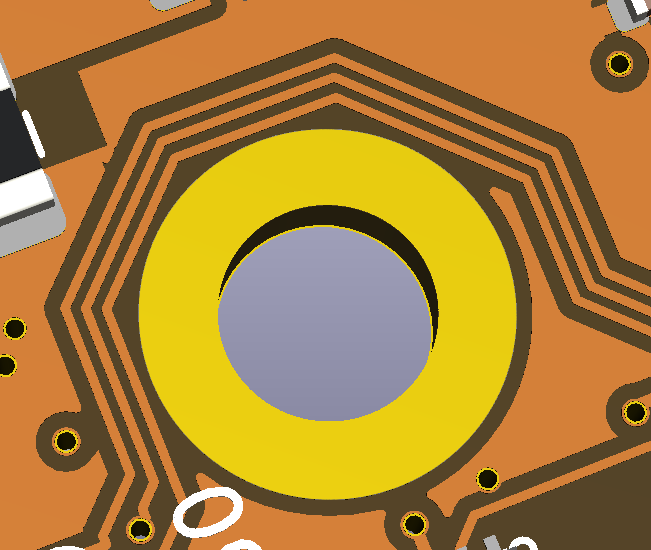
A subtle change has been made in MR#405 by Mario Luzeiro that affects how copper is rendered. The visual difference between plated copper pads and non-plated copper pads will now be visible as well as copper in general.

This image shows a ENIG plated copper hole compared to the surrounding copper traces when the soldermask was turned off.

KiCad 3D Viewer can now render “After Dark”

Ask KiCad developer about V6

Watch live right now on YouTube!

Find out more about the KiCon 2020 Developers Q&A:

For participating and streaming, see the event page for more info.

Ask KiCad developer about V6

“After Dark” now looks great in KiCad

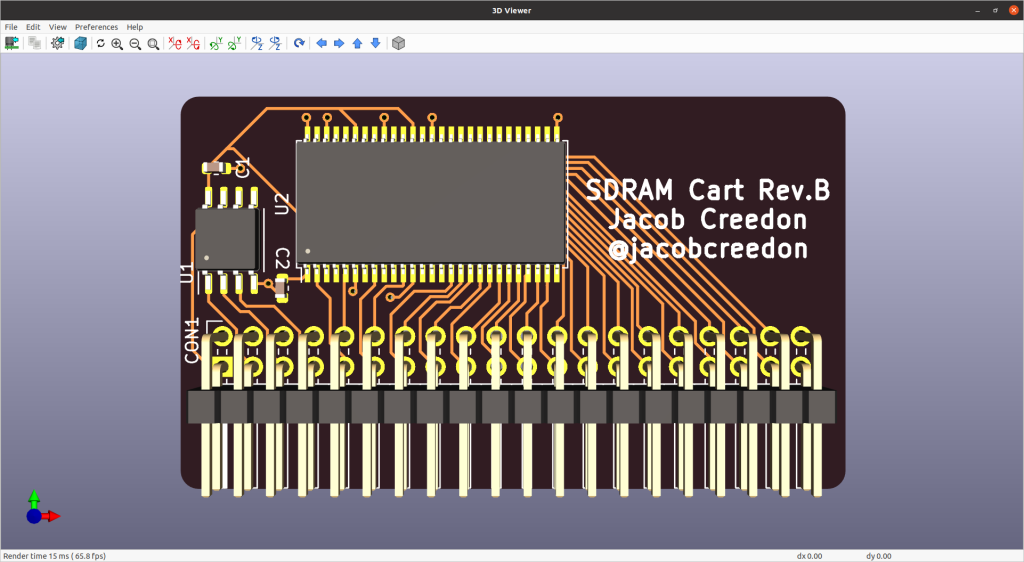
“After Dark” 3D render now looks great in KiCad v5.99 (the nightly development build) thanks to Mario Luzeiro!

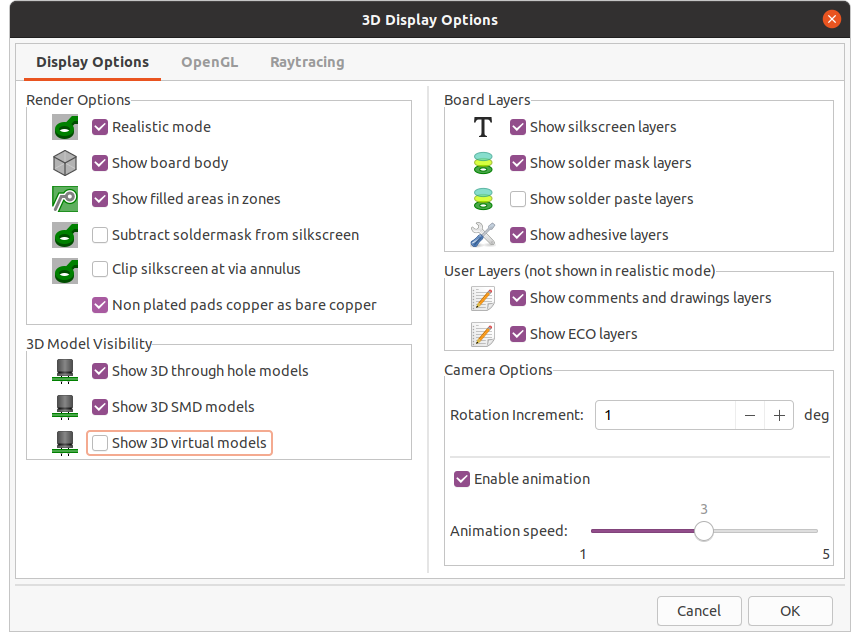
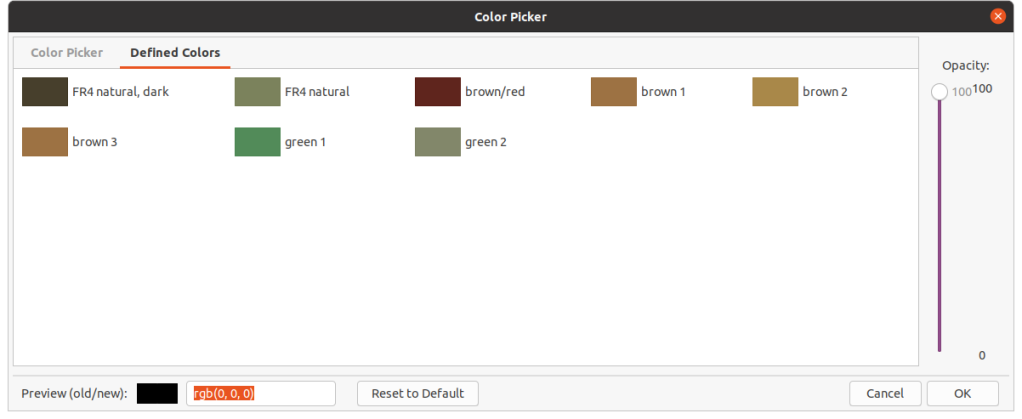
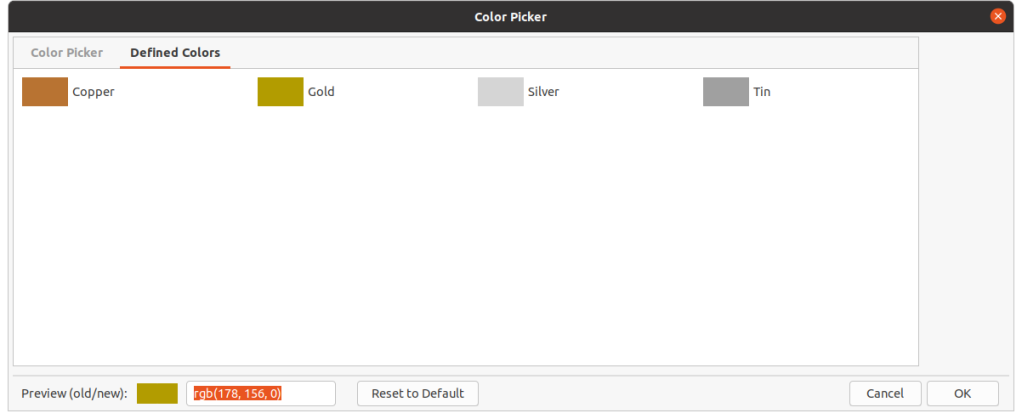
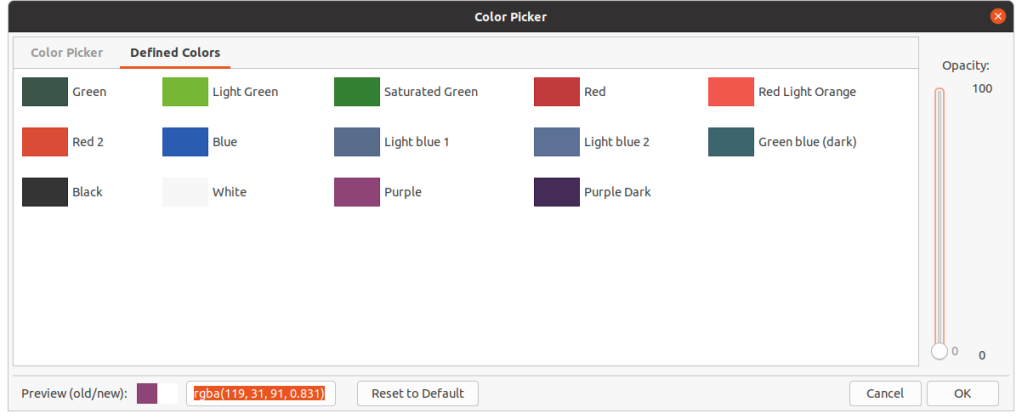
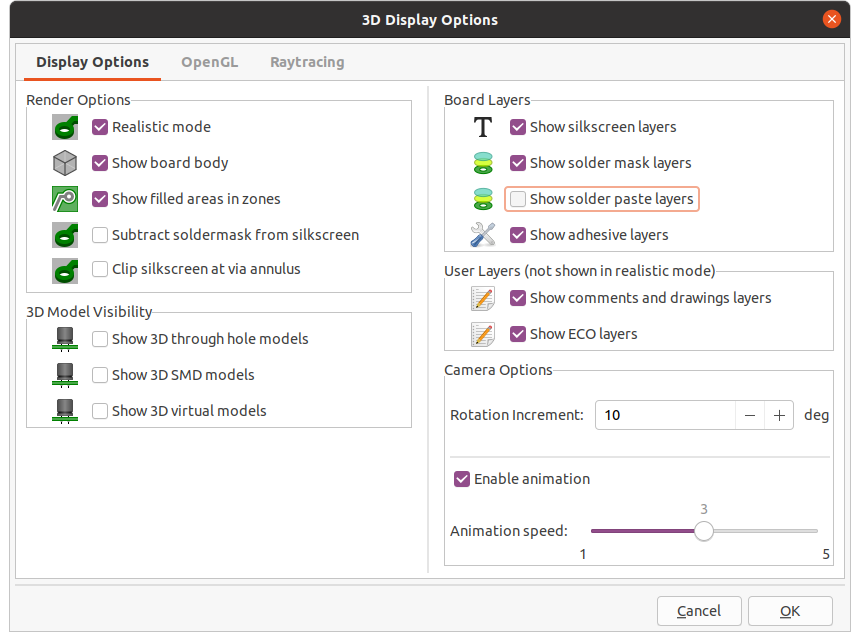
Here are the settings for the KiCad 3-D viewer:

  • To view the plated SMD pads and through hole vias, then uncheck the solder paste layers and uncheck the options to render 3D models:
  • Set solder mask color to 0% opacity:
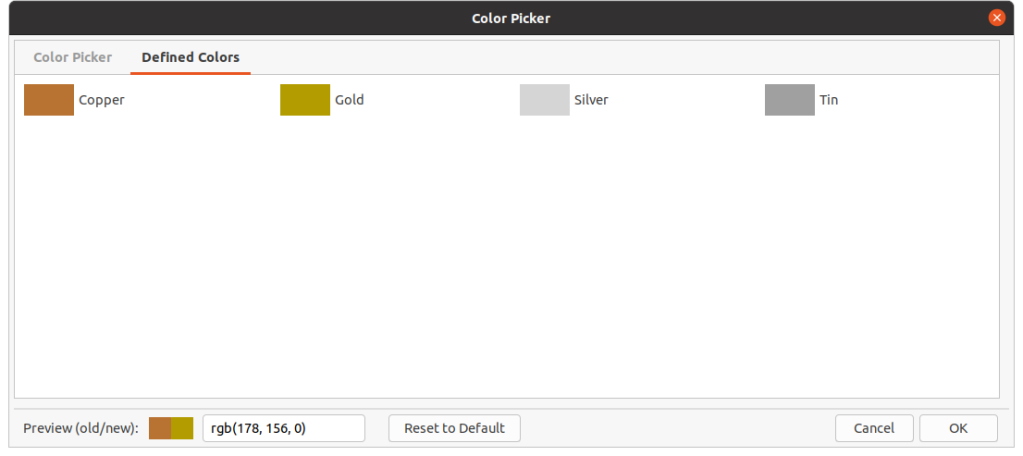
  • Set “Copper/Surface Finish” color to Gold:
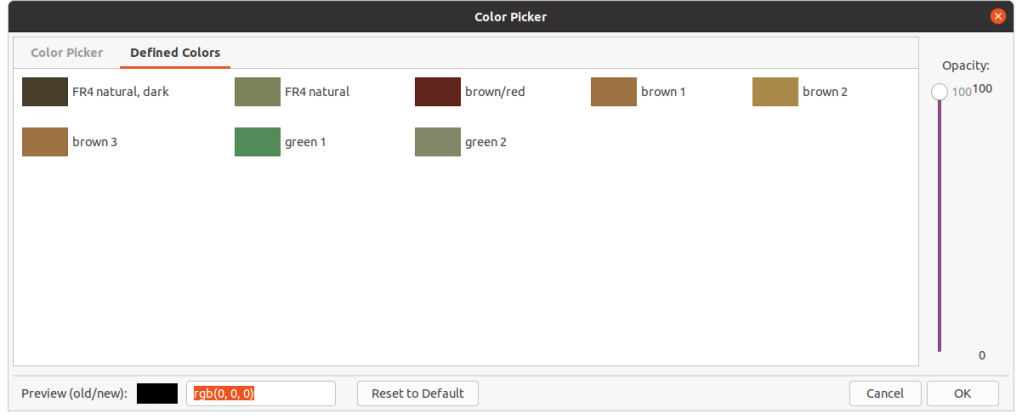
  • Set board body color to Black:

“After Dark” now looks great in KiCad

KiCon 2020 to take place October 3rd

An update from the KiCon website:

After a successful first year of KiCon in 2019, we decided to change venues. We were very excited to hold the conference at CERN, a major contributor to the KiCad project. However, Coronavirus / COVID-19 changed a lot of plans, including ours.

We will be hosting a short program on October 3rd. The key focus will be a developer session, where members of the community can hear about the changes to the upcoming version 6 software, and ask questions directly to the developers. Further planning details to follow.

KiCon 2020 to take place October 3rd

New features coming to KiCad

KiCad developer craftyjon recently posted videos about upcoming features.

This is a preview of the new per-type object opacity and visibility controls coming in KiCad 6
This is a preview of the new net and netclass appearance control panel coming in KiCad 6


New features coming to KiCad

Hackspace Mag: PCB design – the open way!

My column from the latest issue of Hackspace Magazine:

PCB design – the open way!

You’ve had an awesome idea for a new project, you’ve managed to get your breadboard prototype working and you’re ready to commit to making your design into a shiny new Printed Circuit Board (PCB). To do that, you’ll need to create a schematic and PCB layout using some kind of Electronic Design Automation (EDA) software. Let’s take a look at some of the options.

Altium is Windows-only proprietary software common in professional settings where the company can afford hefty licencing fees. Autodesk Eagle is also proprietary but runs on Mac, Linux and Windows. Eagle has a restricted free version that is popular with students and hobbyists. The commercial licensing is way less expensive than Altium, making Eagle popular with smaller businesses, including many famous Open Source Hardware (OSHW) organizations like Adafruit, Arduino and Sparkfun.

In recent times a free and Open Source software suite called KiCad has been making waves in the PCB design world. KiCad has been around since 1992, when it was created by Jean-Pierre Charras. Until relatively recently KiCad was a small fish in the EDA software pond, but in 2013 the iconic research organisation CERN started to invest in KiCad as part of their Open Hardware initiative

This commitment from CERN improved KiCad dramatically, in terms of stability, functionality and popularity. They worked on crucial features including a push and shove router which is capable of routing differential pairs and interactively tuning trace lengths. These higher end features allowed KiCad to handle more complex designs, including critical hardware controlling experiments at CERN, a complex 64 bit ARM single board computer by Olimex and the MNT Reform, a fully Open Source laptop by Lukas Hartmann. DigiKey is also investing heavily into KiCad, including developing a parts library and releasing a ten part KiCad video series on YouTube with Shawn Hymel.

A great way to get started with KiCad is “Getting to Blinky”, a video tutorial by Chris Gammell.  There’s also KiCon, a conference dedicated to KiCad where you can learn from other designers. The next KiCon will be held online in September 2020.

Like many Open Source software projects, KiCad gets funding for developer time through donations. Hopefully these donations will allow project leader Wayne Stambaugh and other core developers to dedicate more time to KiCad development. If you want to support of professional-quality PCB design tools without cost, functionality or intellectual property restrictions, you can donate to KiCad through the Linux Foundation.

The PDF is available to download from Hackspace.

Hackspace Mag: PCB design – the open way!

Introducing EDeA: An Open Platform for Easily Reusable Subcircuits

This looks like a promising way to make PCB design more efficient by leveraging the existing open source hardware designs:

Screenshot from 2020-07-30 11-02-22

Introducing EDeA

We’re building an open-source web portal for sharing KiCad subcircuits, which will enable you to create more by doing less.

This is what inspired the EDeA project. Out of a very naïve “how hard can this be?” question, we first built a primitive prototype tool to merge KiCad projects, including their schematics and PCB layout. This still need a lot of work before it can be considered safe, including correct net aliasing, nesting of subschematics, etc. But this solves only one part of the problem, something which should be solved in the upcoming major release of KiCad anyways.

We are now laying the groundwork for EDeA; a community portal to share, find, and assemble subcircuits into KiCad projects. It’s all in rough shape, and we’re still a bit away from the first alpha we will show to the public, but we’re getting there.

What we envisioned is an easy-to-use catalog of various circuit submodules; power supplies, data converters, microcontrollers, processors, and so on. These submodules contain schematics and a PCB layout, among with useful metadata; number of copper layers, component count, surface area, necessary manufacturing capabilities, and so on. Each of the subcircuit category should also have meaningful parameters; for example efficiency for a power supply, bandwidth for a transceiver. You can select any amount of these submodules, click a button, and get a KiCad project which contains all the submodules as hierarchical subsheets. Now you only need to wire these together as you need them, and in pcbnew move the already layouted submodules to fit the exact shape you need. To keep the already complex project manageable, we can’t go into auto-connecting and auto-placing of submodules. At least not yet.

Introducing EDeA: An Open Platform for Easily Reusable Subcircuits

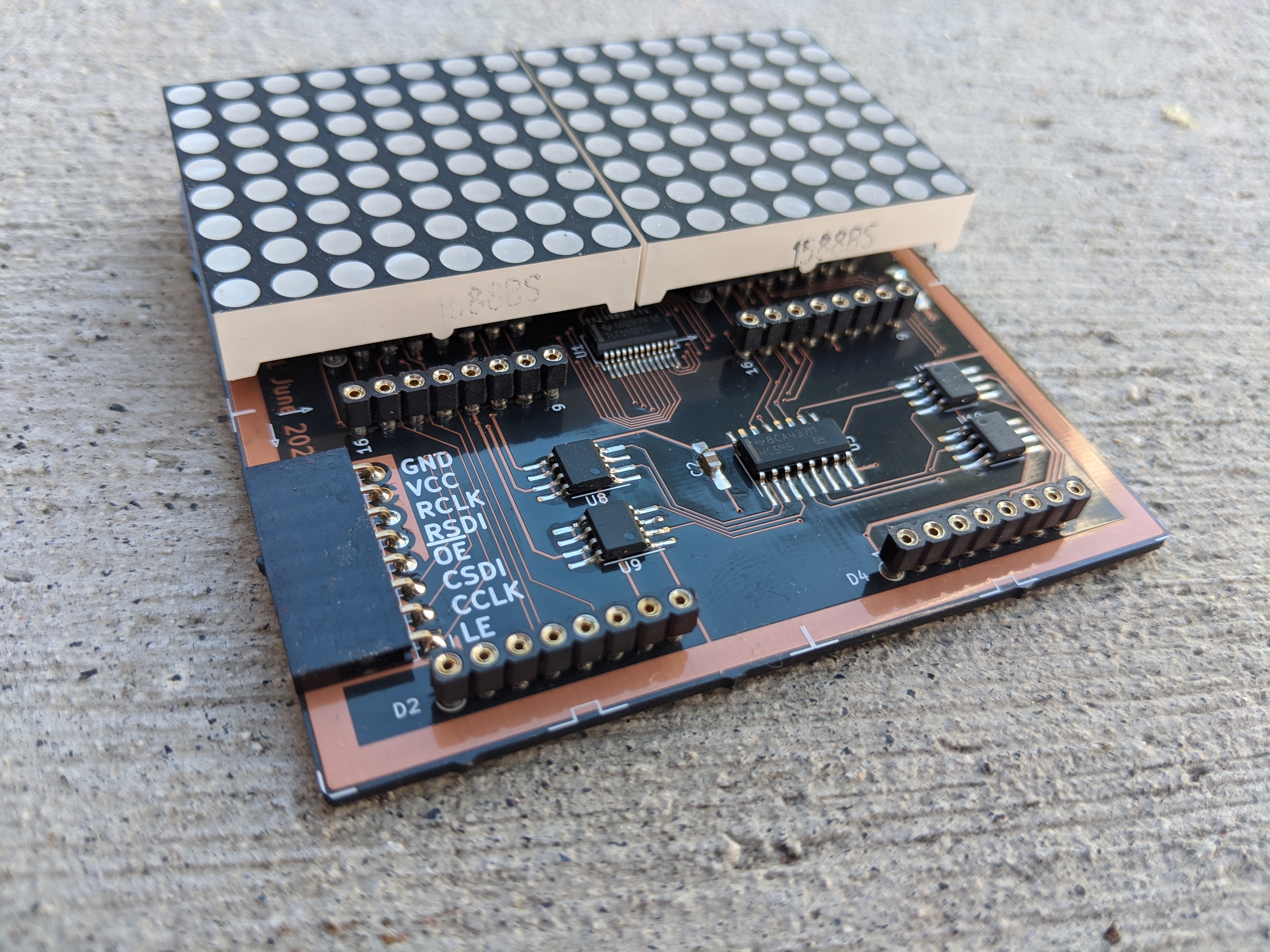
Custom 16×16 matrix display PCB

Erik van Zijst writes about their latest project made with our “After Dark” service:
EdUOhStU0AAK80C
For a previous project I explored what it would take to create a text marquee on an 8×8 LED matrix display without microcontroller, using only 7400 chips, an old EEPROM and breadboard components. Matrix Displays I was interested in using an LED matrix display and I picked up some cheap 8×8 ones on Amazon. medium.com That worked, but 8×8 is very small to do anything interesting and so I wanted to give it another go, create a larger 16×16 panel, design a custom PCB and ultimately hook it up to a microcontroller this time to write some games for it.

View at Medium.com

Custom 16×16 matrix display PCB