Making Braille Signs out of PCBs

From  on Hackaday:

Screenshot from 2017-11-01 11-47-06.png

Making Braille Signs out of PCBs

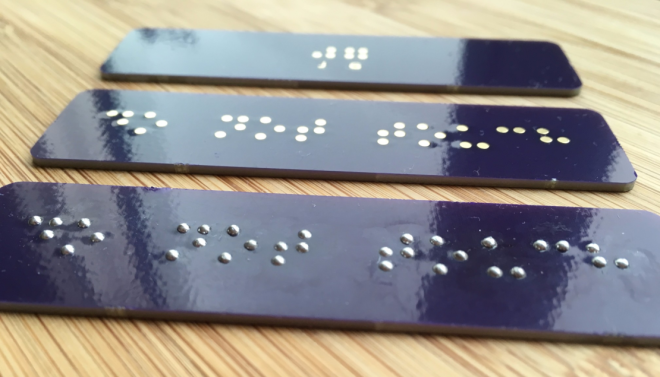
[jg] recently passed some damaged Braille signs and took on the challenge of repairing them. Informed by his recent work on PCB lapel pins, [jg] immediately thought of using circuit boards for this project. He’d noticed that round solder pads made for uniform hills of solder, and this reminded him of the bumps in Braille.


He began by reading up on the standards of the Braille Authority of North America, which stipulates a dot height of 0.6mm. He loaded up the PharmaBraille font system and laid it out the dots in photoshop, then and imported it into KiCad and laid out the boards. When the PCBs had arrived from OSH Park, [jg] soldering up the pads (lead free, but of course) to see if he could get the hills to 0.6mm. He’s experimenting with different methods of melting the solder to try to get more even results

 

Making Braille Signs out of PCBs

Ben Krasnow Hacks E-Paper For Fastest Refresh Rate

https://youtube.com/watch?v=MsbiO8EAsGw%3Fversion%3D3%26rel%3D1%26fs%3D1%26autohide%3D2%26showsearch%3D0%26showinfo%3D1%26iv_load_policy%3D1%26wmode%3Dtransparent

[Ben Krasnow] is known for his clear explanations alongside awesome hardware, being one of only a few hackers who owns an electron microscope. This time he’s explaining how E-paper works while modifying the firmware of a 4.2 inch E-paper module to get a higher refresh rate. As for the awesome hardware, he also analyses the…

via [Ben Krasnow] Hacks E-Paper For Fastest Refresh Rate — Hackaday

Ben Krasnow Hacks E-Paper For Fastest Refresh Rate

BeagleLogic Standalone

Kumar Abhishek just announced on his blog a project that he has been working on the past four months:

beaglelogic-standalone-top (1)

Announcing: BeagleLogic Standalone

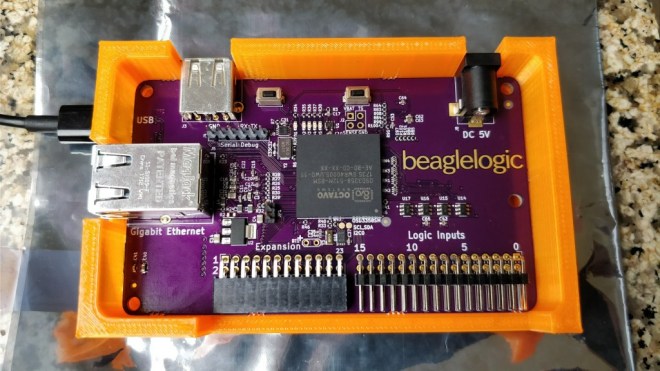
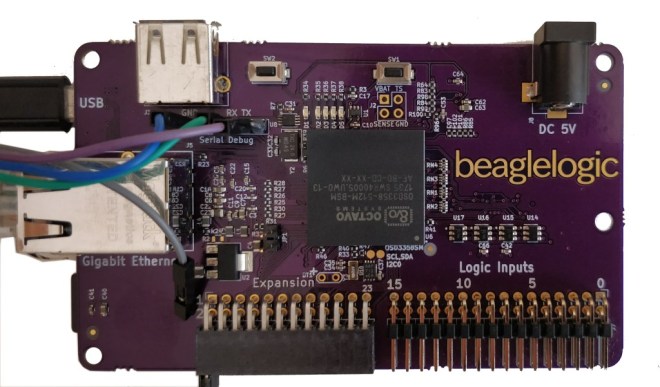
BeagleLogic Standalone is a specialized version of the BeagleBone which is intended to be used a logic analyzer based on BeagleLogic.

Screenshot-from-2017-10-10-09-37-04

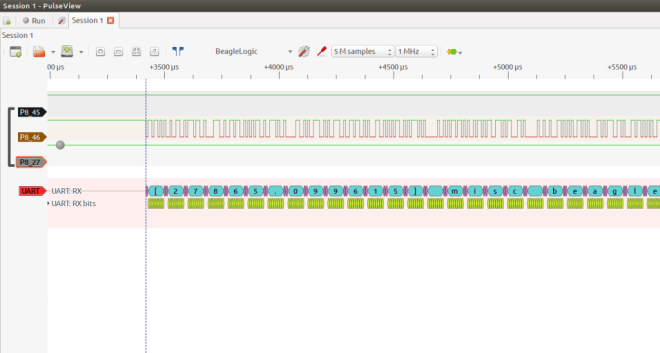
This logic analyzer has networking capabilities (10/100/1000Mbps Ethernet); it can be used to used to debug circuits remotely. And as it is a full-featured Linux computer, you can run the sigrok set of tools directly on the BeagleLogic Standalone board (they come preinstalled in the BeagleLogic system image), or on your host PC. It has 16 channels and can sample up to 1.5 seconds of data at the maximum sample rate, which is 100MSamples/sec (3 seconds of data if using only the first 8 channels).

Screenshot-from-2017-10-06-14-45-03

I designed and 3D printed a snug fit “open” case for the BeagleLogic standalone board. I’ve written more about it in a Hackaday.io project log.

bls-3dprintedcase

BeagleLogic Standalone is one of the 20 finalists in the Best Product round of the Hackaday Prize. The results are awaited on the 11th of November. It’s been a great journey taking BeagleLogic standalone from a concept to a prototype and giving a glimpse as to what it could be as a finished product and the experience I gained during the process is invaluable, and I wish to thank Hackaday for providing me with this opportunity.

If enough people sign up, I plan on organizing a group buy for BeagleLogic Standalone boards. If you want to get one, please do not hesitate and sign up here.

The documentation for the board is available at standalone.beaglelogic.net. You can also follow the project on Hackaday.io here.

BeagleLogic Standalone

µGame by Radomir Dopieralski

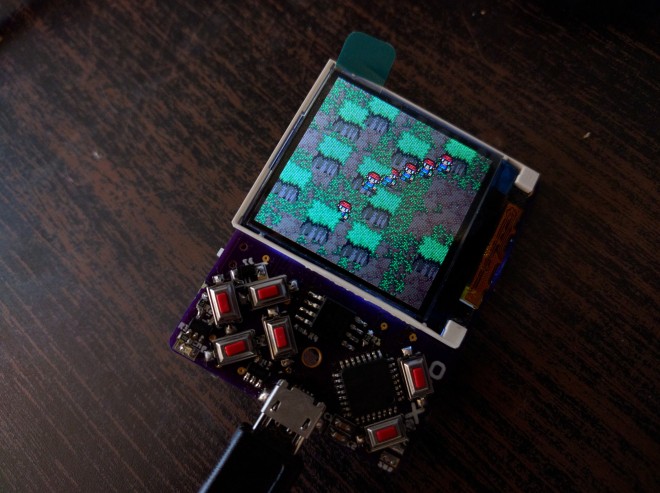
Radomir Dopieralski has created handheld game console programmable with (Micro/Circuit)Python:

2179411509287391232.jpg

µGame

A small game console directly programmable in Python. I always wanted to make this, and after my work on #PewPew FeatherWing I finally decided that I’m ready.

The first version may be a bit of a stretch — I tried to make it as small as possible, fitting in the 5x5cm limit of PCB manufacturers, so that it will be cheap to make the PCBs. Using the cheap ST7735 TFT display, and a cheap ATSAMD21E chip. I also tried to put all the components on one side of the board, but failed with that — the power and reset switch had to go on the back, as well as the buzzer.


µGame by Radomir Dopieralski

Hackaday Prize Entry: Global Positioning Clock

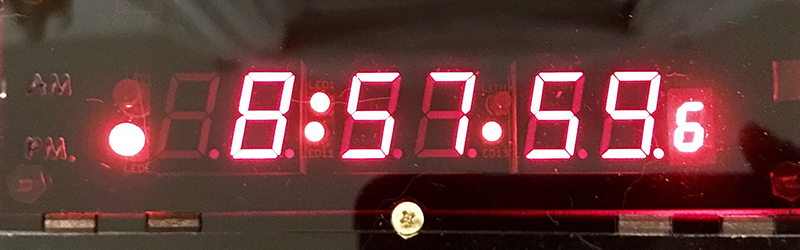
For one of [Nick]’s Hackaday Prize entries, he’s building a minimalist GPS clock. First up, the centerpiece of every clock, the display. There are eight seven-segment displays, two each for the hours, minutes, and seconds, and a smaller digit for tenths of a second. These displays are controlled by an ATXmega32E5, an upgrade on an earlier version of this project that only used an ATtiny and a MAX6951 LED driver.

via Hackaday Prize Entry: Global Positioning Clock — Hackaday

Hackaday Prize Entry: Global Positioning Clock

Hackaday Prize Entry: Pyrotechnics Sequencer with Wireless Control

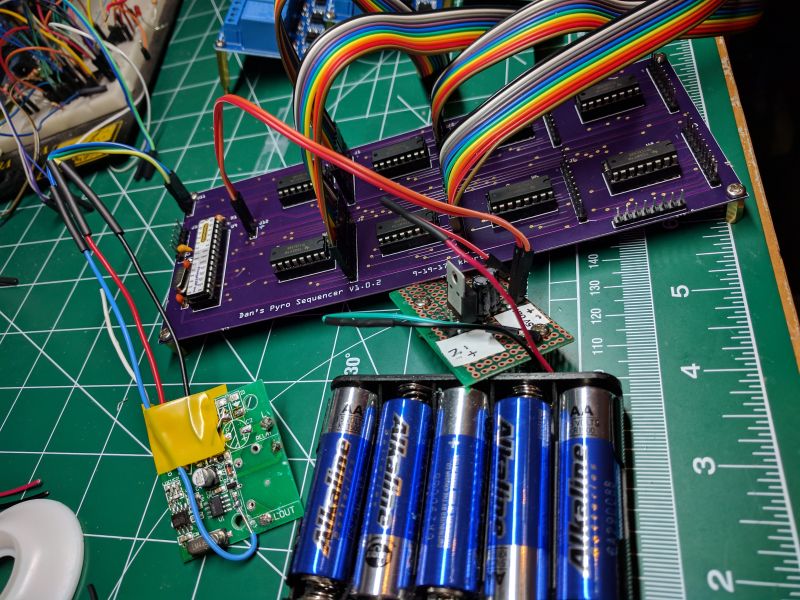
[visualkev]’s friend was putting on his own fireworks show by lighting each one in turn, then running away. It occurred to [visualkev] that his friend wasn’t really enjoying the show himself because he was ducking for cover instead of watching the fun. Plus, it was kind of dangerous. Accordingly, he applied his hacker skills to…

via Hackaday Prize Entry: Pyrotechnics Sequencer with Wireless Control

Hackaday Prize Entry: Pyrotechnics Sequencer with Wireless Control

These Twenty Projects Won $1000 In The Hackaday Prize

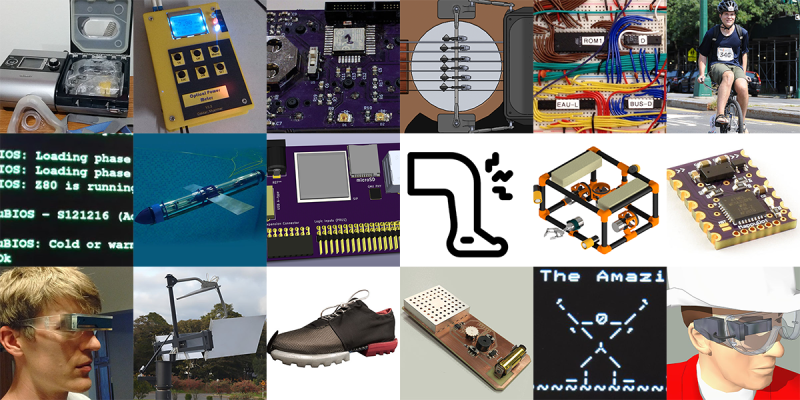
For the last several months, we’ve been hosting the greatest hardware competition on Earth. This is the Hackaday Prize, and we’ve just wrapped up the last of our five hardware challenges. For the Anything Goes challenge in this year’s Hackaday Prize, we’re asking hardware hackers to build the best, the coolest thing. No, it doesn’t matter what…

via These Twenty Projects Won $1000 In The Hackaday Prize

These Twenty Projects Won $1000 In The Hackaday Prize

Hackaday Prize Entry: Giving Phones Their Tactile Buttons Back

In the before-times, we could send text messages without looking at our phones. It was glorious, and something 90s Kids™ wish we could bring to our gigantic glowing rectangles stuck in our pocket. For his Hackaday Prize Entry, [Kyle] is bringing just a little bit of this sightless functionality back to the modern smartphone. He’s…

via Hackaday Prize Entry: Giving Phones Their Tactile Buttons Back — Hackaday

Hackaday Prize Entry: Giving Phones Their Tactile Buttons Back

Hackaday Prize Entry: PaperBack Desktop ePaper Monitor

https://youtube.com/watch?v=Fd8cFR_uTQM%3Fversion%3D3%26rel%3D1%26fs%3D1%26autohide%3D2%26showsearch%3D0%26showinfo%3D1%26iv_load_policy%3D1%26wmode%3Dtransparent

When we announced the Hackaday Prize with its Best Product category, [PK] polled his wife and co-workers about the idea of making a desktop monitor using 6″ 800×600 ePaper, which he has since built and calls the PaperBack. One such requirement for a monitor is to be able to connect to it using one of…

via Hackaday Prize Entry: PaperBack Desktop ePaper Monitor — Hackaday

Hackaday Prize Entry: PaperBack Desktop ePaper Monitor

Hackaday’s Open Hardware Summit Experience

 writes about 2017 Open Hardware Summit last week in Denver:

Hackaday’s Open Hardware Summit Experience

This yearly gathering brings together the people and businesses that hold Open Hardware as an ideal to encourage, grow, and live by. There was a night-before party, the summit itself which is a day full of talks, and this year a tour of a couple very familiar open hardware companies in the area.

I thought this year’s conference was quite delightful and am happy to share with you some of the highlights.


tables-oshpark-pcb-sign

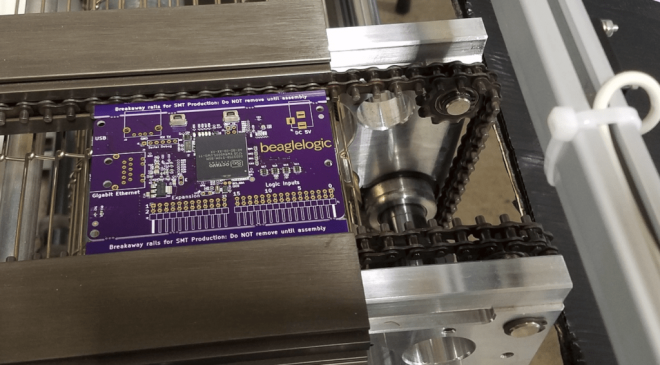
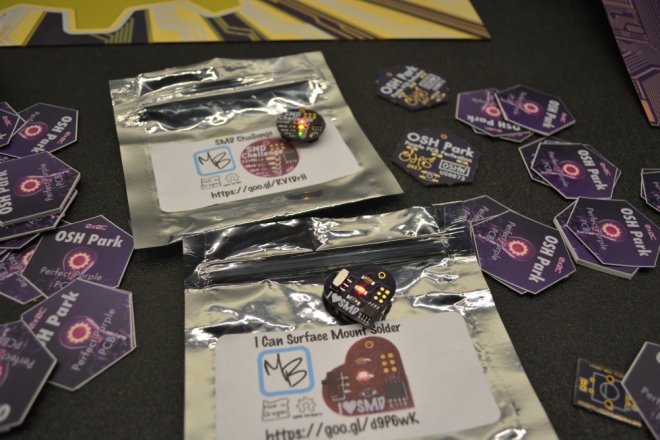
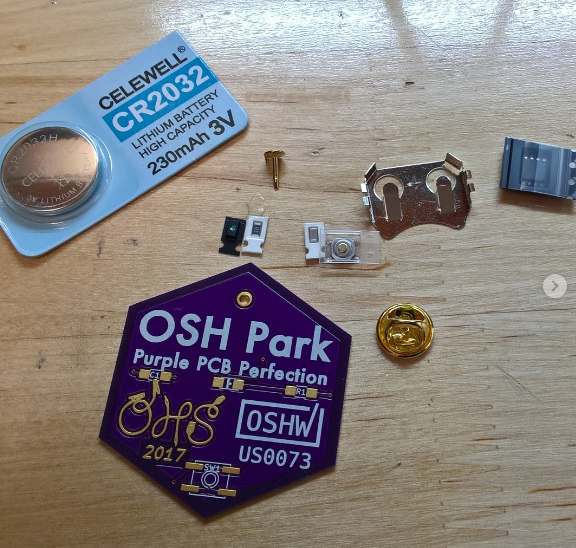
The OSH Park table was not only showing off a PCB panel as their signage, but had our favorite SMD solder challenge boards on hand. 

tables-oshpark-smd-solder-kit

Screenshot from 2017-10-12 08-37-41

Hackaday’s Open Hardware Summit Experience