Beeping, Blinking Business-card Badge (B4)

Greg Steiert has added sound to his amazing NFC business card:
Beeping, Blinking Business-card Badge (B4)

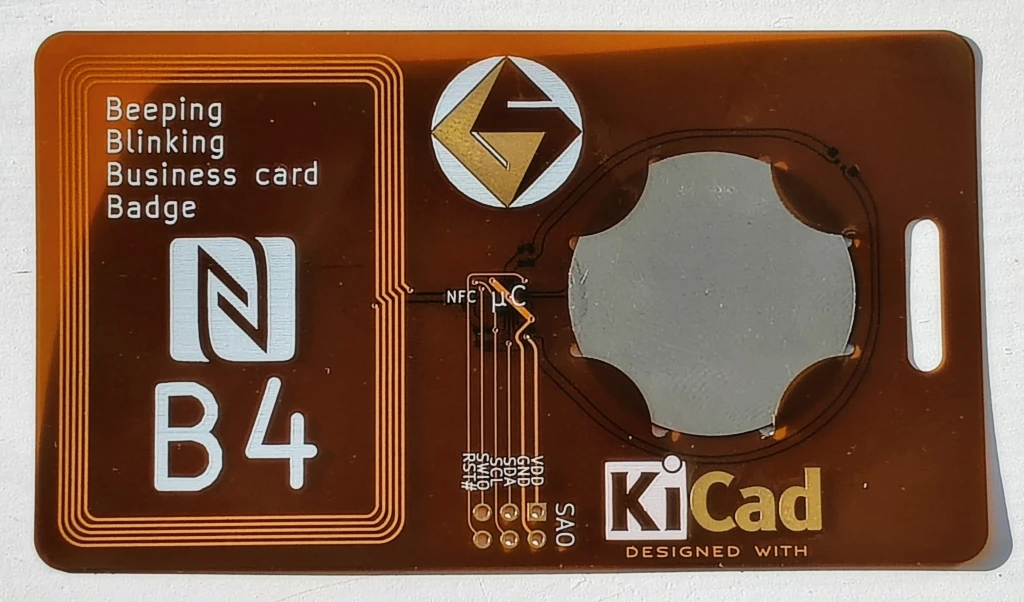
This 1mm thick, environmentally friendly, re-usable business card delivers a vcard with a tap and actively indicates the access with audio and visual cues. Everything is powered from the energy harvested through NFC so there are no batteries to replace. The card provides a URL to a vcard. This is a great project for OSHPARK’s Flex service.

This video shows the 1mm thin Beeping Blinking Business card Badge playing a tune while being read:

This project has evolved over the years.  The current design consists of the NXP NTAG I2C Plus NFC EEPROM that supports energy harvesting.  The NTAG device powers a WCH CH32V003 MCU that drives the buzzer and LED(s).  There are three implementations of this circuit:

b4thin: 1mm thin flex-circuit design

b4handy: a full size hand solderable design 

nfcwchsao  a compact pocketable design

I’ve tried to document my learnings along the way, including designing a battle board to see which NFC EEPROM provides the most current.  These insights are provided in the project logs.

These designs are ideal for OSH Park’s board service.  OSH Park provides 3 copies of the design so you get three attempts to assemble your custom business card.  Sometimes, I made use of all three.  The KiCad files are available on github so you can customize them yourself and build your own personalized card.  With the current three versions of the design there is something for every skill level.  Think twice about the 1mm thin design if you don’t have access to a hot plate or heat gun to mount the thin leadless packages
Beeping, Blinking Business-card Badge (B4)

Challenge your soldering skills at Teardown 2024

Ready to test your soldering skills?

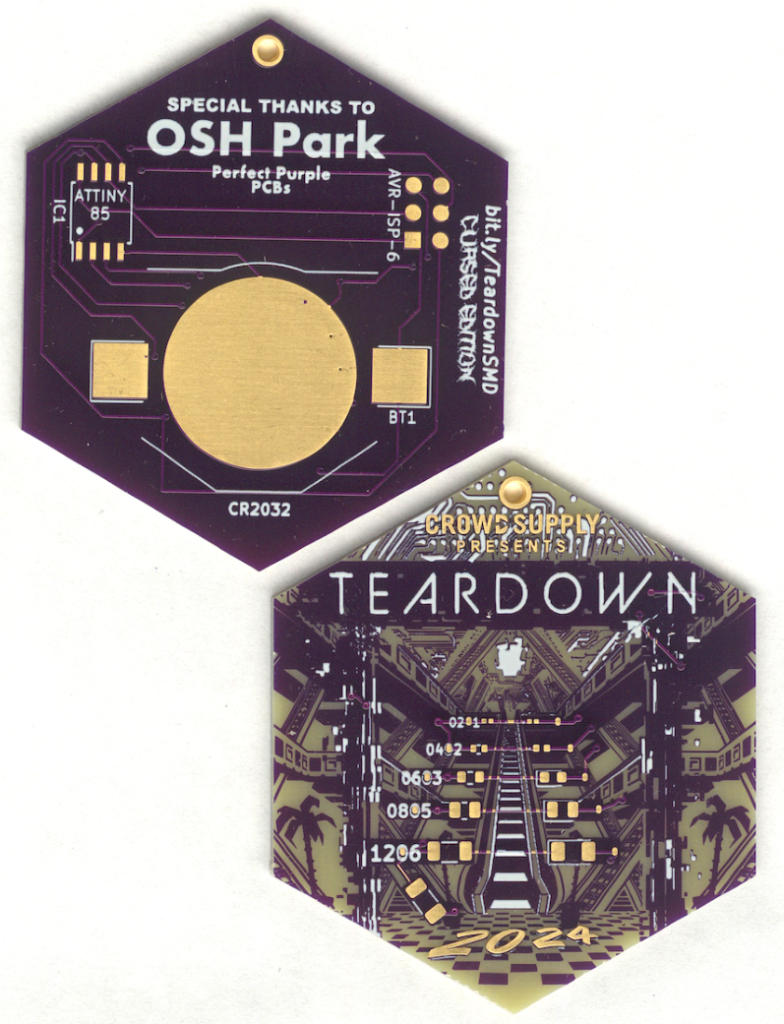
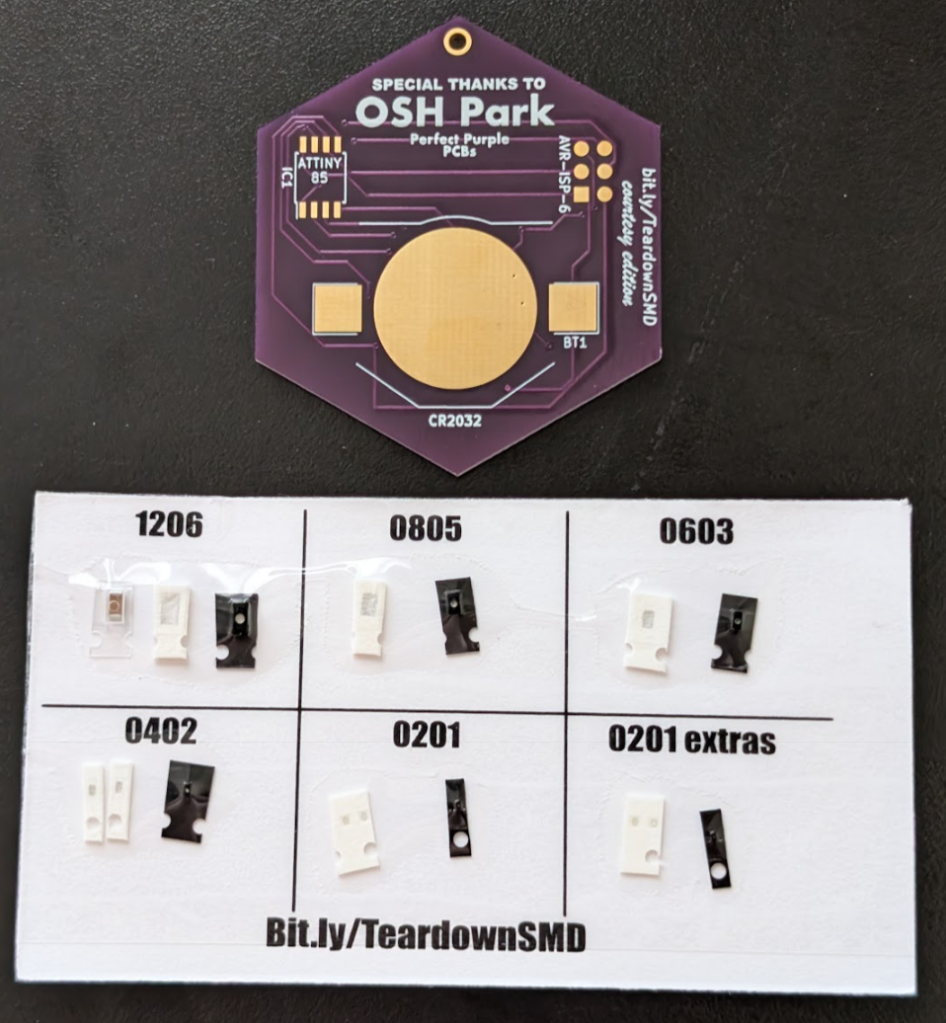
Teardown 2024 begins today in Portland and Darcy has designed and kitted an exciting SMD soldering challenge!

Teardown SMD Soldering Challenge! (Round One)

June 21, 2024 12:00-12:50 PM

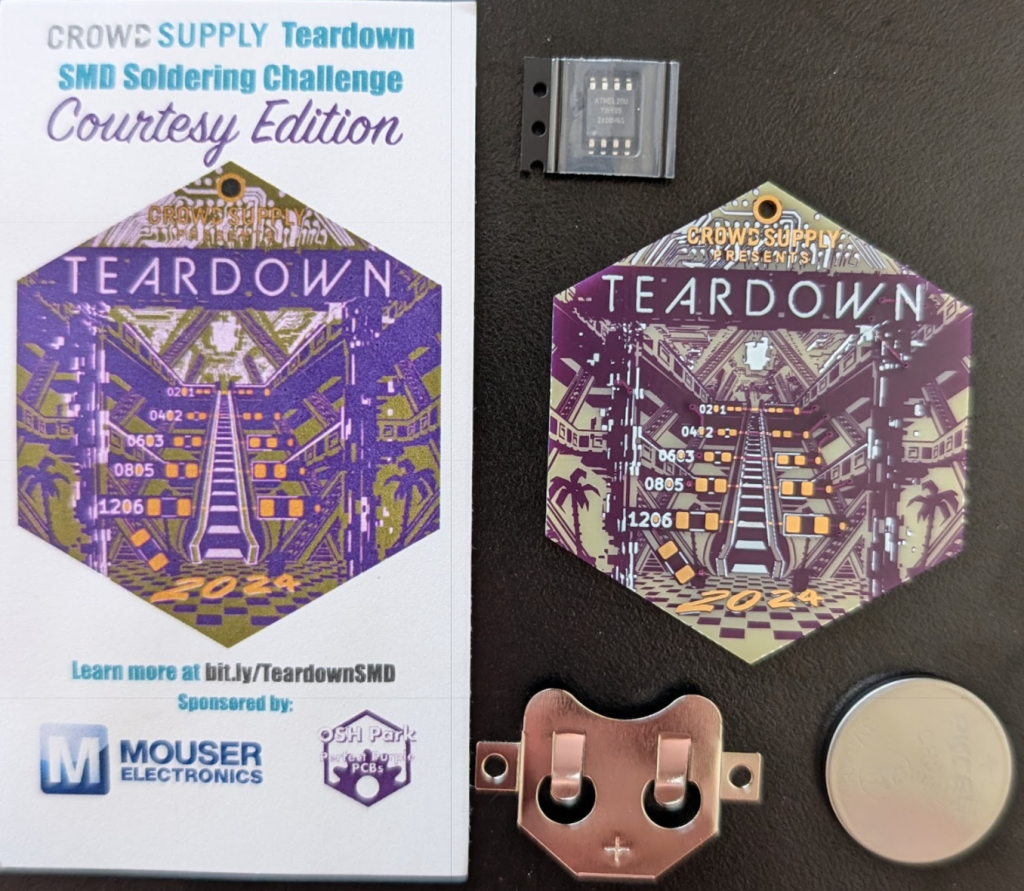
Put your surface mount soldering skills to the ultimate test! Begin with the manageable 1206 package and take on increasingly tiny components, each step pushing your abilities further. This SMD project is powered by a CR2032 coin cell and an Attiny85 SOIC, offering a perfect blend of challenge and excitement. Brace yourself for the ultimate trial: hand soldering a 0201 package, a feat so intricate it will have you questioning your sanity. Are you ready to show off your skills and conquer this soldering adventure?


Teardown SMD Soldering Challenge! (Round Two)

June 23, 2024 2:00-2:50 PM

Put your surface mount soldering skills to the ultimate test with this gorgeous Teardown-themed SMD Challenge board! Begin with the manageable 1206 package and take on increasingly tiny components, each step pushing your abilities further. This SMD project is powered by a CR2032 coin cell and an Attiny85 SOIC, offering a perfect blend of challenge and excitement. Brace yourself for the ultimate trial: hand soldering a 0201 package, a feat so intricate it will have you questioning your sanity. Are you ready to show off your skills and conquer this soldering adventure?

This workshop is first come first serve, limited to 20.

Challenge your soldering skills at Teardown 2024

Flexible PCB flower ðŸŒ¼âœ¨

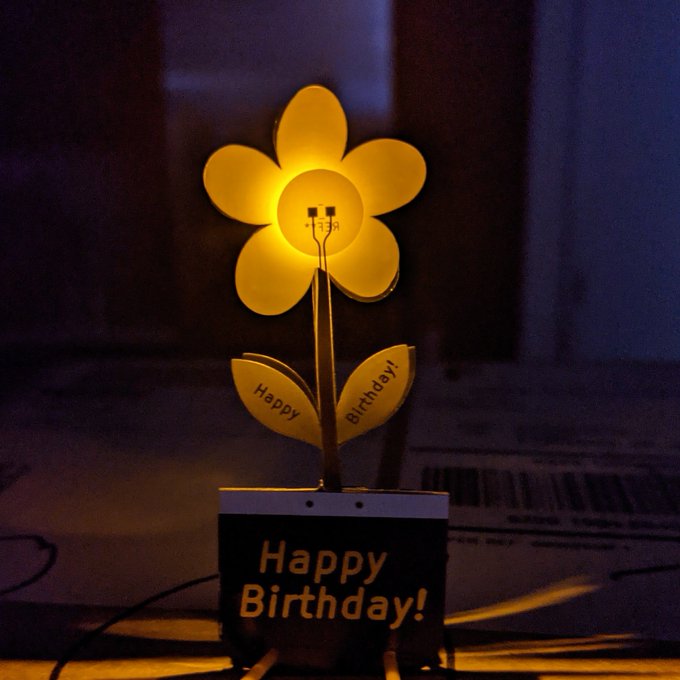
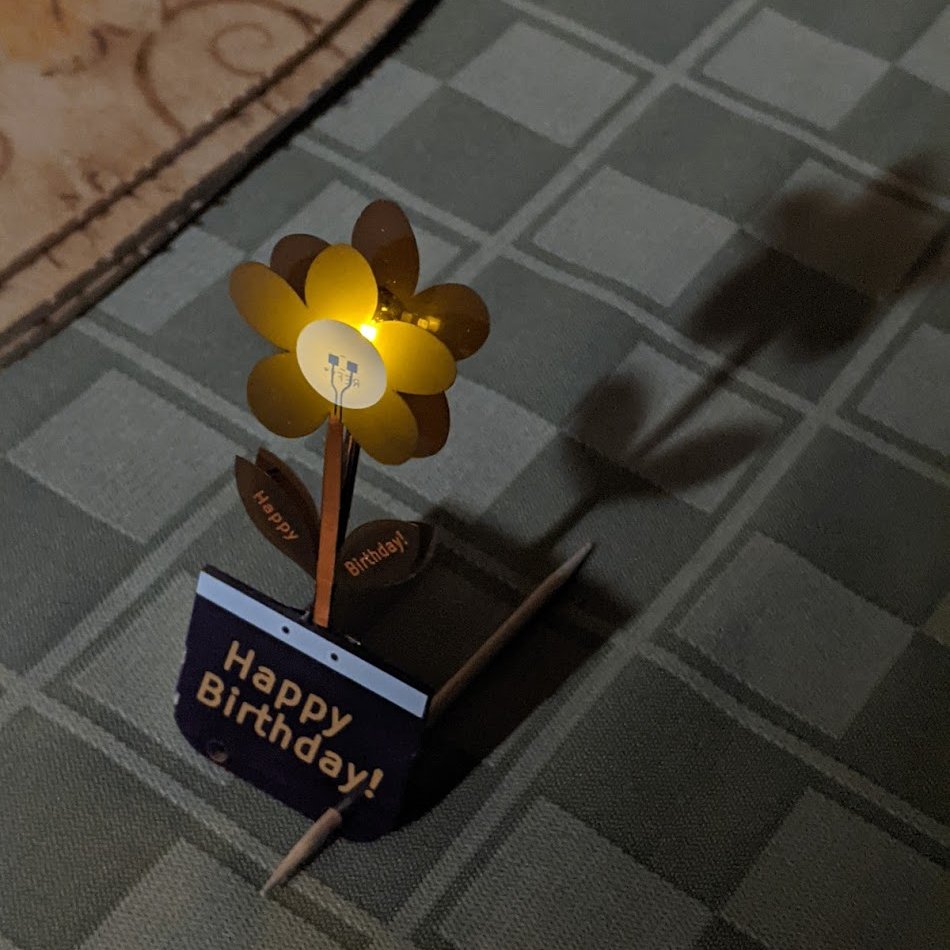
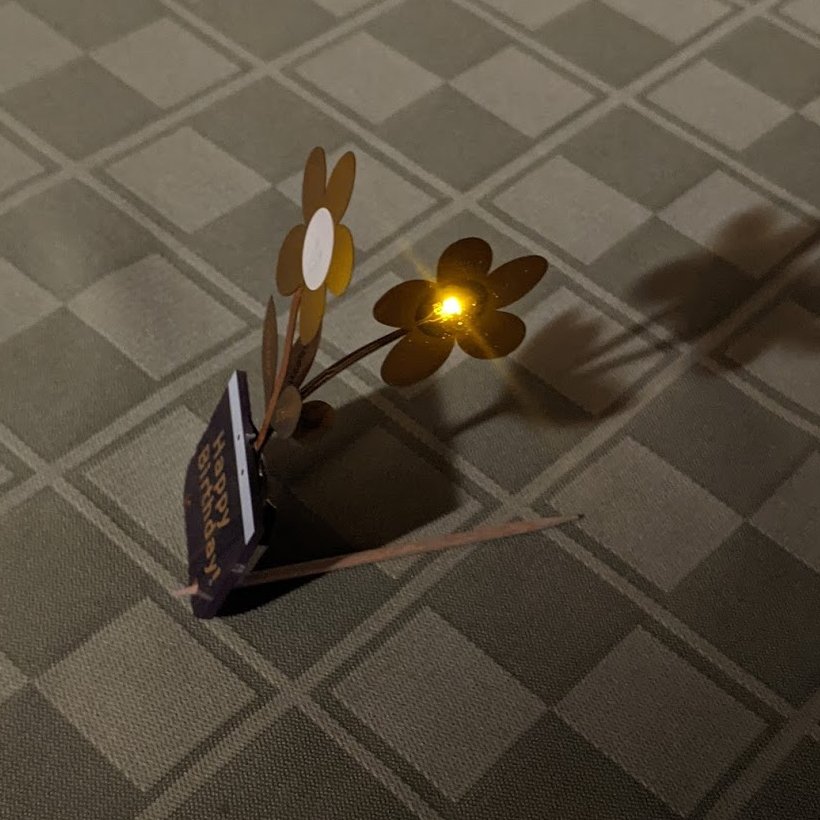
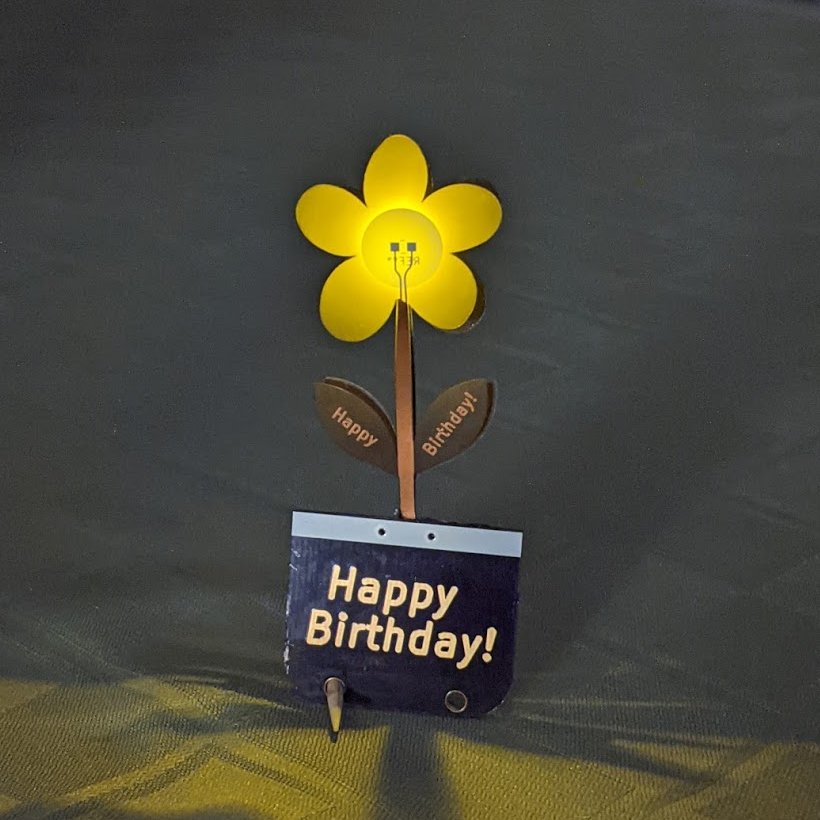
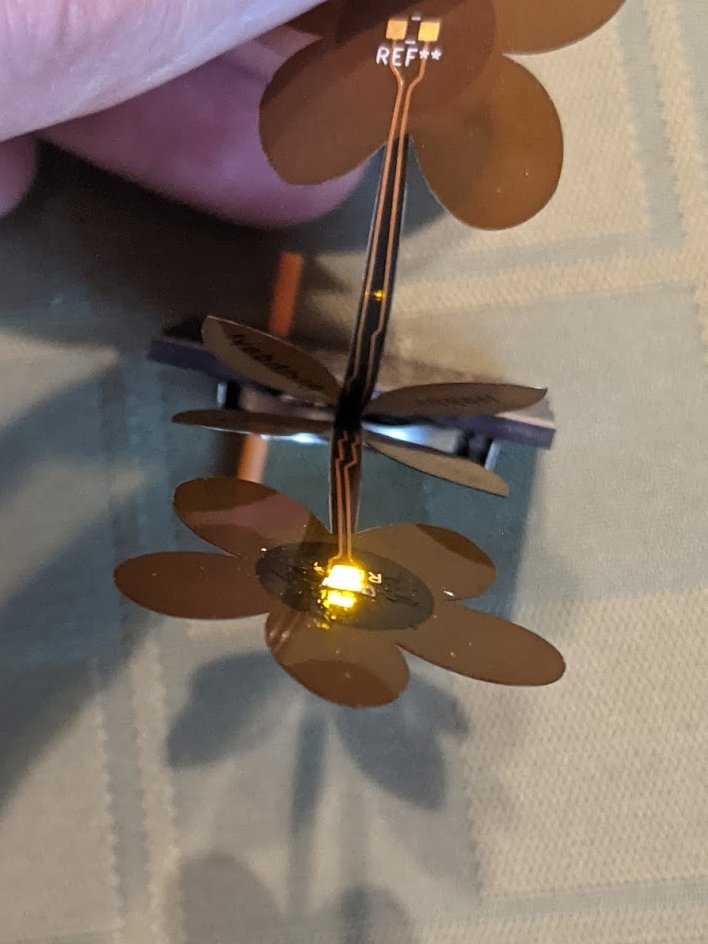
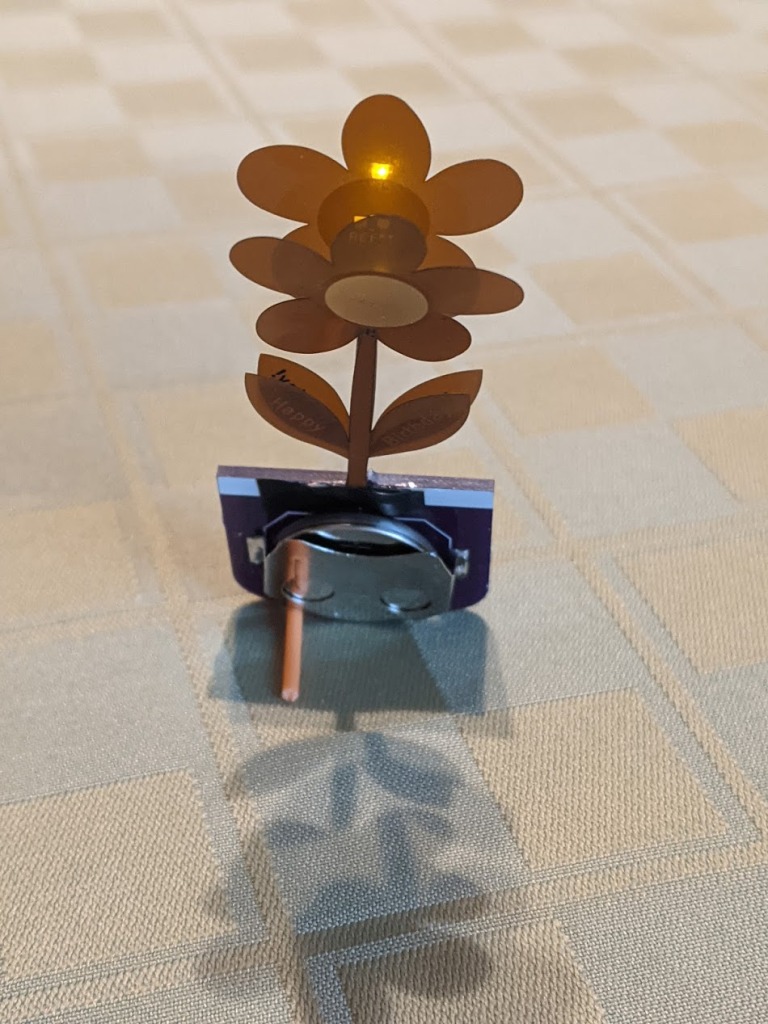
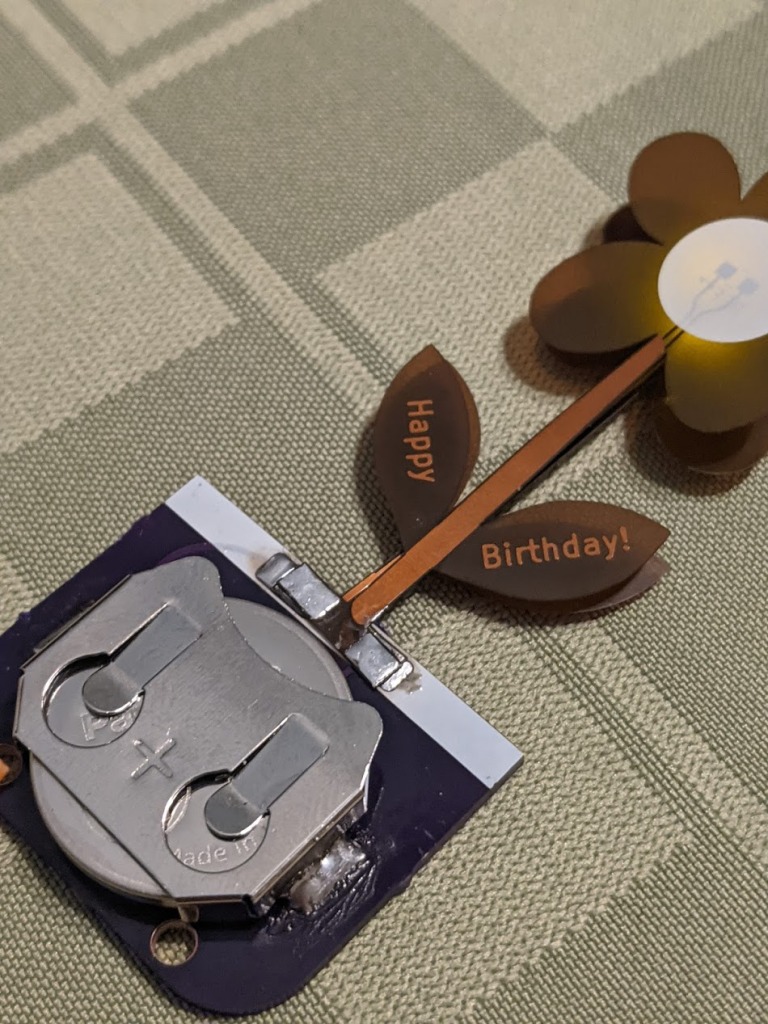
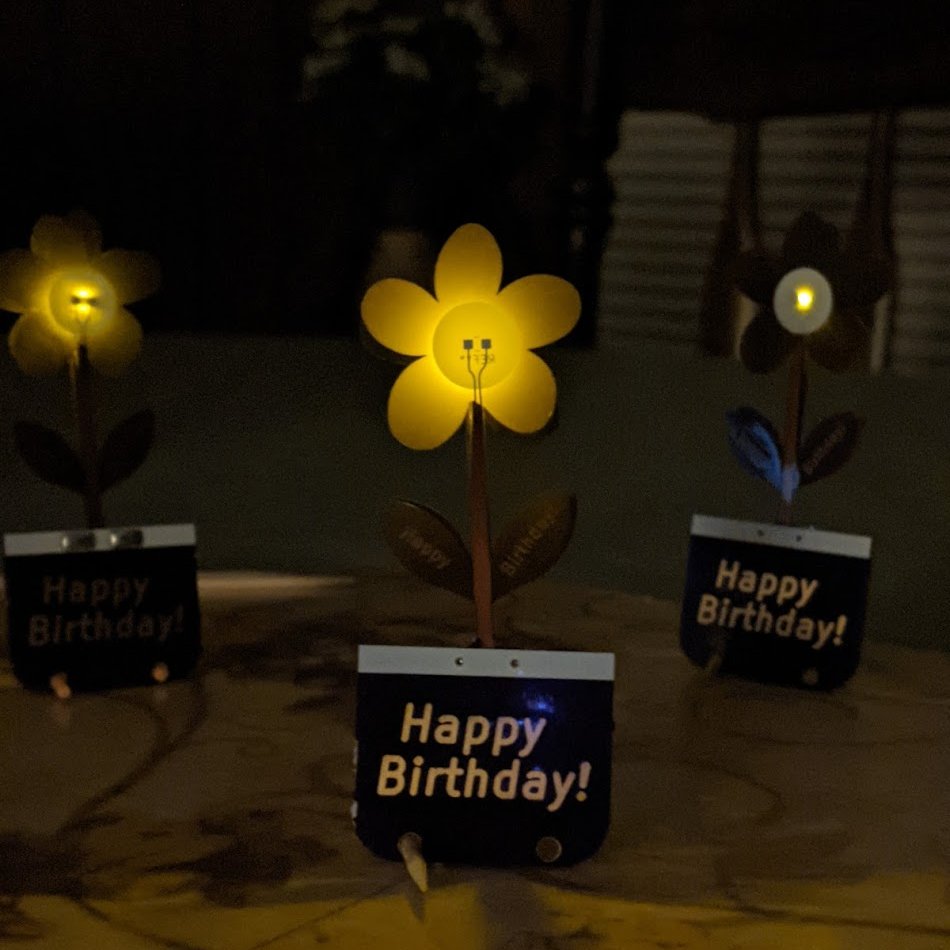
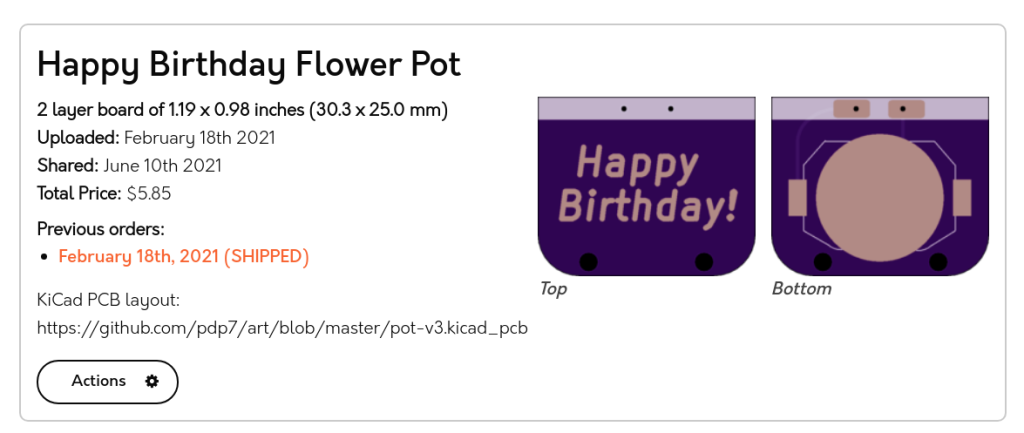
In this PCB art project, a surface mount LED is mounted on a flexible PCB “flower” connected to rigid PCB “pot” with a coincell battery:

Both PCBs were designed in KiCad PCB:

Using a second flexible PCB flower to diffuse the LED produced the best results

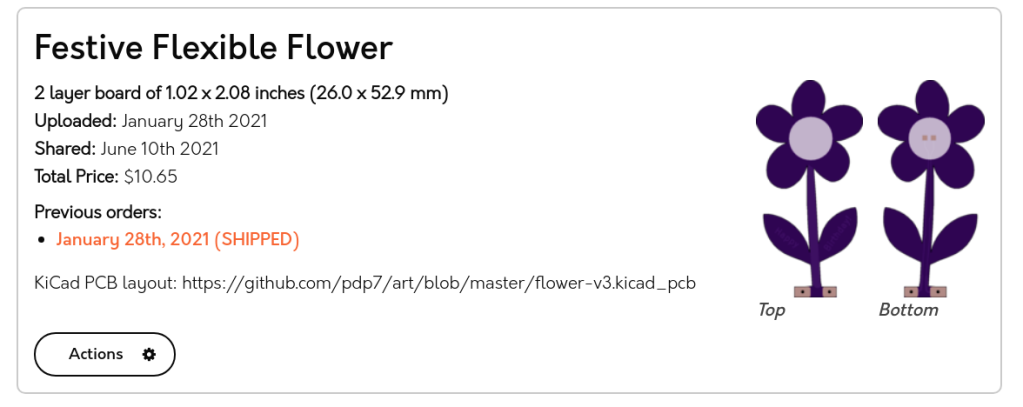
The PCBs are available as shared projects:

Festive Flexible Flower

Happy Birthday Flower Pot

Flexible PCB flower ðŸŒ¼âœ¨

Fairy Dust mini PCB pin for RC3

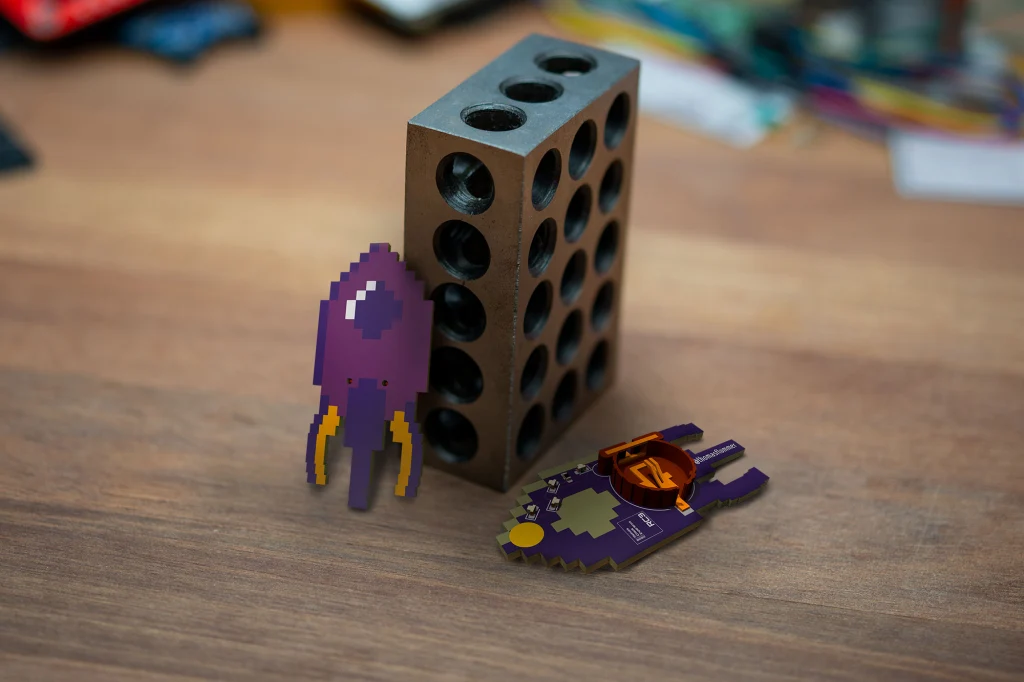
We are excited to see the wonderful Thomas Flummer in Copenhagen has designed a neat PCB pin for the virtual Chaos Communication Congress next month:

Fairy Dust mini PCB pin for RC3

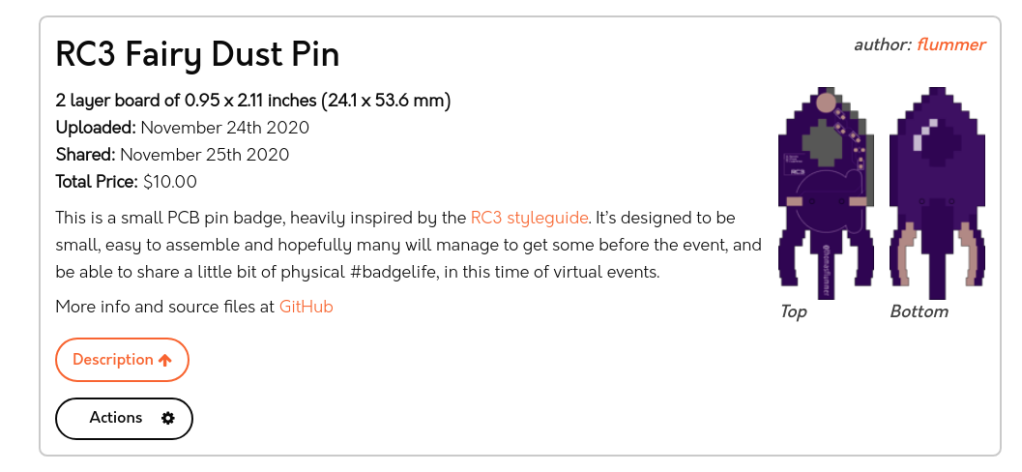
This is a small PCB pin badge, heavily inspired by the RC3 styleguide. It’s designed to be small, easy to assemble and hopefully many will manage to get some before the event, and be able to share a little bit of physical #badgelife, in this time of virtual events.

Making your own

If you want to make your own, I have included the gerbers, in case you don’t want to install the nightly version of KiCad.

There is also a shared projects at OSHPark, and this is designed for the standard purple PCBs. It’s designed to be exactly 2 square inches, so for USD 10 you get 3 pcs. shipped anywhere, though the standard shipping might take a bit to arrive.

The parts needed for this pin is simply 4 white 0603 LEDs, a series resistor, also 0603, to limit the current a bit (I’ll try with a 1K to begin with), a CR1220 coin cell holder (I’m planning on using a Q&J CR1220-2 from LCSC) and then a little round brooch clasp/tie tack pin (I got some on ebay, but a DIY/craft supply store might also have them).

Please share

If you decide to make this badge or a variant of it, please share images so we can all see it and get inspired. If sharing on social media, please use the #badgelife tag and please let me know, I would love to see what you have made!

Here is the shared project:

Fairy Dust mini PCB pin for RC3

When Toasters Fly…

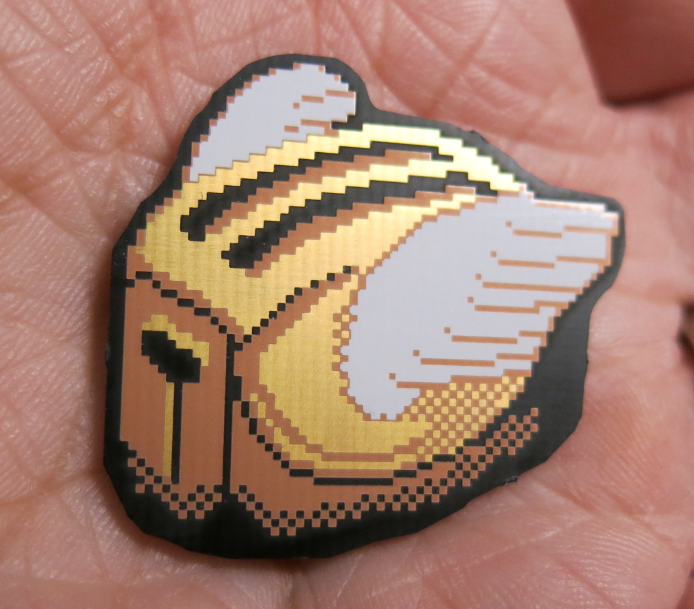
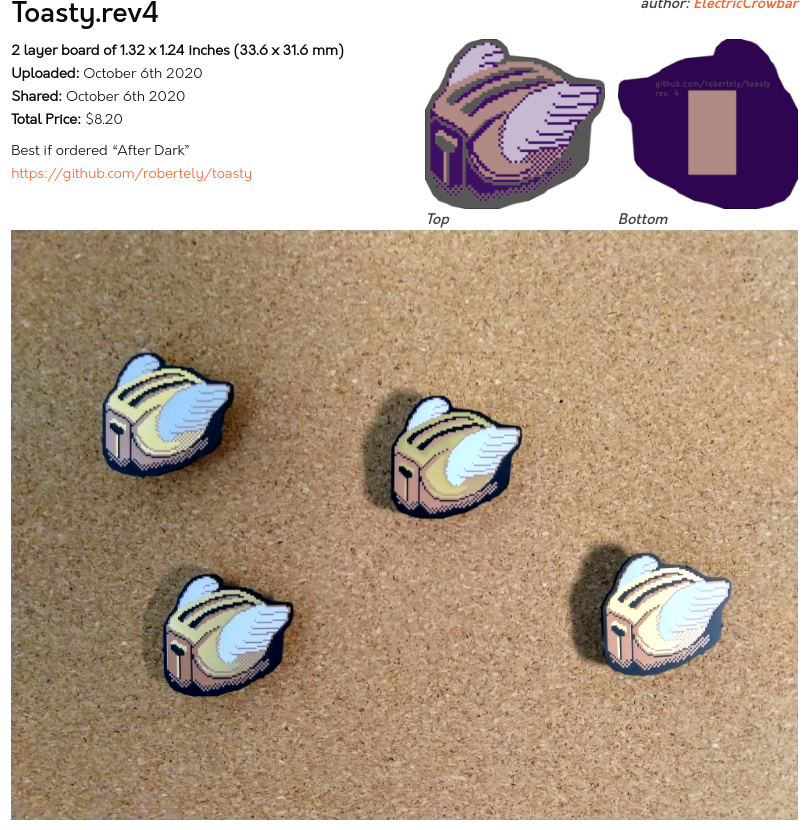
We love this nod to the After Dark screensaver, back when displays came with degauss buttons. Naturally, Electric Crowbar used our “After Dark” service (clear solder mask on black substrate).

The board is available for order as a shared project:

When Toasters Fly…

Mask up with OSHCat 2020

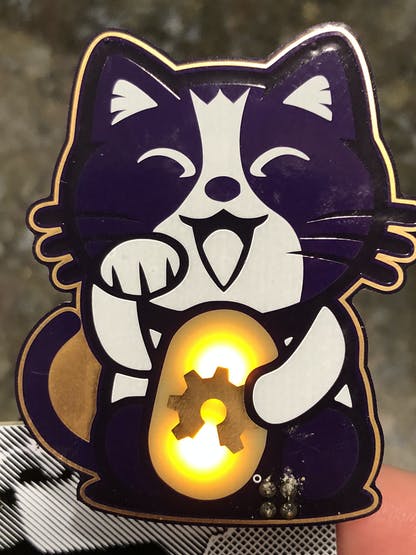
TwinkleTwinkie creates amazing PCB artwork. One project we have loved is the OSHCat which first debuted as a badge-on in 2018:

And the follow-up last year:

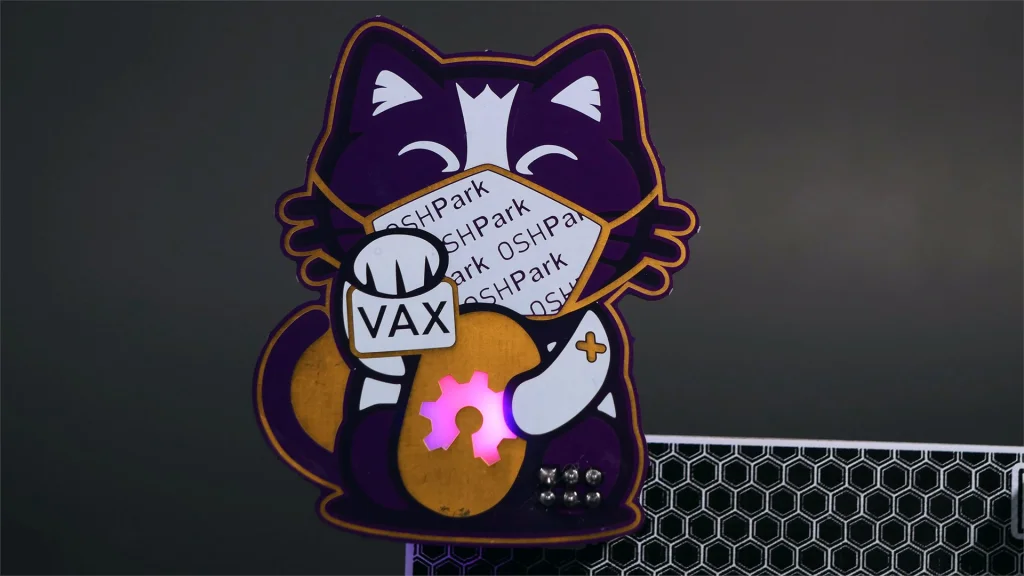
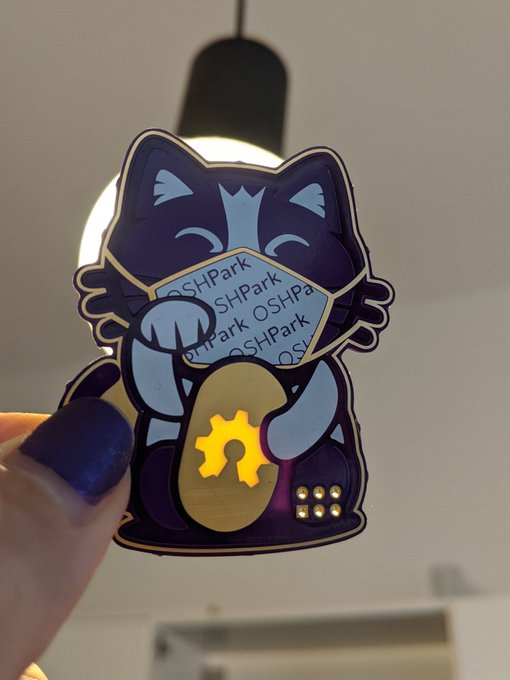
While there was no Defcon in Las Vegas this year, OSHCat has returned as an example of how to keep humans safe during the pandemic:

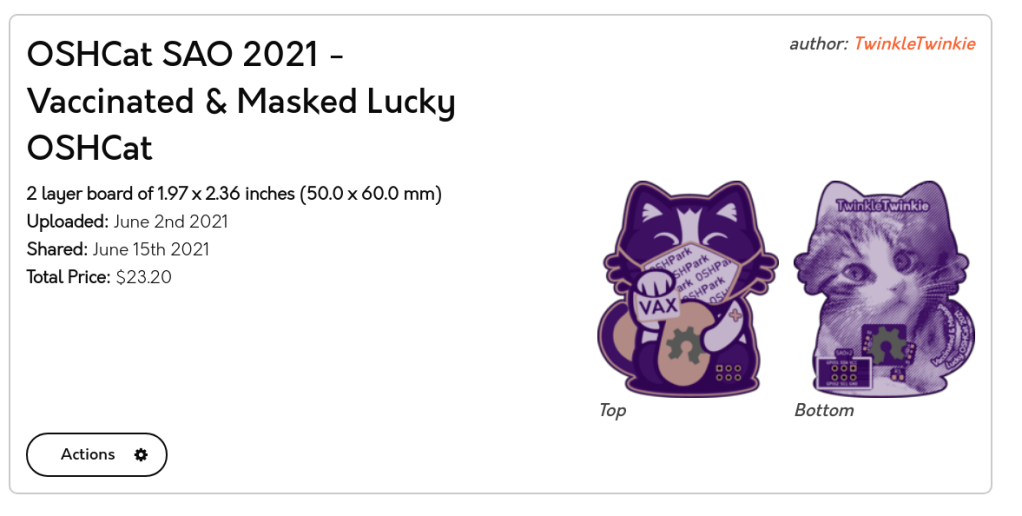
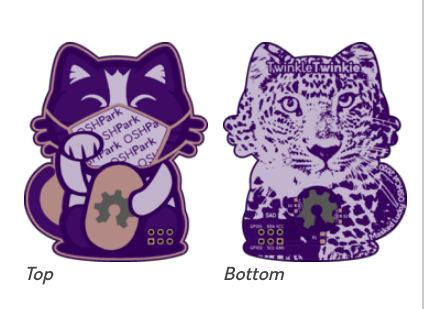
The design is available as a shared project:

Masked Lucky OSHCat v1.1

An updated Lucky OSHCat SAO featuring the latest SAO standard connection and a cute OSHPark themed Mask. Wear your mask in public, it’ll save yours and other’s lives.

Mask up with OSHCat 2020

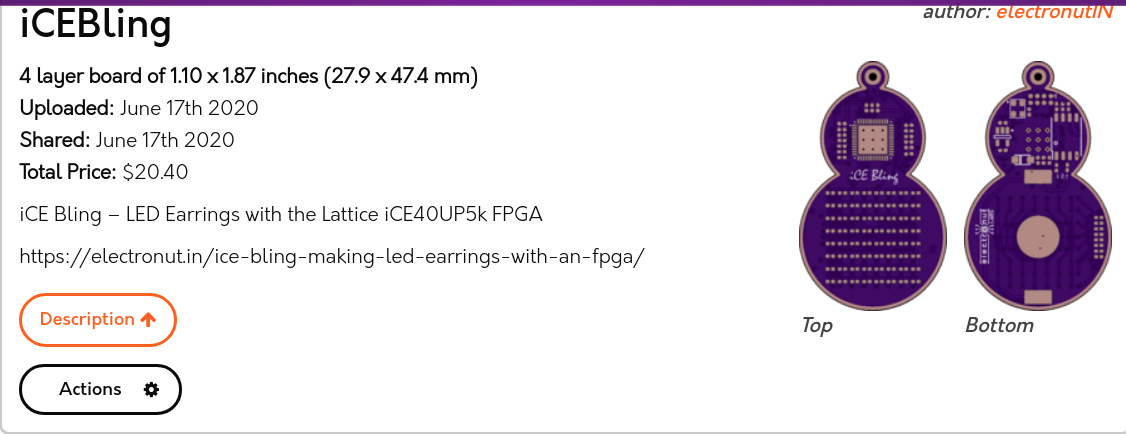
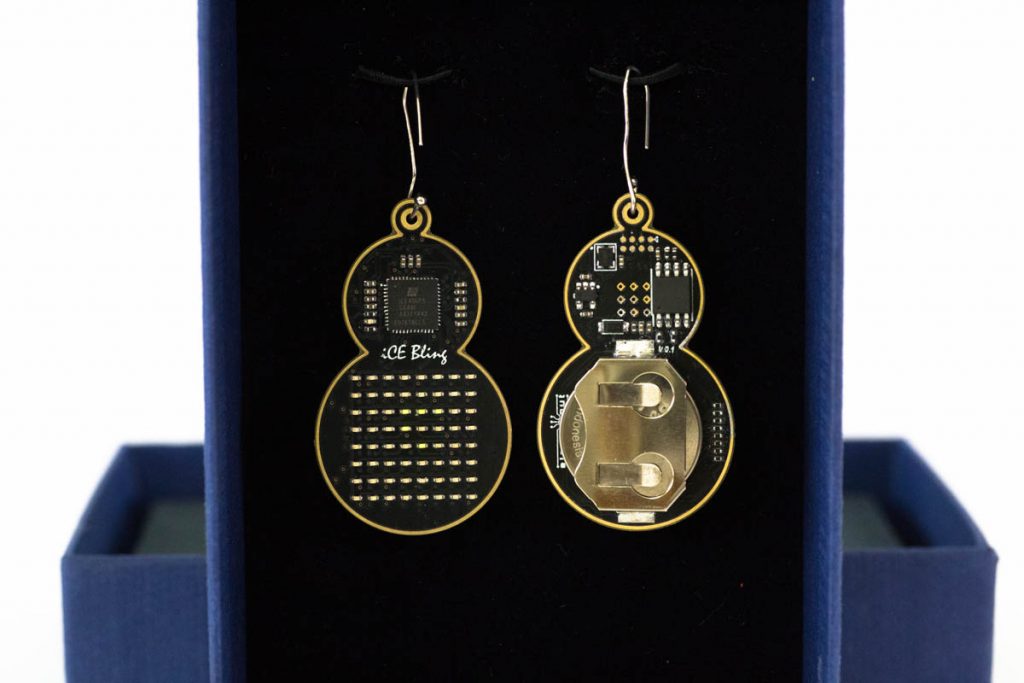
iCE Bling: Beautiful LED Earrings with Lattice iCE40 FPGA

has created wondeful LED Earrings with the Lattice iCE40UP5k FPGA and shared the project on our website:

iCEBling

Screenshot from 2020-07-19 14-10-16

Find out more about the project in this blog post:

ice-bling-sm-1-1024x683

iCE Bling FPGA – Beautiful LED Earrings with Lattice iCE40

It’s the same story every year. At the horizon is a loved one’s birthday, or an anniversary, and I want to make them something special. Buying something won’t do. Oh no, I have to design and build it myself. I would then start with a simple idea, and then complicate it progressively to the point where it would take several anniversaries to finish the project.

This time, I wanted to build a pair of earrings for my wife’s birthday. Since I am learning about FPGAs these days, I wanted to incorporate one into the design. Having gotten older and wiser, I decided to enlist help early on. I would focus on the overall design and the programming part, and leave the PCB design and assembly to my trusted friend and engineer Siva.


iCE Bling: Beautiful LED Earrings with Lattice iCE40 FPGA

Give the gift of a personalized PCB keychain

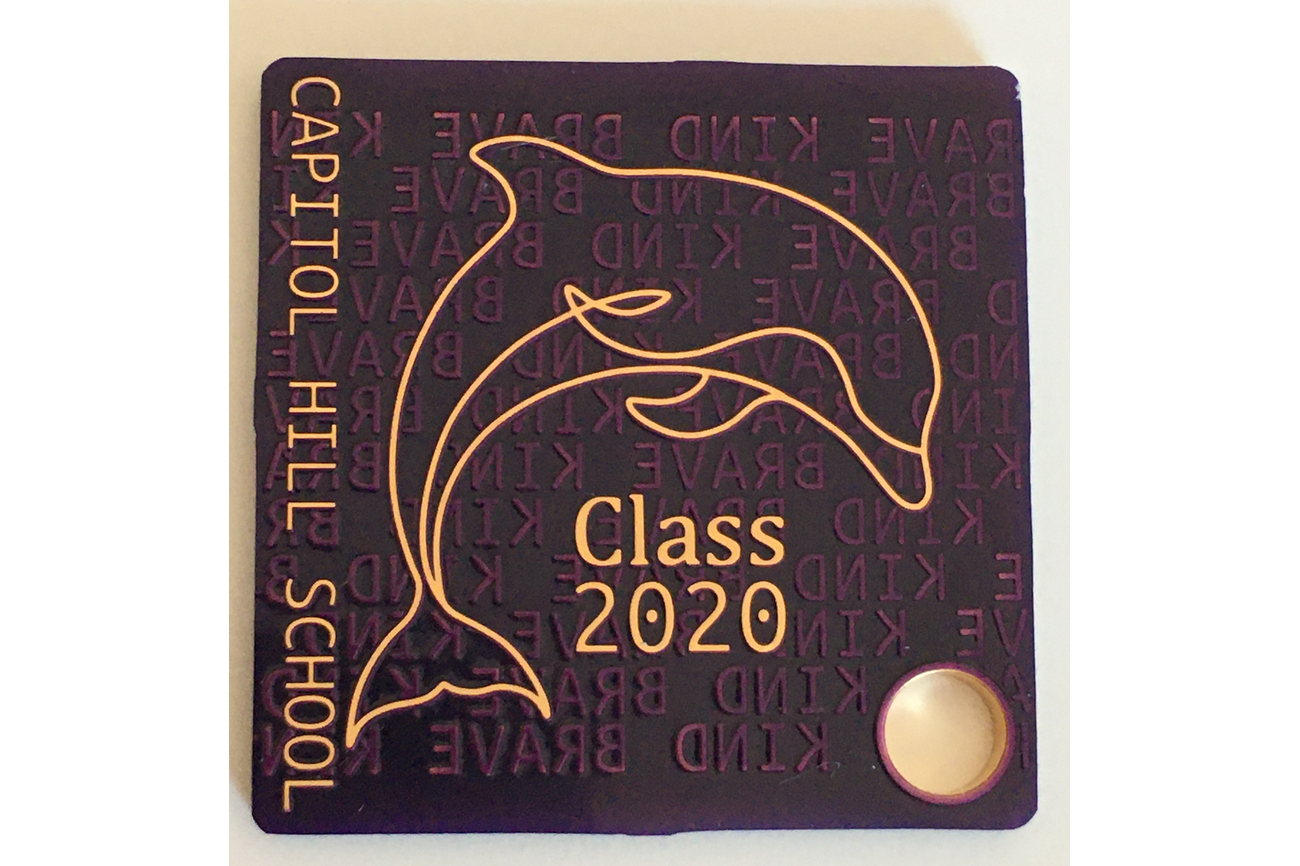
From n°Garage offers personalized one square-inch keychains on Tindie:

2020-04-24T17_06_18.039Z-dolphin-bot

n°Keychain

This n°Keychain family consists of a series of one-square-inch keychains or pendants. These little beauties are perfect gifts for festival, graduation and remembrance. And more, write lovely words to make it unique and personal.

One order will have two keychains or pendants. To customize it, please choose the option from the drop down above if you would like to add personalized text.

  • Background Words(0~15chars): BRAVE / KIND / Curious / Hindsight 2020
  • Time Mark (0~15chars): Happy New Year / Happy Birthday / Class 2020
  • Name Tag (0~25chars): Alice / Rob / Queen Elizabeth School

If ordering the customizable option, please leave the details of the above inside the field of Additional Instructions at checkout. Please do not exceed the maximum number of characters for each field.

For personalized keychain, it may take about 5 to 9 workdays to ship after ordering. An email notification will be sent to you once shipped. Usually the shipping takes about 10 work-days.

Give the gift of a personalized PCB keychain

Screaming LM386: An Audio Amplifier with PCB Art

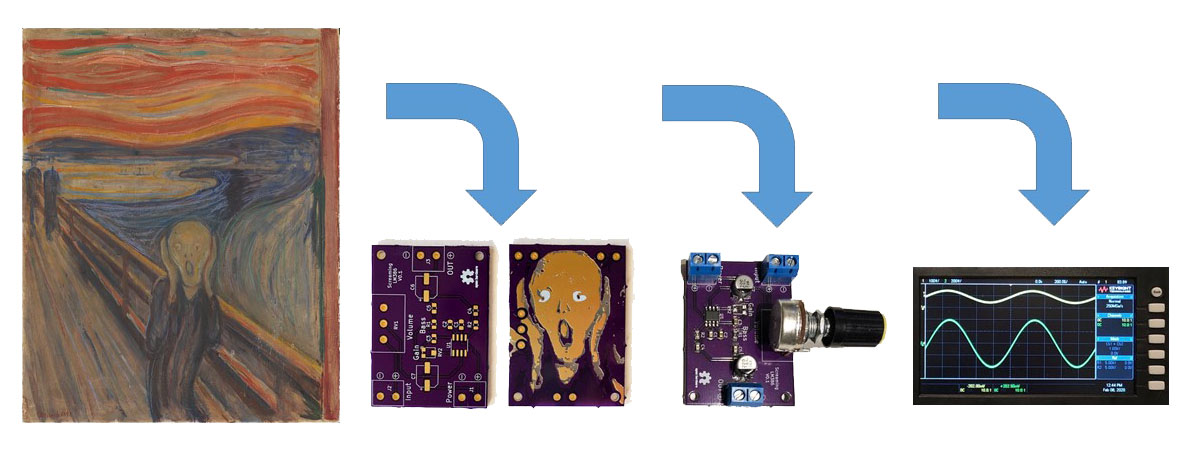
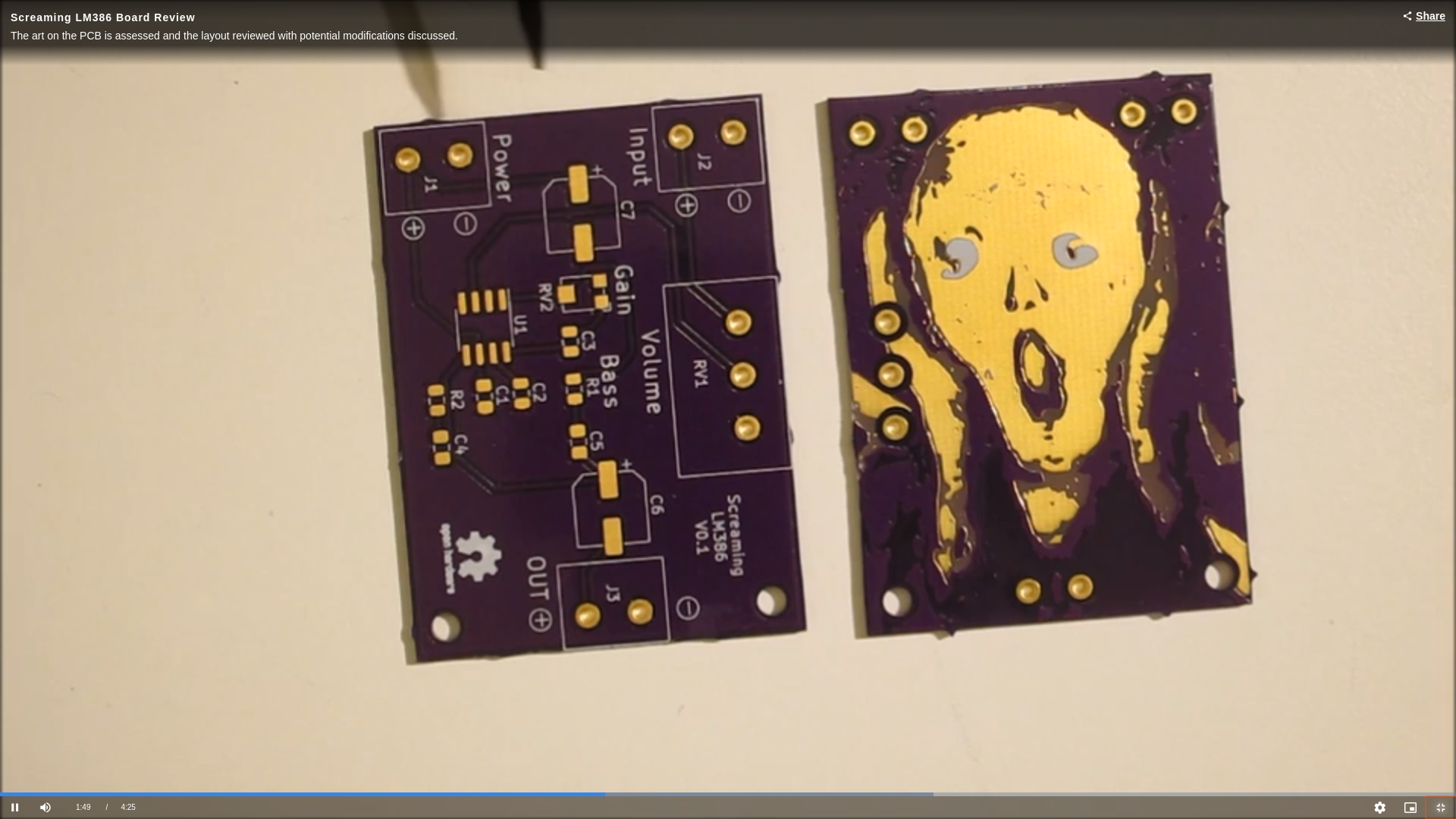
Beautiful project from Frank Milburn on element14:

Intro_Cartoon

Screaming LM386: An Audio Amplifier with PCB Art

I decided to give PCB art a try and will be basing my attempt on methods described by Andrew Sowa.  Andrew uses Adobe Illustrator for the art work and KiCad for the PCB design.  I will also use KiCad but will use my trusty pre-subscription version of Photoshop for the artwork.  Inkscape is another possibility.  Andrew’s process is described in this video from which my work is derived.  The detail behind many of the steps won’t be described in this post – watch the video for that.

The goal is to take a photograph, painting, etc. and place it on a PCB using the FR4, copper layer, solder mask, and silk screen to make the palette.  My PCB will feature the famous work by Edvard Munch, The Scream which has always fascinated me.  So, how to turn a masterpiece into a PCB facsimile?

Screenshot from 2020-02-20 12-40-07

Palette

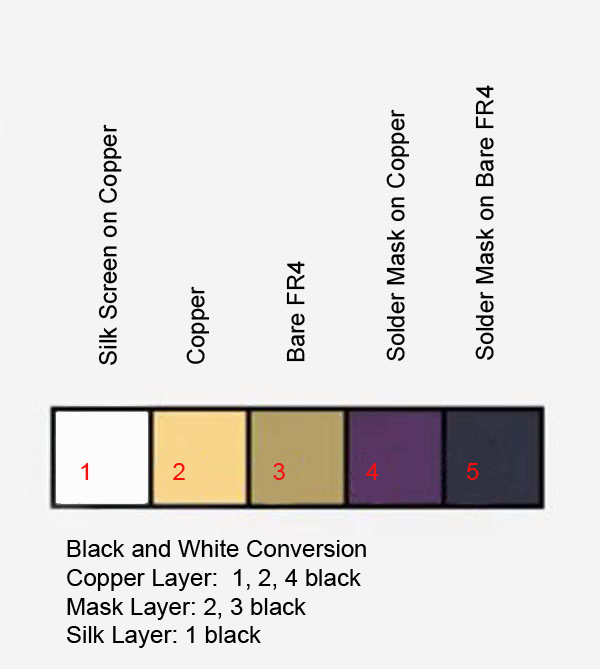
The limited palette is a challenge.  For this exercise the focus will be on the central figure in order to reduce board size (and thus cost) of the experiment.  The OSHPark purple solder mask will hopefully give the dark colors desired.  Andrew also used OSHPark in his example, and helpfully provided a palette which has been modified here to help describe how the layers translate to color and are stacked for conversion in KiCad.

Palette

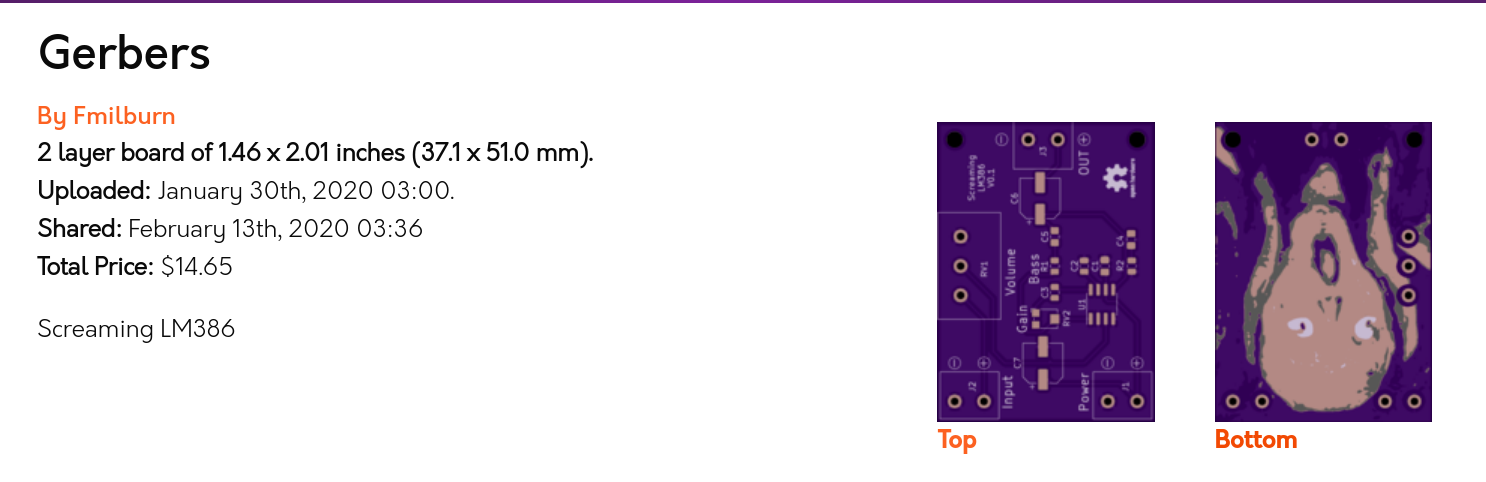
There is a shared project for the board:


Screenshot from 2020-02-20 12-35-07

And watch it on YouTube:

Screaming LM386: An Audio Amplifier with PCB Art