
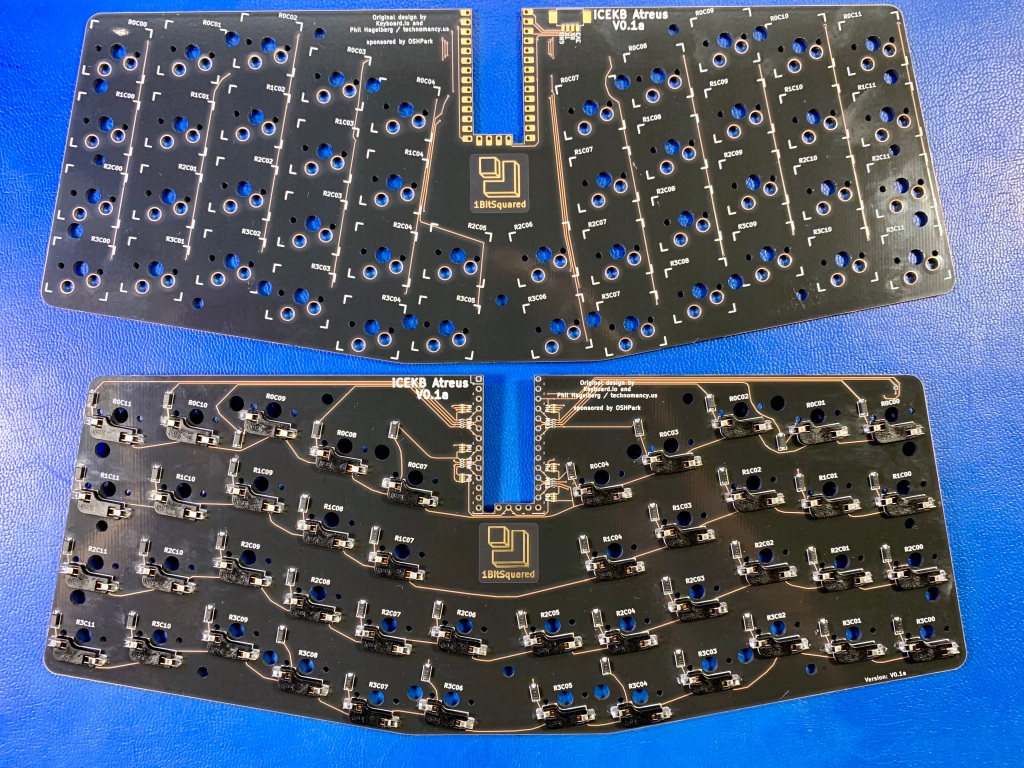
Piotr Esden showed the “After Dark” PCBs for the iCEBreaker-bitsy FPGA Atreus Keyboard yesterday on the “Electronics Let’s Play” Twitch stream:
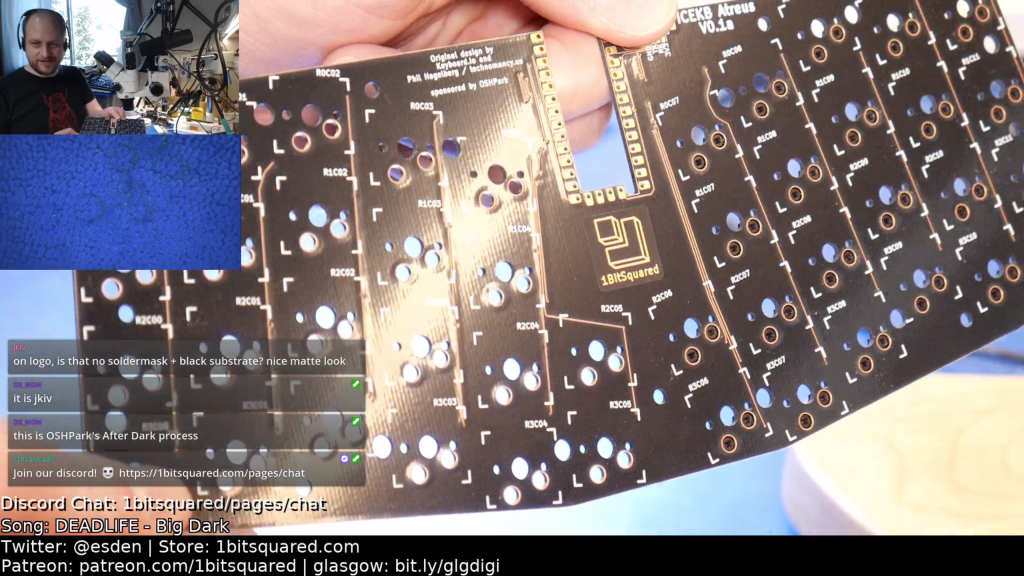
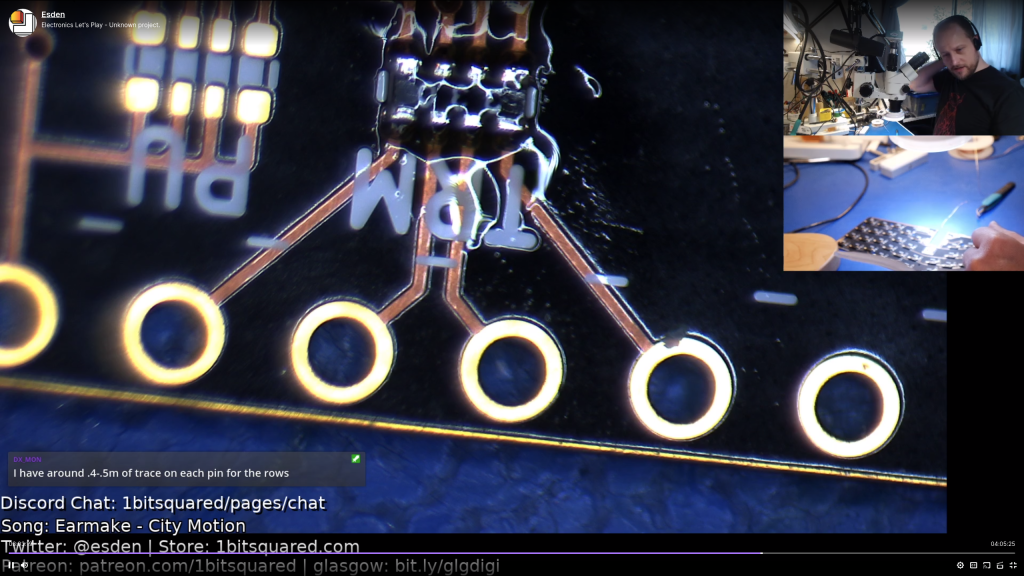
Piotr Esden showed the “After Dark” PCBs for the iCEBreaker-bitsy FPGA Atreus Keyboard yesterday on the “Electronics Let’s Play” Twitch stream:
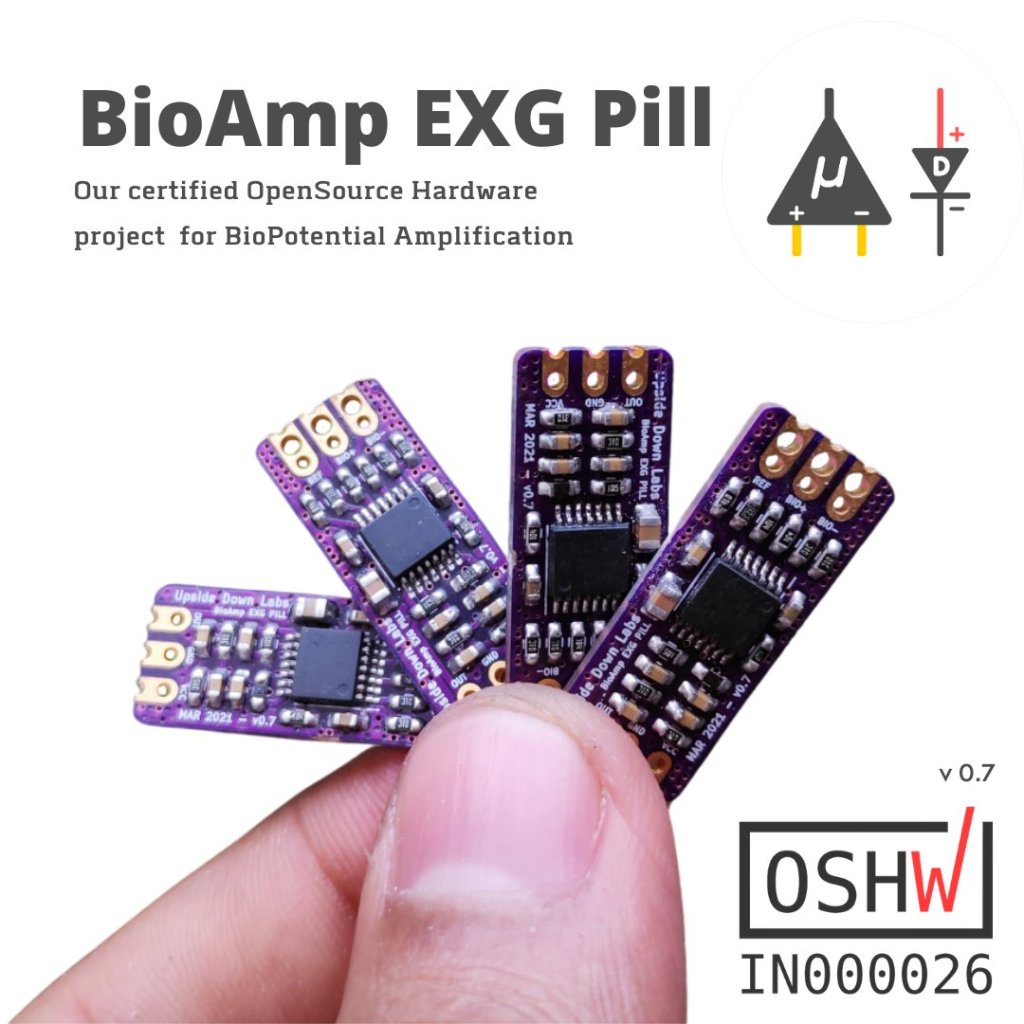
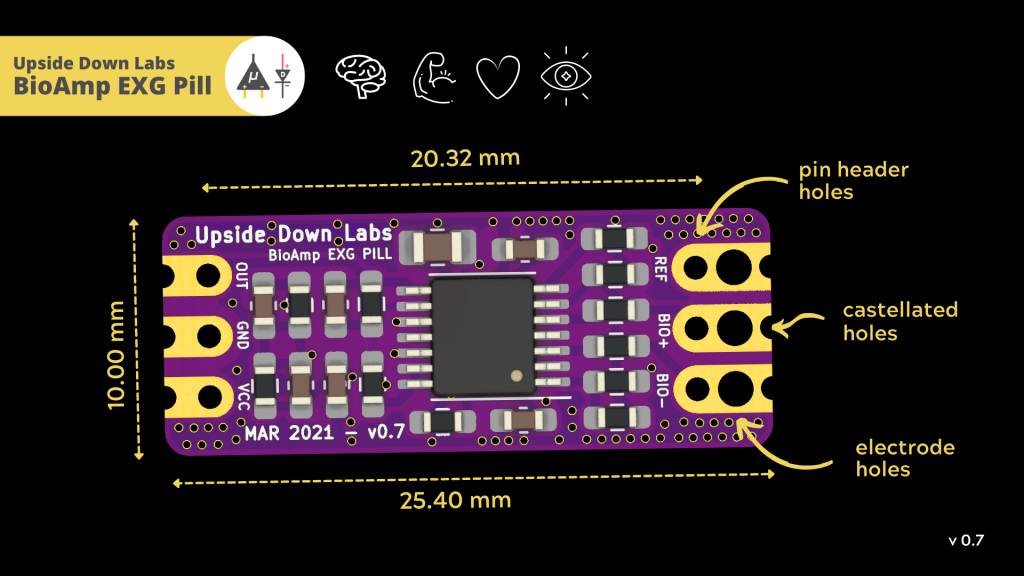
The BioAmp EXG Pill is now certified Open Source Hardware:
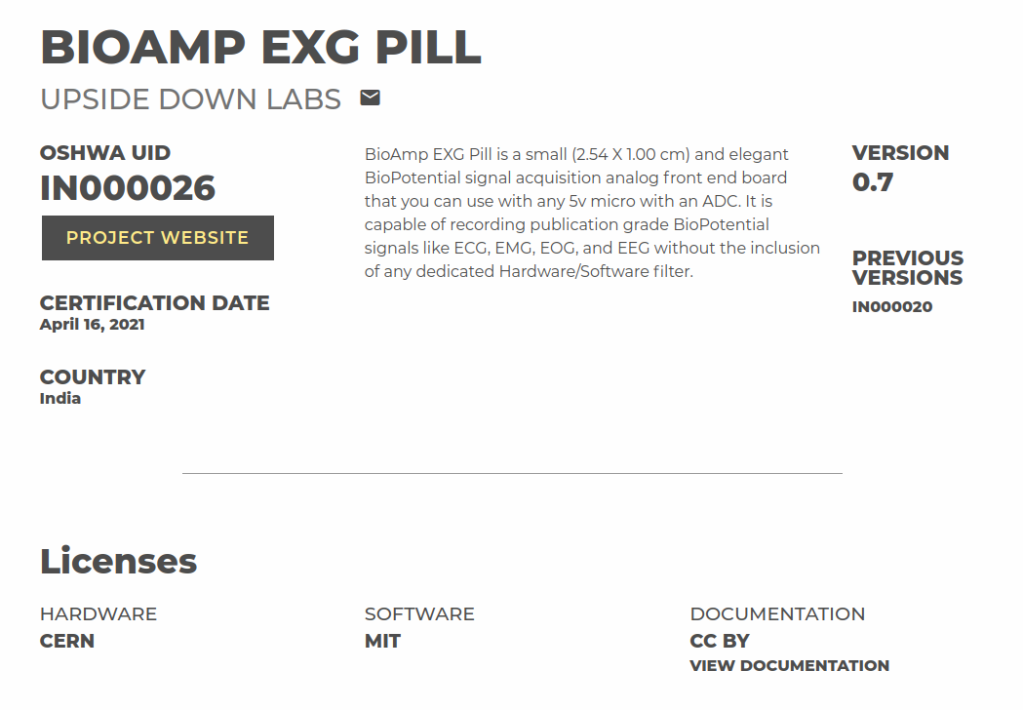
BioPotential amplification on your finger tip!
BioAmp EXG Pill is a small (2.54 X 1.00 cm) and elegant Analog Front End (AFE) board for BioPotential signal acquisition that you can use with any 5v Micro Controller Unit (MCU) with an ADC. It is capable of recording publication-quality BioPotential signals like ECG, EMG, EOG, and EEG without the inclusion of any dedicated Hardware/Software filter.

OpenSCAD is a fantastic free tool for 3D modeling, but it’s far less intuitive to use for non-programmers than mouse-driven programs such as Tinkercad. Powerful as it may be, the learning curve is pretty steep. OpenSCAD’s own clickable cheat sheet and manual comes in handy all the time, but those are really more of a reference than anything else. Never fear, because [Jochen Kerdels] had quite the productive lockdown and wrote a free comprehensive guide to mastering OpenSCAD.
[Jochen]’s book opens with a nice introduction to OpenSCAD and it’s user environment and quickly moves into 10 useful projects of increasing complexity that start with simple stuff like wall anchors and shelf brackets and ends with recursive trees.
There are plenty of printing tips along the way to help realize these projects with minimum frustration, and the book wraps up by covering extra functions not expressly used in the projects.
Read more “Guide To Mastering OpenSCAD Costs Roughly The Same As OpenSCAD”…
This new device on Crowd Supply can wirelessly connect your Peloton bike to third-party apps, fitness watches, and more:

Free Your Cycling Power & Cadence Data!
The Data Fitness Connector (DFC) data broadcaster is a Bluetooth device that allows Peloton bikes to communicate with fitness watches, head units, and apps—a feature that’s not available on stock Peloton bikes. It reads power and cadence data in realtime, through a cable connected to your bike, and broadcasts them to nearby devices, including those built around non-Peloton platforms like Zwift and Garmin. This allows you to enjoy the built-in functionality of your bike while simultaneously utilizing features and services that depend on third-party platforms.
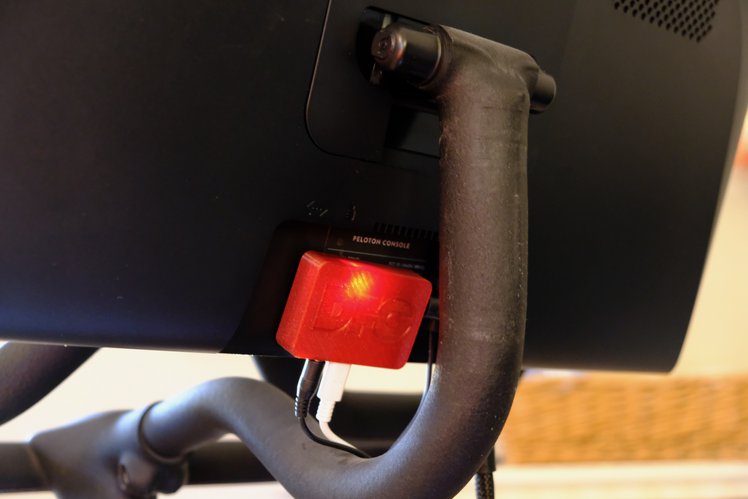
Who Wants to Ride a Bike in Walled Garden?
Interested in the fitness data you produce? Want more control over who else has access to those data? Prefer not to be locked into a particular platform? If you have a Peloton bike, then DFC is for you.
We like to pretend that our circuit elements are perfect because, honestly, it makes life easier and it often doesn’t matter much in practice. For a normal design, the fact that a foot of wire has a tiny bit of resistance or that our capacitor value might be off by 10% doesn’t make much difference. One place that we really bury our heads in the sand, though, is when we use bipolar transistors as switches. A perfect switch would have 0 volts across it when it is actuated. A real switch won’t quite get there, but it will be doggone close. But a bipolar transistor in saturation won’t be really all the way on. [The Offset Volt] looks at how a bipolar transistor switches and why the voltage across it at saturation is a few tenths of a volt. You can see the video below.
Read more The Imperfect Bipolar Transistor — Hackaday

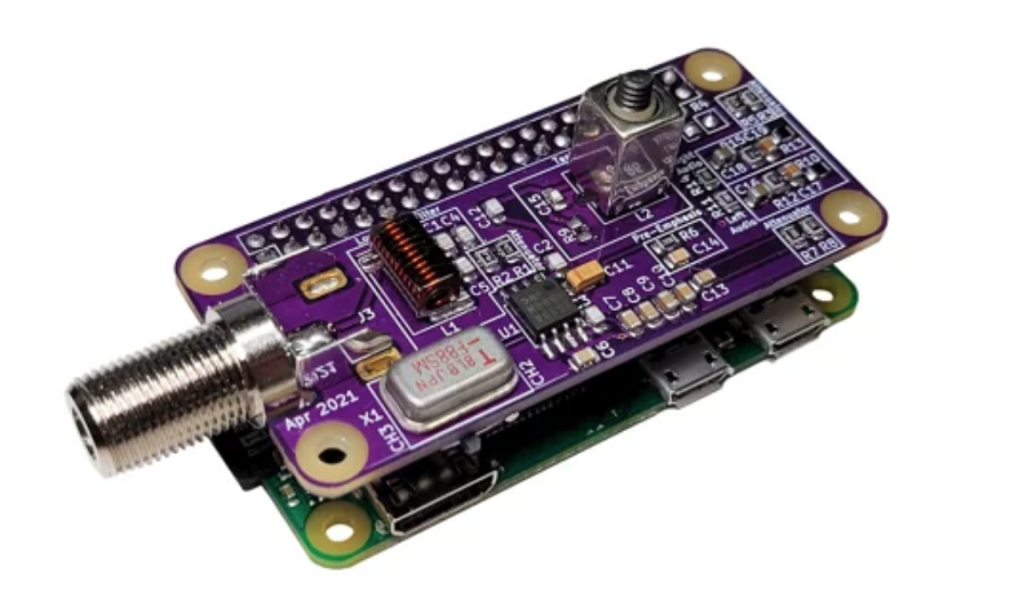
We excited to see this Raspberry Pi Zero RF Video Modulator on Crowd Supply:
Dust Off That Old TV
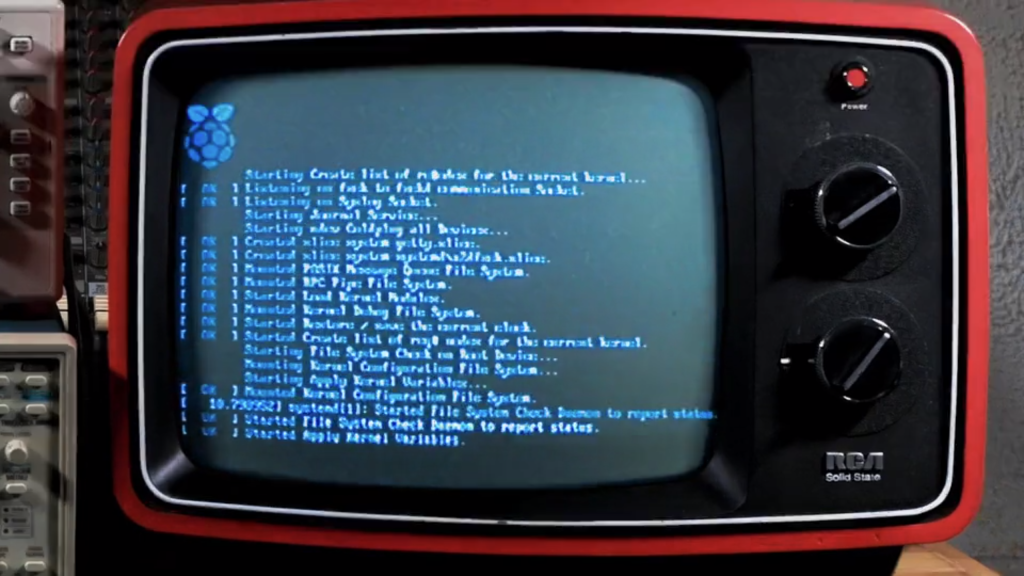
PiMod Zero brings old tech back to life by allowing a Raspberry Pi Zero to display color or B&W video – and play audio – on vintage televisions. It provides a super-compact way to watch old movies, play retro games, present digital art, or navigate your operating system using any television that receives standard NTSC broadcasts on VHF channels 2 and 3 (55.25 MHz and 61.25 MHz).
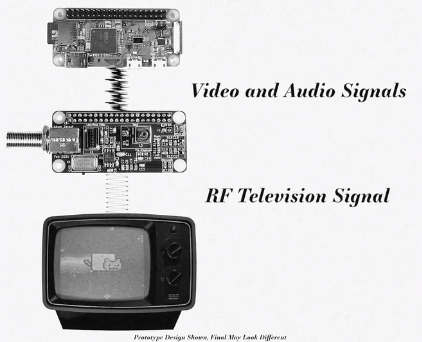
In the past, you would have needed a cumbersome RF modulator box to adapt the HDMI signal from a Pi Zero. Now, with this convenient HAT snapped on top of your Pi Zero, no additional dongles are required. In fact, once the Pi is powered up, the only other cable you need is a piece of coax to connect PiMod Zero to your TV.
Configuring the Raspberry Pi to output composite video and stereo audio to PiMod Zero is extremely simple. Handy scripts and thorough documentation will be available in our GitHub repo.

From Evil Genius Labs on Tindie:
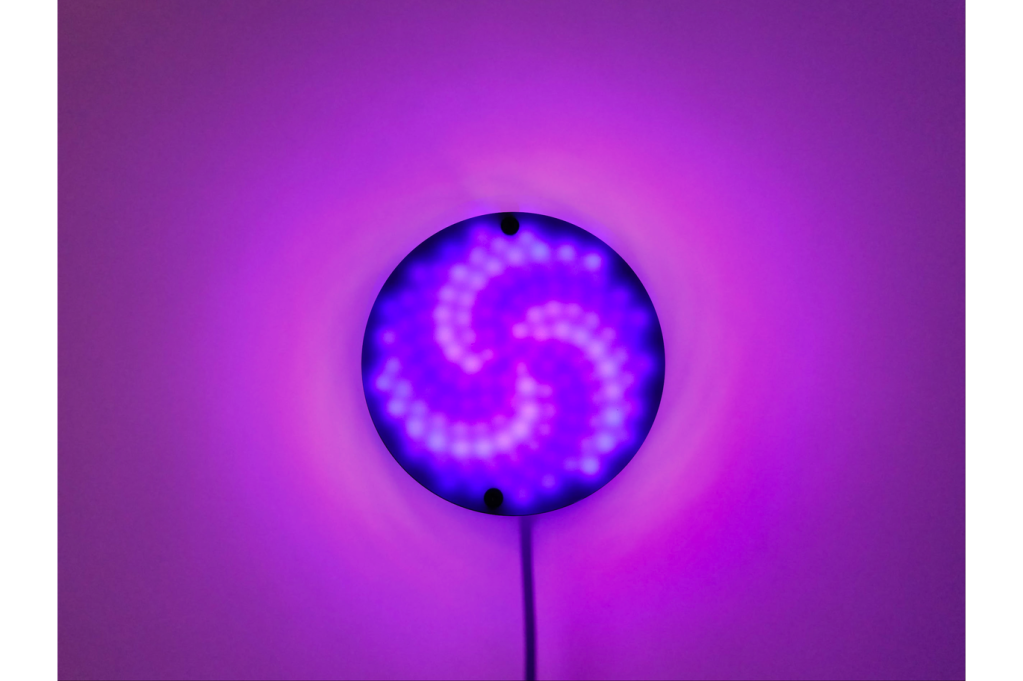
Fibonacci128 – 86mm disc with 128 WS2812B RGB LEDs
Fibonacci128 is a beautiful 86mm circular disc with 128 WS2812B-Mini 3535 RGB LEDs surface mounted in a Fibonacci layout.
I have created several LED art pieces in Fibonacci patterns. They are all very labor intensive to create, and so are fairly expensive and limited in quantity. I wanted to come up with a Fibonacci layout that was at least slightly easier to create, and therefore more affordable.
I have RGB LEDs in just about every form they come: strips, strings, rings, discs, etc. The LEDs on most discs are arranged in very regular rings. Fibonacci64 is different. The LEDs are arranged in a Fibonacci distribution. The makes the layout very organic and seemingly messy. But with the proper animation, spiral patterns emerge with spectacular results.
Each of the 128 WS2812B-Mini 3535 RGB LEDs has its own decoupling capacitor built in to reduce noise. The top and bottom of the PCB are large 5V and GND planes, to allow for the large amount of current required by the 128 LEDs. Two separate three-pin headers are provided. One for 5V, Data In, and GND, and the other for 5V, Data Out, and GND. The Data Out pin can be used to connect to even more LEDs.
Jo Hinchliffe writes on the Tindie blog:
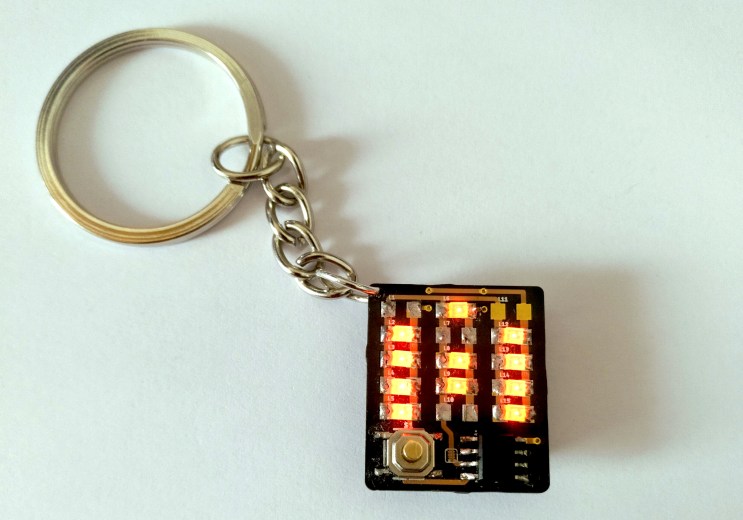
ATtiny LED Letter Keychain Kit
If you have tried your hand at soldering and want to progress to soldering with surface mount devices (SMD), this LED keychain kit might be just the ticket!
The kit is comprised of a tiny PCB featuring a grid of pads onto which you solder some of the 15 SMD LEDs supplied. You can use as many or as few as you need to make your chosen letter or icon. Arranged as 3 columns of 5 LED’s you can make any letter you require. The ATtiny micro controller can be supplied pre-flashed with the project code and once assembled the keychain has four display modes, all on, slow blink, fade and fast blink. Of course the code is provided in the documentation and you could always create your own patterns for the device.
You get a choice of LED colour when ordering and we think this is a great way to practice your SMD soldering or a nice kit to put together as a gift for someone.
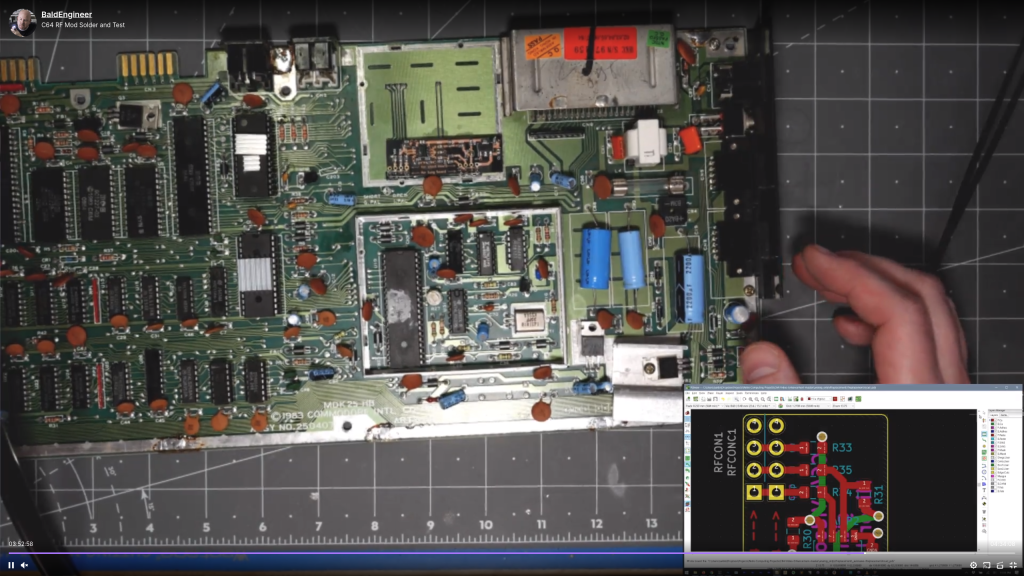
James Lewis (@BaldEngineer) recently live streamed the assembly and test process for their Commodore 64 RF mod project:
 OSH Park