E-Ink controller with ice40 FPGA

eink_featured

writes on Hackaday:

E-ink Display Driven DIY

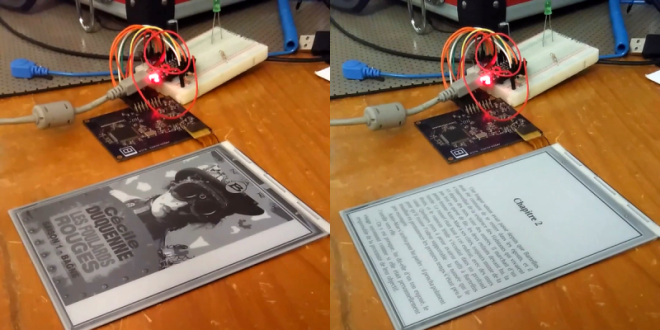
E-ink displays are awesome. Humans spent centuries reading non-backlit devices, and frankly it’s a lot easier on the eyes. But have you looked into driving one of these critters yourself? It’s a nightmare. So chapeau! to [Julien] for his FPGA-based implementation that not only uses our favorite open-source FPGA toolchain, and serves as an open reference implementation for anyone else who’s interested.

Watch the E-Ink controller in action:

Design files and source code are available on GitHub:

github-smalljulbouln/ice40_eink_controller

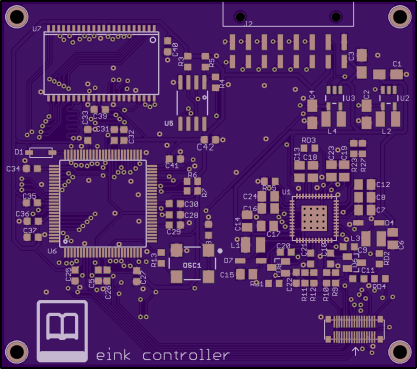
julbouln has shared the board on OSH Park:

eink controller
e21cd1133ba415c96eb3b15c965bc7f7

Order from OSH Park

E-Ink controller with ice40 FPGA
Manual assembly of KiCad PocketBone

We’re excited to see that Michael Welling of QWERTY Embedded Design has completed manual assembly of his KiCad-designed PocketBone with the Octavo Systems OSD3358 SiP (System-in-Package):

BGA achievement unlocked

Michael used vacuum pickup tool to manually place the components:

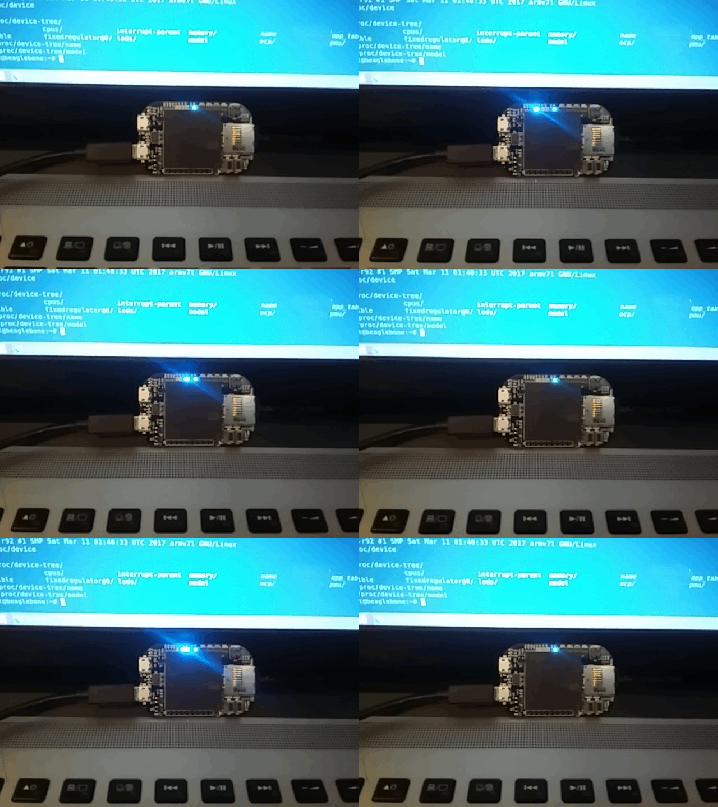
Here is a video of him placing the components:

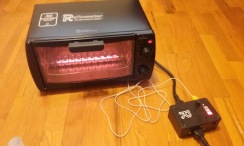
Michael then used Reflowster to reflow the solder paste:

16 - 1

Here is a video of the reflow process:

white

Check out the Hackaday.io project for more info:

Pocketbone KiCAD
3788351489463258322.gif

white

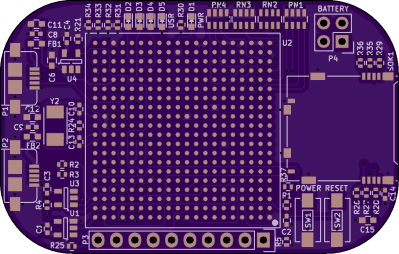
The KiCad design files are available in the GitHub repo:

github-smallmwelling/pocketbone-kicad

white

mwelling has shared the board on OSH Park:

PocketBone KiCAD (OSHPark Edition)

430cf4b5e7209149b34a565546a14259.png

Order from OSH Park

Manual assembly of KiCad PocketBone

Servo Shield for OpenMV

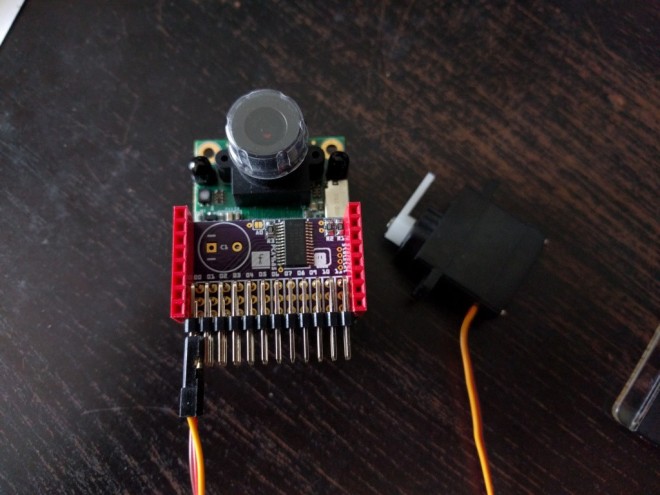
Radomir Dopieralski created this PCA9685-based servo shield for the OpenMV machine vision board:
4138171491641694458

Servo Shield for OpenMV

OpenMV has a couple of pins that you can use for connecting servos (for example, if you want to mount it on a pan-and-tilt base), but you can’t use those if you also want to use the WiFi shield or any other shield that uses up a lot of pins. Practically the only pins left to use are the I²C ones

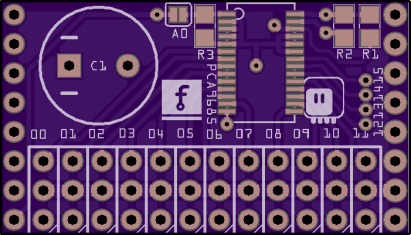
deshipu has shared the board on OSH Park:

OpenMV Servo Shield

e78e5b88d0df930c5691ccdb68e7f192
Order from OSH Park

Servo Shield for OpenMV

High-speed ADC pHAT for Raspberry Pi

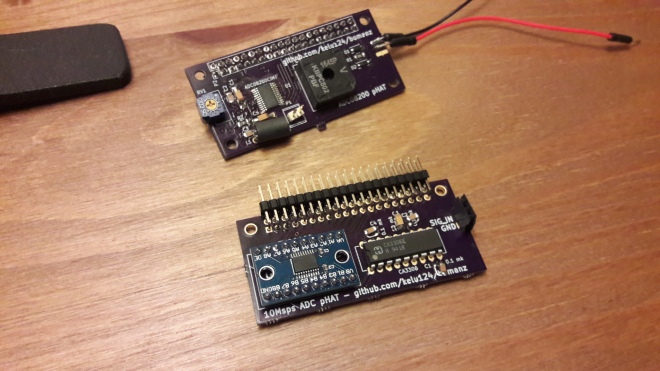
kelu124 designed this board to add high-speed analog inputs to the Raspberry Pi:
20170412_231408.jpg

20Msps+ ADC RaspberryPi extension

We haven’t tapped yet into the full potential of the Raspberry Pi in terms of ADC. Some have shown that the first gen of Raspberry could go to 10Msps [..] My take is that the new Raspberry Pi’s  can surely go above. And I want to try it, either with this old CA3306E or with more recent kick-ass ADCs.

The design files are available on GitHub:

github-small kelu124/bomanz

High-speed ADC pHAT for Raspberry Pi

3D Printed USB Connector

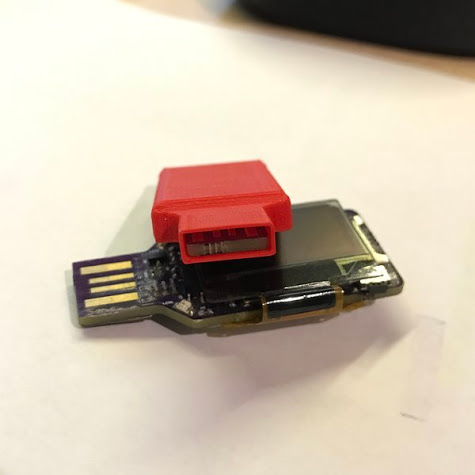
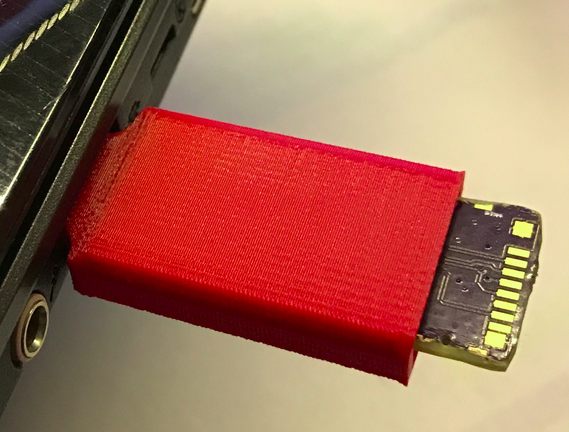
chmod775 on Hackaday.io designed this simple 3D Printed USB Connector compatible with PCBs from OSH Park:

unnamed

3D Printed USB Connector

I’ve made this 3D USB Connector because I want to remove the chunky and complex standard metal USB Connector from my new upcoming project.
The design it’s made to be simple and with the height reference from the OSHP ark PCB’s.

 Screenshot from 2017-04-12 21-44-59
3D Printed USB Connector

Hand-drawn PCB Artwork

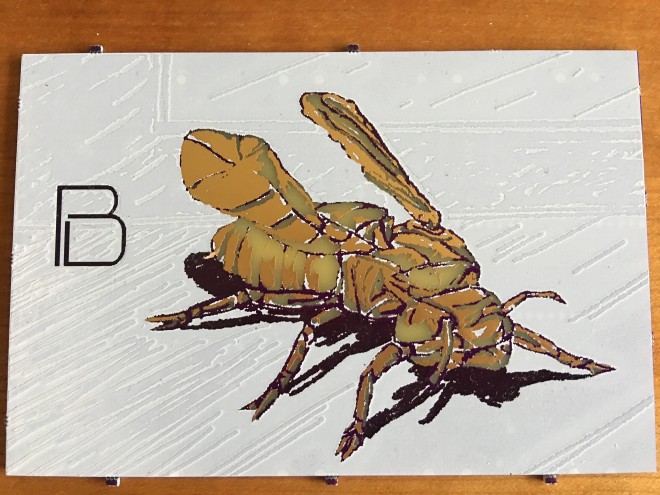
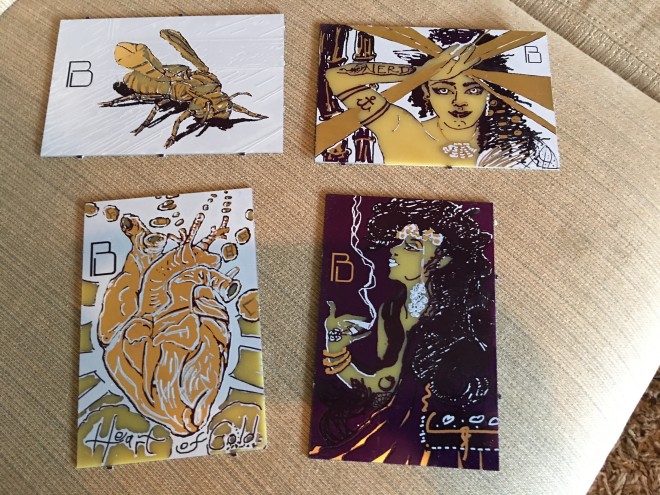
Blake Ramsdell has posted a new batch of hand-drawn PCB artwork on Hackaday.io:

1820891491184809602.jpg

PCB Painting Large Pieces

David I. Herman made some impressive new PCB painting pieces, demonstrating subtleties in shading and Art Nouveau inspiration, precision produced by OSH Park

9325961491184032946.jpg

We are trying to figure out what direction to take this blend of technology and art — should we offer pieces for sale, or offer a service for making your own pieces from your own artwork, for instance. We’re certainly going to continue to explore it from a technology and art creative point of view. If you feel inclined, please take a moment to leave a comment, we are interested in your feedback!


Hand-drawn PCB Artwork

Trixel Interactive LED Kit

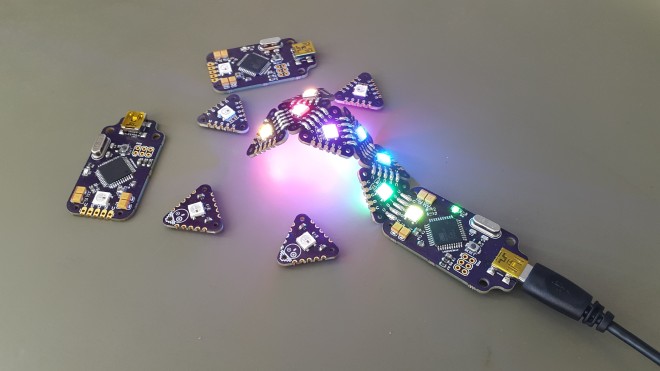
Arkadi designed this interactive LED kit:

3263321490102022951

Trixel LED

Create your own interactive Light elements by soldering basic shapes, such as triangle, square, pentagon and hexagon to create an interactive LED sculpture.

Here’s a video of the Trixel LED boards in action:

The design files are available on GitHub:

arkadiraf/Trixel-LED


Arkadi_Raf has shared the boards on OSH Park:

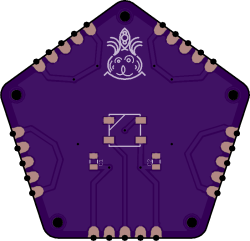
Pentagon LED

641630815d5e6e1b0f7b567d8651fd64
Order from OSH Park

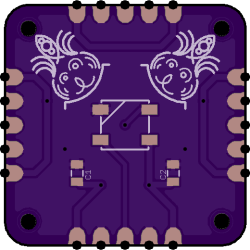
Square LED

82acd583478babc1a95286aae403e16f
Order from OSH Park

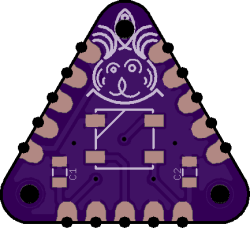
Triangle LED

8eebfc9b5c3a92cc622943396c308e88
Order from OSH Park

Trixel Interactive LED Kit

USB Interruptor

Teensy creator Paul Stoffregen designed this board to momentarily disconnect a USB device:

7089181488104693727.jpg

USB Interruptor

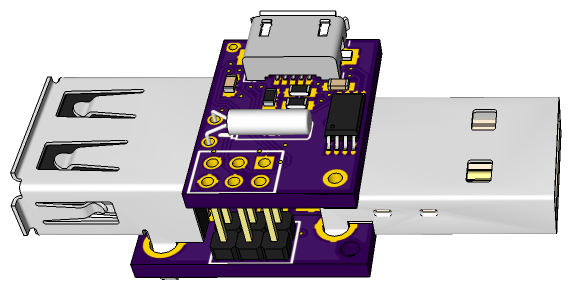
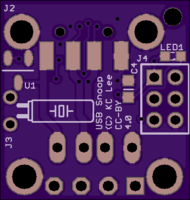
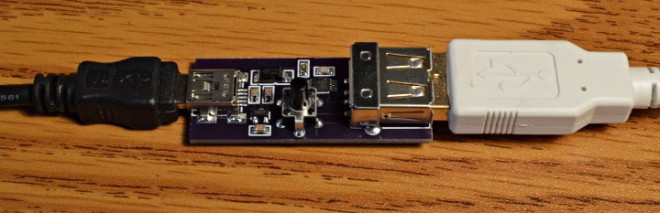
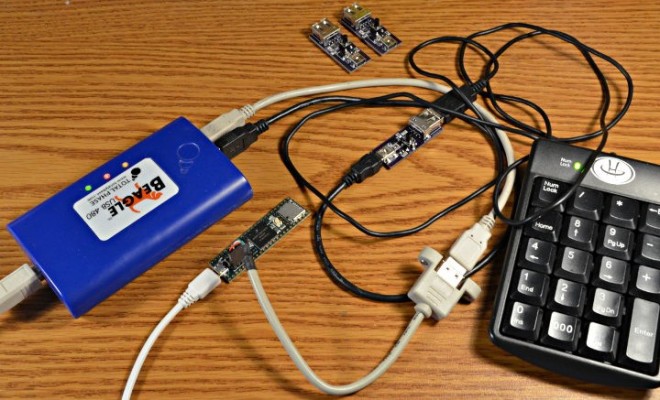
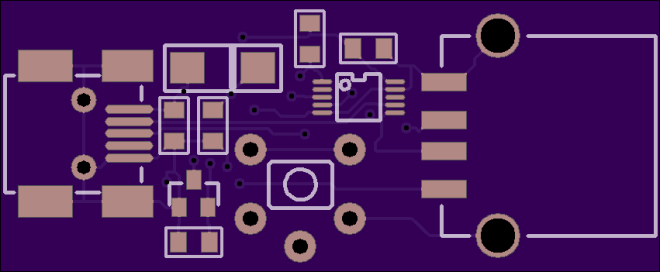
This simple board plugs inline with a USB cable. It always passes the 5V power and normally passes the USB data signals. But when you press the button, the USB data signals are momentarily disconnected.
2934601488104705880.jpg
For the last few months I’ve been developing a USB Host Library for powerful but complex EHCI USB port in Teensy 3.6 [..] Reaching over to physically unplug the USB cable gets old quickly! Really, really old, both hands off my keyboard… right when trying to focus [..]  I made this handy little board with a proper USB 2.0 high speed mux chip. The control signal is just 3.3V logic, so I might even wire it up to something to automate the process.
PaulStoffregen has shared the board on OSH Park:

USB Interruptor

d1670430c17a6b9085903a0663c08929.png
Order from OSH Park

USB Interruptor

Star Trek Communicator Badge

Joe Crop is a creating a real life version of this famous sci-fi device:

5816181488348081070.jpg

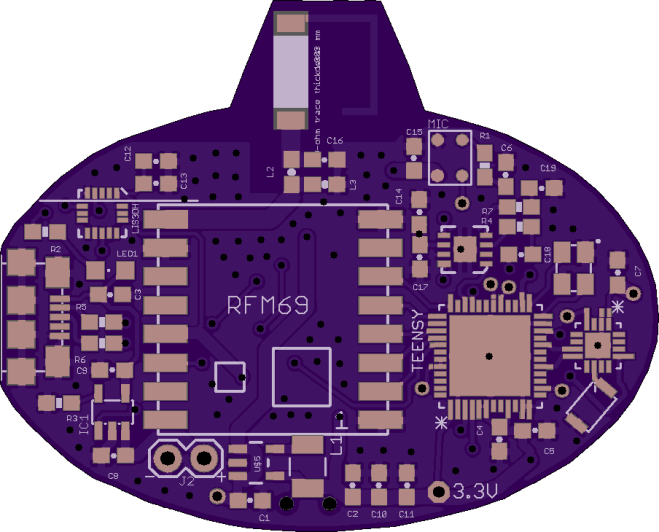
Star Trek Communicator Badge

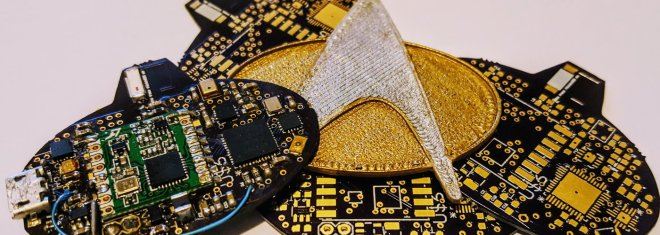
In the true spirit of Star Trek, this communicator badge is completely autonomous, while fitting in the form factor of an original badge

Star Trek was known for dreaming up technology that was deemed nearly impossible given the limitations of the technology for the day. Having a small badge that could send audio across vast distances seemed out of the realm of possibility during the late 1980’s. This project’s aim is to use modern technology to provide nearly all the features of visionary tech, namely:

– Tap to connect and communicate instantly
– Long range (from orbit to planet surface)
– Small form factor (of an original TNG badge)
– Fully autonomous (no cell phone or base station needed)
– No external power source (i.e. battery powered)

joecrop has shared the board on OSH Park:

Star Trek Communicator v2p1

835069b4b13a4e83663a224caebe344b

Order from OSH Park

Star Trek Communicator Badge