VR is going to be the next big thing in five to seven years, and with that comes the problem of what the controllers will look like. The Vive and PS Move are probably close to what the first successful consumer VR setup will look like, but there’s plenty of room for experimentation. [ShinyQuagsire] decided to…
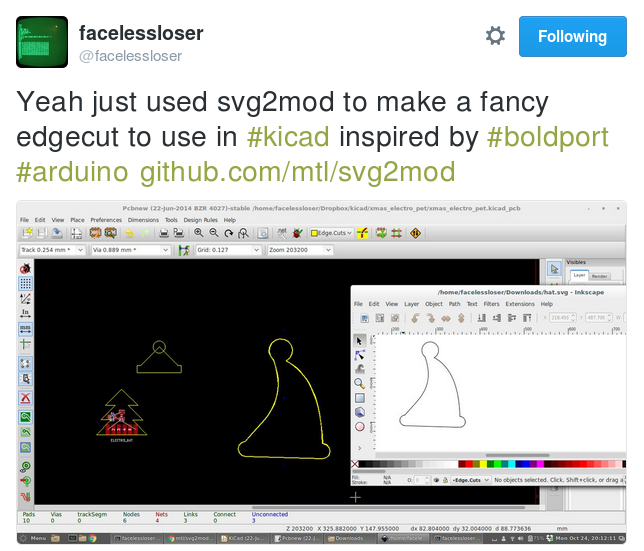
There didn’t seem to be a good way to get vector graphics into Pcbnew, so I wrote a small utility that uses an existing SVG library to read files, and then writes them out as KiCad modules.
It uses cjlano’s python SVG parser and drawing module to interpret drawings and approximate curves using straight line segments. Module files can be output in KiCad’s legacy or s-expression (i.e., pretty) formats. Horizontally mirrored modules are automatically generated for use on the back of a 2-layer PCB.
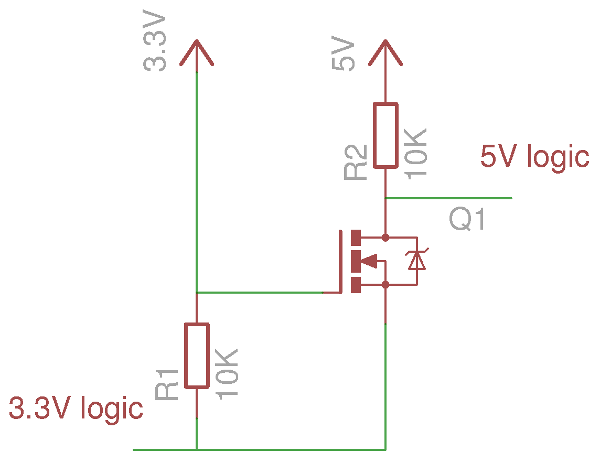
If your introduction to digital electronics came more years ago than you’d care to mention, the chances are you did so with 5V TTL logic. Above 2V but usually pretty close to 5V is a logic 1, below 0.8V is a logic 0. If you were a keen reader of electronic text books you might have…
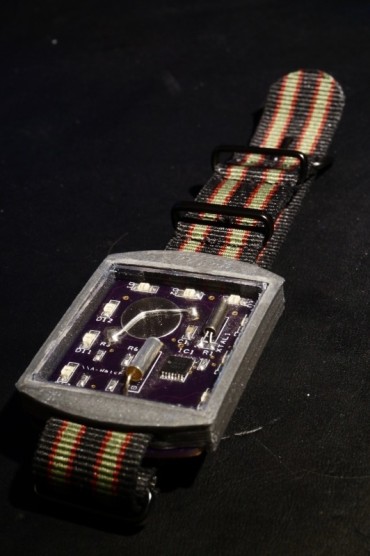
The watch uses the low power MSP430G2211 MCU from Texas instruments to control the LED and mesure the time with the help of a 32kHz watch cristal. The MCU sleeps most of the time only waking up ones a second to count up the time and check if the tilt switch is active. To show the time the watch uses 12 charlieplexed orange LEDs.
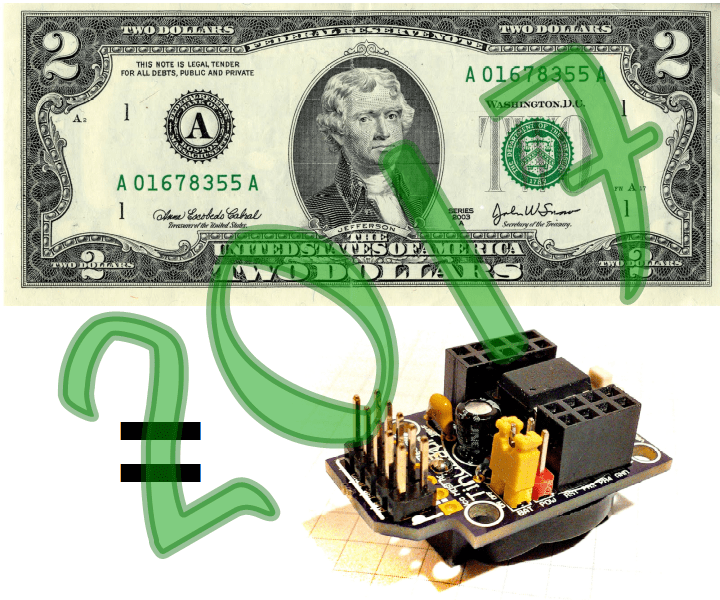
2016 has been a great year! Over 20 workshops, lectures, seminars, courses. One Indiegogo campaign. Hundreds of people started using the Tinusaur platform. So, what’s next? Our Q1 goal: Launch new Indiegogo campaign in February to produce 1000 Tinusaur kits and bring the cost down to $2 per basic kit. This will make our boards […]
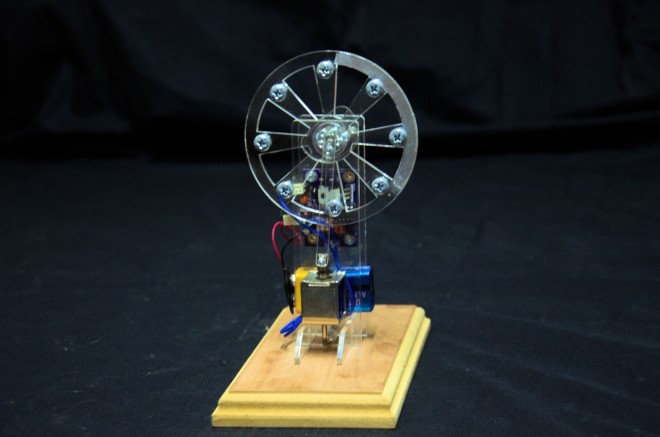
I’ve always loved solenoid engines. The first one I built was many,many years ago out of Mechano. Many others have followed since, But they always ran badly and only for a short while as the accuracy of the construction medium was poor. I am not a metal worker, making a “proper” engine out of cast pieces is out of my (and many other peoples) capabilities.
With modern laser cutting it is easy to make accurate components, it is relatively cheap and fairly quick.
So the Acrylic Solenoid Engine came into being
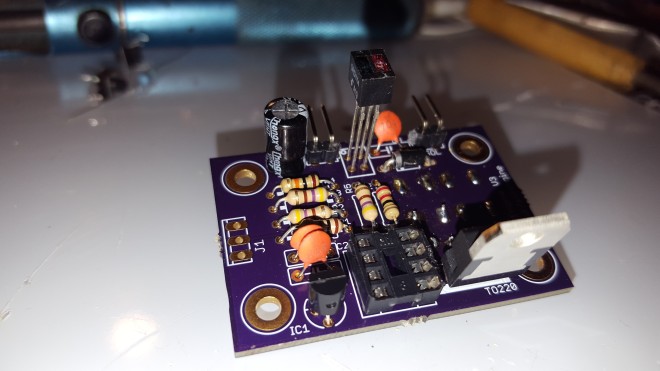
The initial driver is using a small PIC 12F675 and and an IR detector to give me pulse timing information from the solenoid. I went the IR sensor route rather than a mechanical switch so there was no rubbing parts that could wear as acrylic is rather soft. To get a good timing signal aluminum foil is placed on one side of the flywheel to give a good reflection back to the IR emitter receiver pair on the PCB.
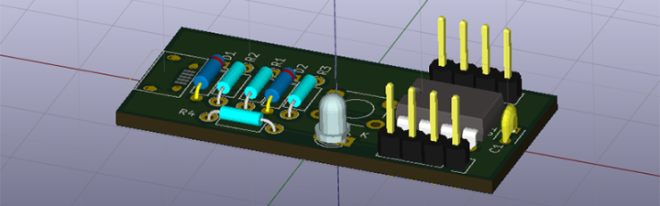
This is the third and final installment of a series of posts on how to create a PCB in KiCad, and part of an overarching series where I make the same schematic and board in dozens of different software tools
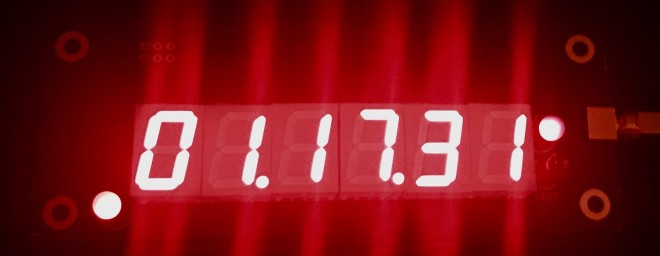
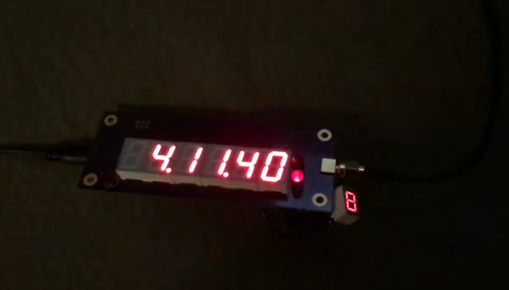
GPS is best known as a ubiquitous, accurate positioning system (obvious from the name), but the way it actually works requires distributing hyper-accurate time information. This makes it possible (and, actually, pretty easy) to make a clock that you never have to set as long as it gets good GPS reception.
Yes, this is way overkill… but GPS is getting so cheap that you might as well.
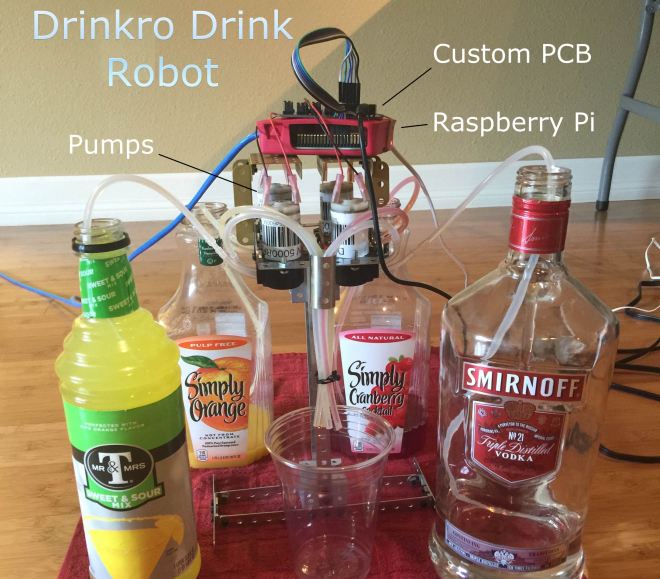
based on a Raspberry Pi 3 Model B and a custom-designed hardware board used to control four DC liquid peristaltic pump motors using two L293D dual H-bridge ICs
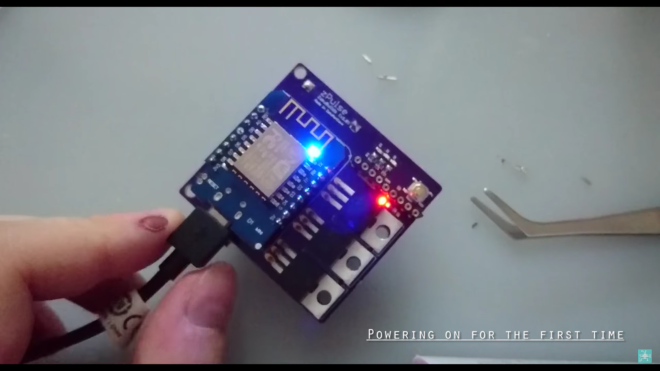
A very fun Internet of things project to control the custom RGB led over the internet from a web-browser or enjoy a nice sound reactive experience. Perfect for a smart home setup as you can easily connect this to any IoT platform or smart home software
Shortcuts:
0:45 – zPulse intro
1:00 – Designing the board in EagleCad
7:45 – Sending the board to a manufactured to get fabricated











 OSH Park