Help gamaral’s Cancer Treatment

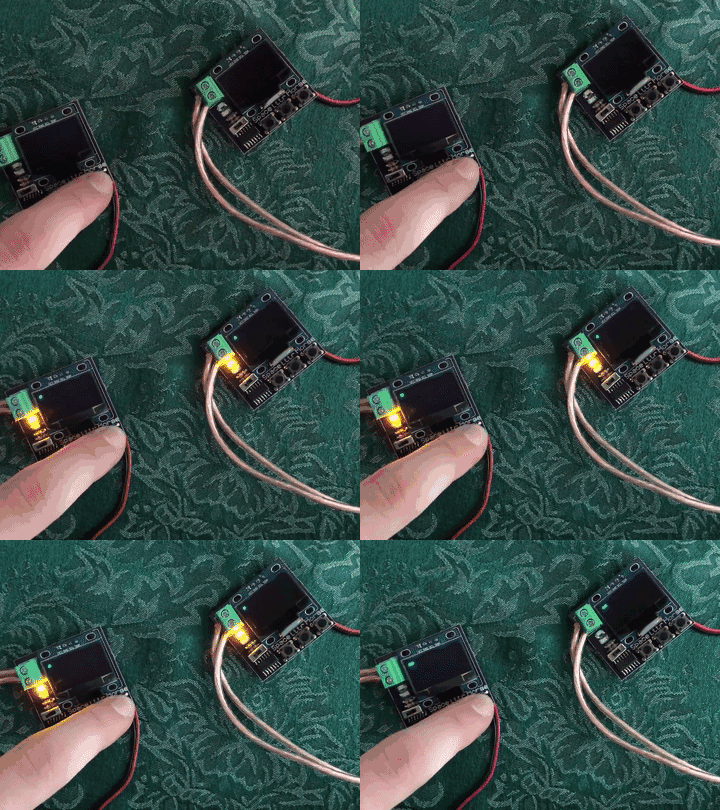
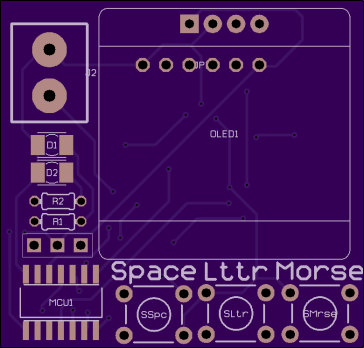
If you’ve enjoyed Guillermo Amaral’s electronics projects such as the Canon DSLR WiFi RemoteRaspberry Pi PSUUARTMatic 3000+, Keypad Submodule and many more, then please consider giving to his cancer treatment fund:

Gamaral’s Cancer Treatment

I’ve unfortunately had to flip the bill for my two past surgeries and my on going cancer treatment… and as you can imagine, I’m running out of cash.

If you like my content and/or have found my published projects interesting or useful, please consider sending me some spare change and I’ll be ever so grateful.

Here are couple great project videos by Guillermo on YouTube:
https://www.youtube.com/watch?v=ny1Jq_yry4M

https://www.youtube.com/watch?v=C0yAnnqSqlE

Help gamaral’s Cancer Treatment

POV Fidget Spinner

From MakersBox on Instructables:

FVVR8JDJ5MQO0EQ.MEDIUM.jpg

Programmable POV Fidget Spinner

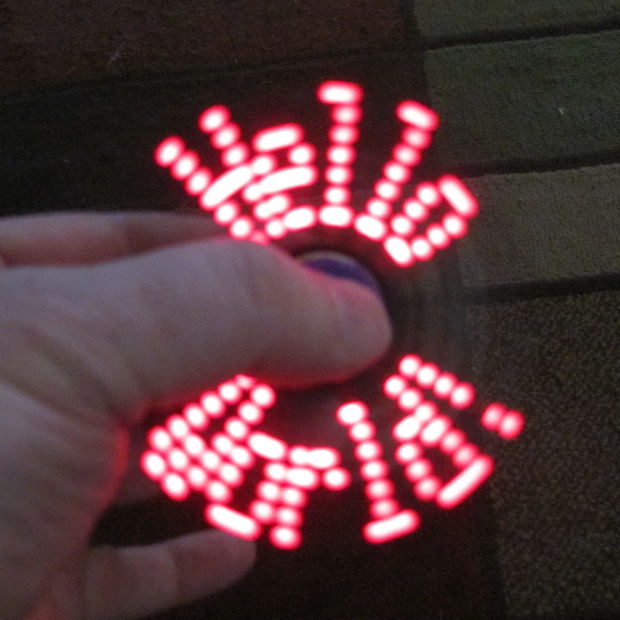
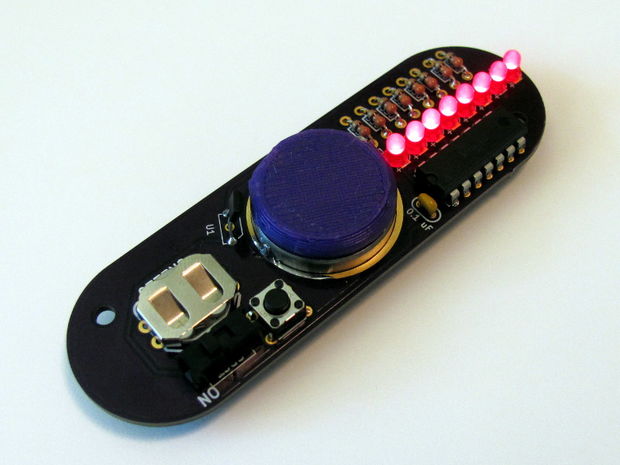
Fidget spinners are fun, and you can find one at about any check-out counter for just a few bucks these days, but what if you could build your own? And it had LEDs? And you could program it to say or show whatever you wanted? If that sounds geeky cool, THIS IS THE PROJECT FOR YOU.

FNEPSQ2J5MQO0HJ.MEDIUM.jpg

I’ve always been interested in using blinking LEDs to get kids interested in programming. The most simple project with an Arduino microcontroller is to blink an LED on and off. Then you get them to see how fast an LED can blink before it looks like it is on continuously (about 12 millisecond intervals). Then you shake the LED back and forth and you can see it blink again! This phenomena is call “persistence of vision” (POV) and is how this project works. It can lead to discussions of both how the eye works and how incredibly fast computers are.

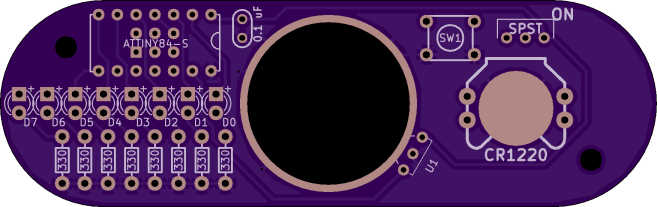
This project uses a programmable 8-bit microcontroller, eight LEDs, and a coin cell. It spins using a standard skateboard bearing, and uses a Hall-effect sensor and a magnet to determine rotation. It is made using beginner-friendly through-hole parts and can be programmed using the Arduino programming environment.

MakersBox has shared the board on OSH Park:

Geek Spinner 0.1

7a1df5c473352aa447c6cd4a5d9c7a42
Order from OSH Park

POV Fidget Spinner

Asset Tracker

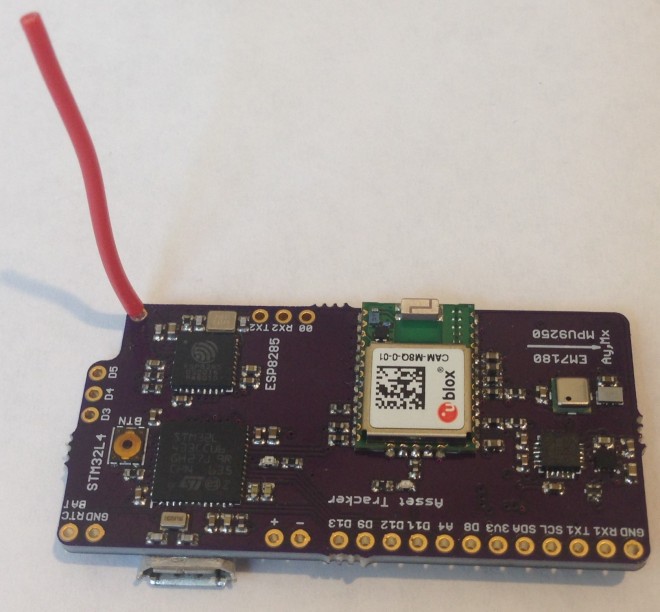
Kris Winer designed this is a small 4-layer PCB for remote logging of absolute position and orientation:

3029441499292022189.jpg

Asset Tracker

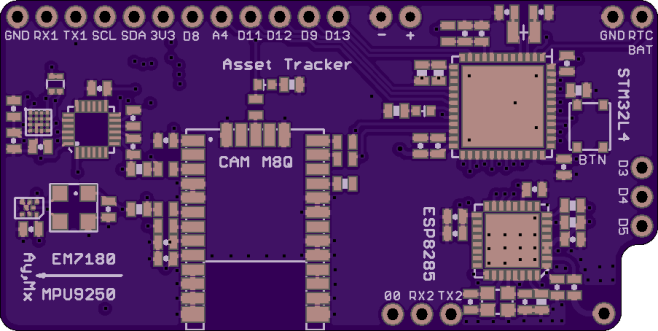
STM32L433-based board with CAM M8Q concurrent GNSS, EM7180 + MPU9250 + MS5637 for absolute orientation, and an ESP8285 for wifi connectivity.

The absolute orientation engine uses the MPU9250 accel/gyro/magnetometer IMU sensor plus the MS5637 barometer as slaves to an EM7180 motion co-processor that sends quaternions and drift-stabilized altitude to the host via I2C.

PeskyProducts has shared the board on OSH Park:

AssetTracker.v02c

a12067ff0680dc9f13a9933a8bb07507

Order from OSH Park

Asset Tracker

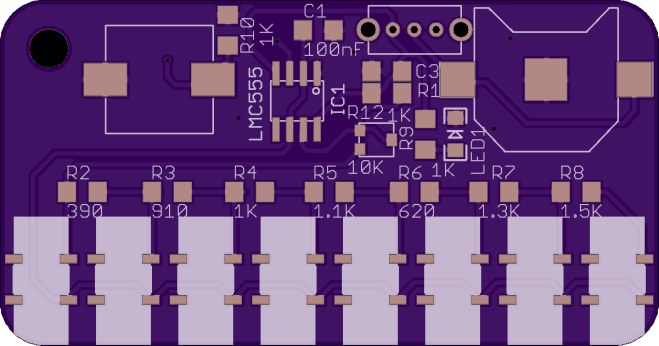
555 Piano

Alexander Ryzhkov created a small 555 timer-based piano:

8292011489438088927(1)

555 piano

Main goal of this project has been creating pretty designed 555 based piano in small form-factor. Many 555 piano are using 9V battery for supply. I use CMOS timer and for timer need only 3V supply.
The design files are available on GitHub:

githubChirnoTech/555Piano

white
Here is a video of the board in action:
openidev has shared the board on OSH Park:

piano.toplayer.zip

b5996dba7ed411bedfa47a949f65eeb3.png

Order from OSH Park

555 Piano

Pushbutton Power Switch for Arduino

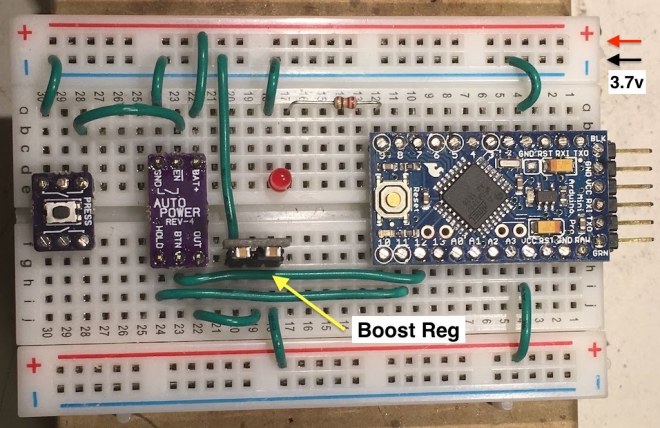
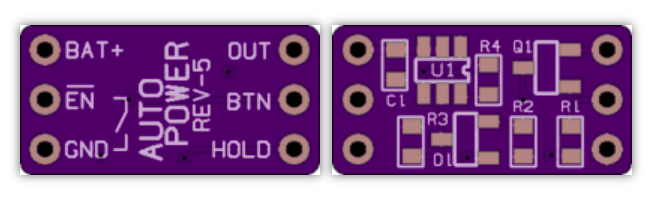
Wayne Holder designed a simple pushbutton power on/off circuit that works with most Arduino boards:IMG_7746

Pushbutton Power Switch

This article shows how you can use a simple, ultra low current pushbutton, an LED and a few I/O lines to implement pushbutton power switch for an Arduino.


Simply press the pushbutton for a few seconds and the Arduino will power on and run code.  Then, push and hold the pushbutton until the LED illuminates and then release the button to switch power off.

Wayne made this project video:

Screenshot from 2017-06-24 17-09-45.png

wholder has shared the board on OSH Park:

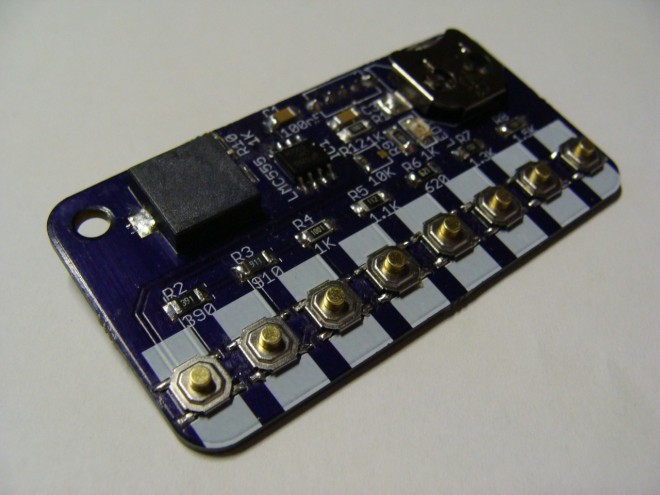
AutoPower-05 (added cap)

Screenshot from 2017-06-24 16-53-06
Order from OSH Park

Pushbutton Power Switch for Arduino

Internet of Fidget Spinners

writes on Hackaday:

4510681497110947870.png

Hackaday Prize Entry: Internet of Fidget Spinners

Last week, everyone on Hackaday.io was busy getting their four project logs and illustrations ready for the last call in this round of the Hackaday Prize. These projects are the best of what the Internet of Things has to offer because this is the Internet of Useful things [..]

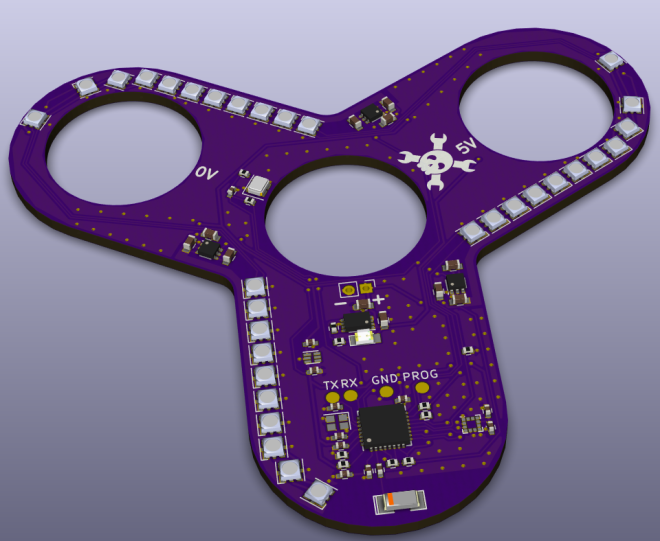
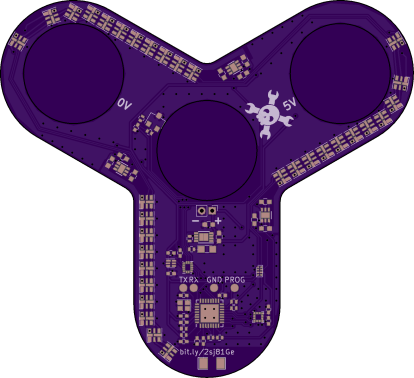
This is a PoV fidget spinner, which means the leading edges of this tricorn spinner are bedazzled with APA102 LEDs. Persistence-of-vision toys are as old as Hackaday, and the entire idea of a fidget spinner is to spin, so this at least makes sense.

Find out more on the Hackaday.io project page by Matthias:


IoT POV Fidget Spinner

A WiFi fidget spinner, taken from concept to ordering parts in one weekend

2171661497017947725

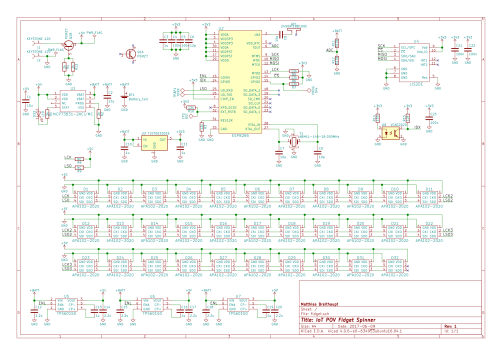
The KiCad design files are available on GitHub:

githubm-byte/fidget-pov

Screenshot from 2017-06-10 14-39-57

matthias has shared the board on OSH Park:

IoT POV Fidget Spinner (192a97b)

fcc74db070348dfd6a9ebd45c706b670.png
Order from OSH Park

Internet of Fidget Spinners

Apertus SMT workshop at Maker Faire Berlin

smtworkshop
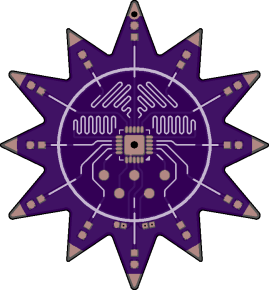
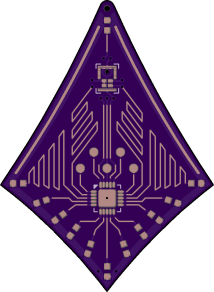
The Apertus° open source cinema team will be running a Surface Mount Technology (SMT) workshop at Maker Faire Berlin this weekend in their AXIOM booth #121:

maker faire berlin

Surface Mount Technology (SMT) Workshop

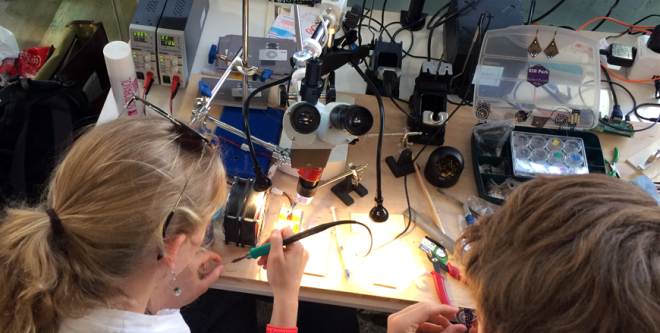
In the course of attending a lot of fairs and exhibitions, we’ve noticed that our cameras and components attract the attention of people from all walks of life. We’ve found that despite our reassurances, people discovering the world of Open Hardware tend to doubt their capabilities where soldering tiny components by hand is concerned.


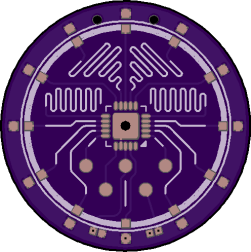
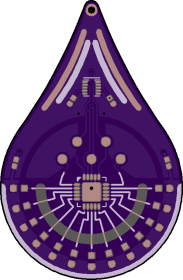
This is why we hold Surface Mount Technology workshops – so that with a little confidence, the right tools and some initial guidance from members of our team, anyone can have great fun learning to make their own PCBs. The workshops are very popular and we have visitors designing pendants and earrings with colour LEDs and blinking patterns – which always creates a buzzing atmosphere.


apertus has shared the boards on OSH Park:

ART Base

art-base

Order from OSH Park

ART Tear

art-tear
Order from OSH Park

ART Star

art-star

Order from OSH Park

ART Diamond

art-diamond

Order from OSH Park


Apertus SMT workshop at Maker Faire Berlin

Surface Mount Challenge

From Ken Olsen of MakersBox  on Hackaday.io:

2477871496630878219.JPG

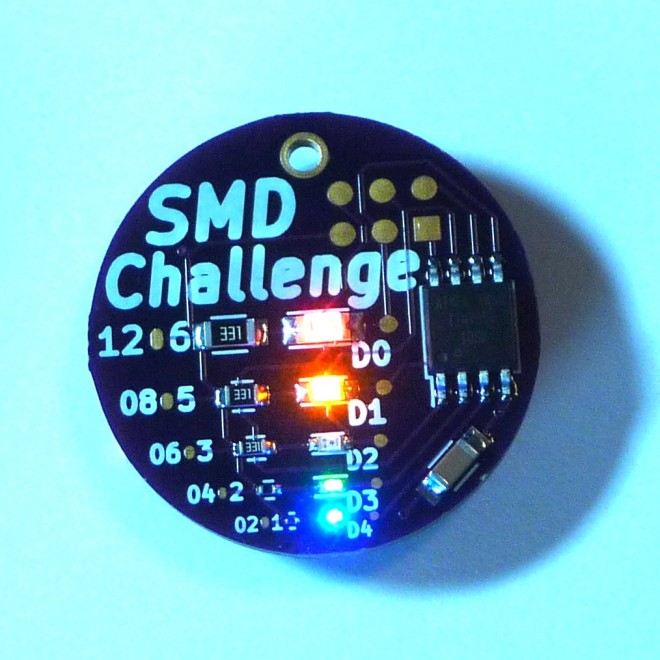
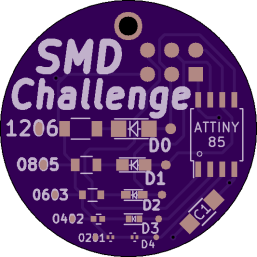
An “Unfortunate” SMD Project

If you like happy, easy to build projects, this is not for you. This is only for people who like to grind their teeth and pull out hair.


MakersBox has shared project on OSH Park:

SMD Challenge Project

0fe4cf8cc1e7b9f53d2cc6022320d761
Order from OSH Park

Be warned that trying to hand solder a 0201 package may be considered evidence of insanity and get you committed to bad places by your loved ones or arch nemesis.

Here’s a video of the board in operation:

Surface Mount Challenge

Design a Raspberry Pi add-on board with KiCad

IMG_-ez0i4z(1).jpg

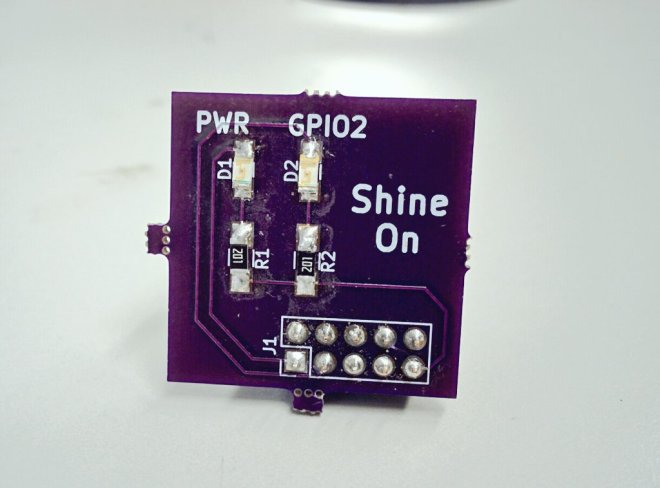
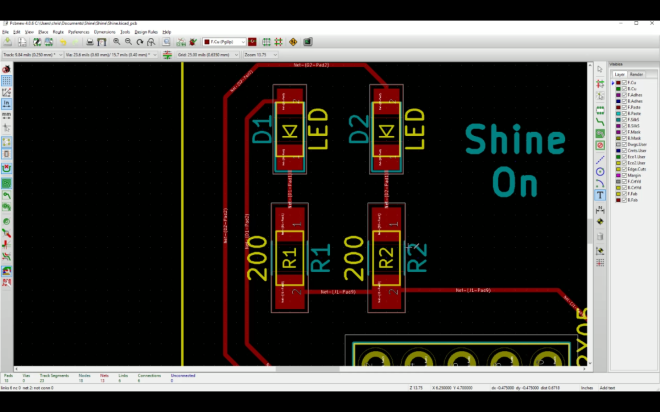
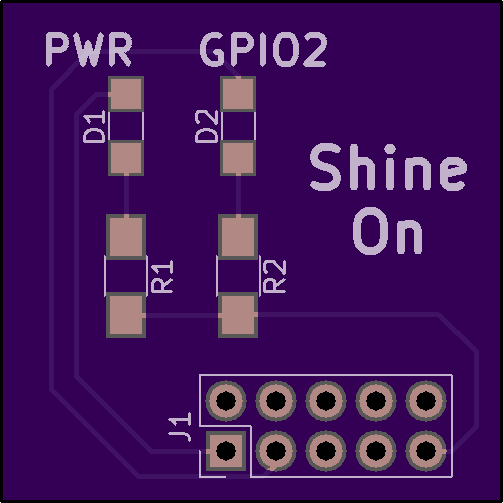
Learn how to design a simple add-on board for Raspberry Pi with KiCad in 20 minutes with this new tutorial from Chris Gammell of Contextual Electronics:

Screenshot from 2017-06-05 00-24-15.png

Shine On You Crazy KiCad

This course shows how to make a custom but very simple piece of electronics for the Raspberry Pi platform. The primary purpose is to get users building something in KiCad as fast as possible.

The free course contains four videos:

Designing a PCB in KiCad in 20 minutes

Buying Components

Assembling a simple circuit board with SMD components

Writing code, blinking an LED with a Raspberry Pi

ChrisGammell has shared the board on OSH Park:

Shine

e987dbba531c97c1b793b1a2969fd266
Order from OSH Park

Design a Raspberry Pi add-on board with KiCad